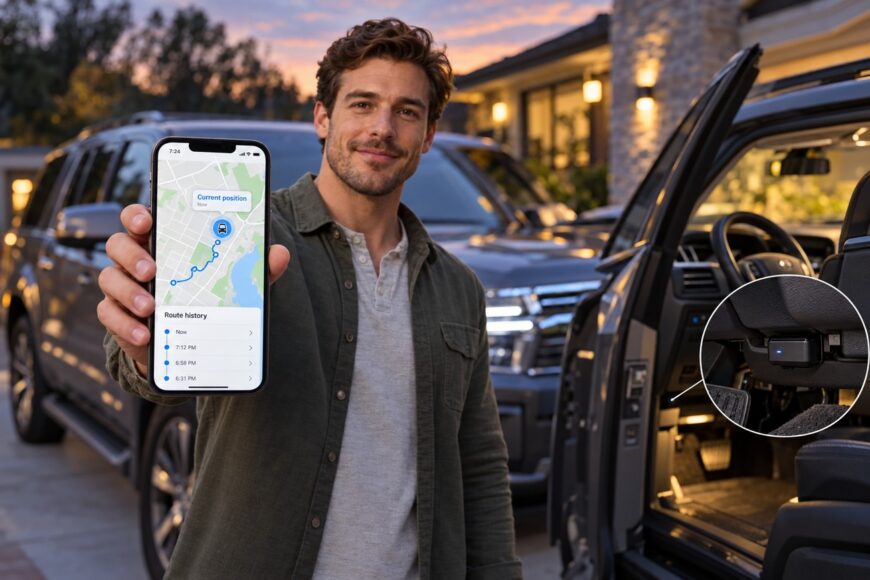
A GPS tracker can show a car on a map, yet that picture is useful only if the system reports unexpected movement soon enough for you to act. The practical security choice is a balance: frequent updates provide a clearer route, while lower reporting frequency preserves battery and data. Installation adds another trade-off because a device that is easy to find or unplug may be less useful after a theft.
A typical tracker helps you see where a vehicle is, where it has been, and whether it has moved from an expected location. It does not create a protective barrier around the car or guarantee that the vehicle will be recovered. Its value depends on the hardware, satellite reception, mobile service, power supply, settings, and the response that follows an alert.
- What a GPS tracker actually does for car security
- How movement alerts and location history help
- Battery beacon, OBD tracker, or wired unit: the security trade-offs
- Why the map can be late or wrong
- Installation and power can decide whether tracking survives a theft
- What a tracker cannot stop
- Set up alerts and test the system before relying on it
- Choose a service, not just a device
- Frequently asked questions
- What is the most effective anti-car theft device?
- How far can a tracker track a car?
- Does a GPS tracker prevent car theft?
- Will a tracker work if the car is underground?
- Can a tracker use backup power?
What a GPS tracker actually does for car security
A typical car tracker obtains a position from satellite signals and sends location data through a mobile network to an app or service. Satellite signals allow the tracker to estimate its position, while the mobile connection carries that information to your phone or a web dashboard. This is why a car tracker usually depends on both positioning reception and a working data service.
Once the data reaches the service, you may see the vehicle’s current or most recently reported position, its route history, and periods when it was stationary. A location check can confirm where you parked in a large lot, while an unexpected movement alert can draw attention to a car that should still be at home. The exact functions depend on the device and its subscription.
After a theft, tracking can help locate and follow a stolen vehicle. That information may give the owner and law enforcement a starting point, especially if the system continues to receive and transmit positions. Tracking alone does not prevent theft or guarantee recovery, and you should avoid approaching a suspected thief or attempting a recovery yourself.
The security benefit therefore comes from shortening the gap between movement and informed action. A device that reports only occasionally may confirm where the car was several minutes ago, while a more frequent setting can describe the route in greater detail. Neither mode is automatically superior: the right choice depends on whether your priority is an immediate alert, long battery life, discreet installation, or regular route visibility.
How movement alerts and location history help
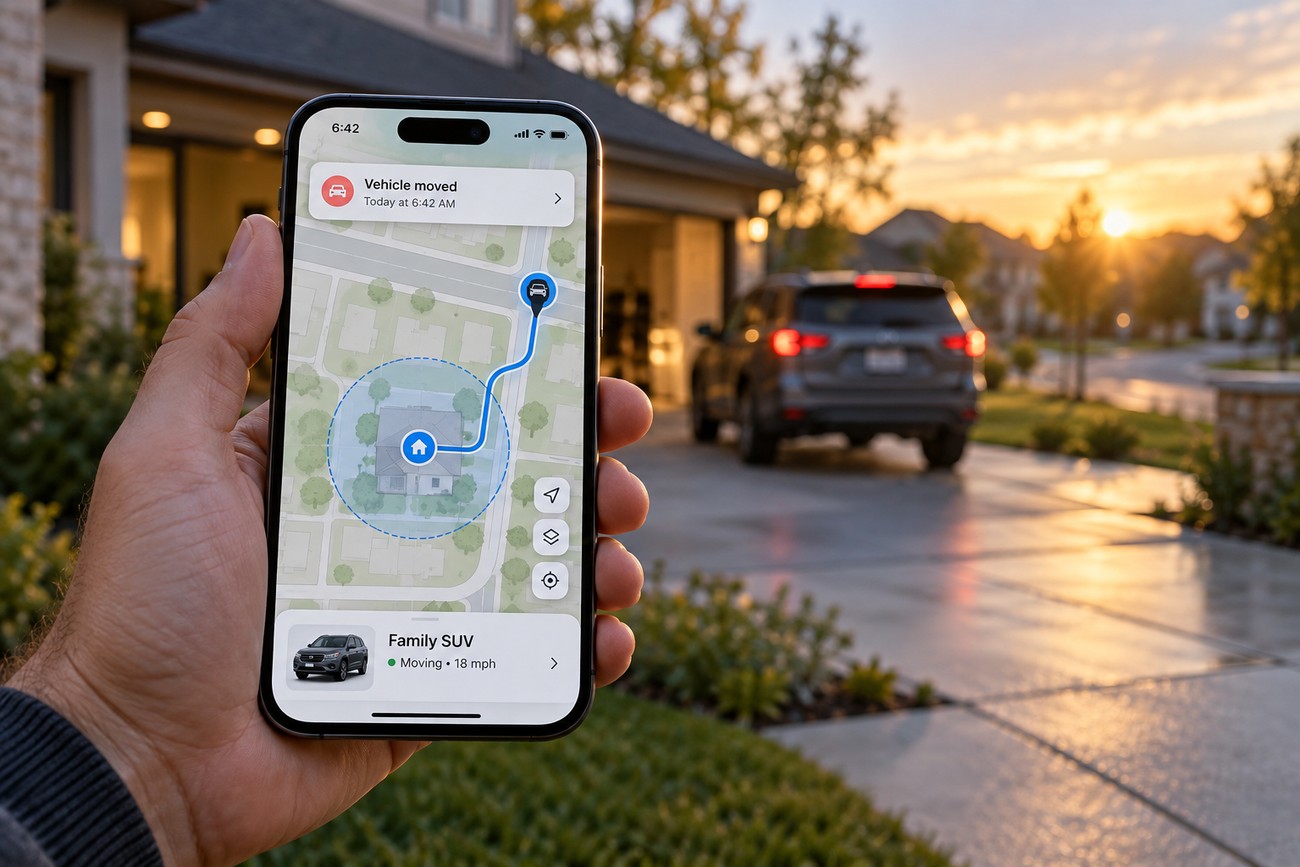
A map opened after the fact can explain a journey, while an alert received during unexpected movement can change what you do next. Depending on the model and service, a tracker may notify you when the vehicle moves, leaves a defined area, exceeds a chosen speed, or starts a journey. These functions are useful only when the device reports often enough and the service delivers the event promptly.
Geofences create a virtual boundary around a home, workplace, storage yard, or other regular location. A departure notification may be relevant if the car should remain parked overnight. Route history adds a different kind of value: it can show the sequence of reported positions, stops, and travel times, although the record will contain gaps if the device was offline or configured for infrequent updates.
Alert settings need adjustment to the way the car is actually used. A movement sensor set too sensitively may notify you when the vehicle is loaded onto a tow truck for a scheduled move, rocked while parked, or moved a short distance during maintenance. A geofence drawn too tightly around a driveway may trigger every time the car crosses its edge, creating so much noise that a genuine event becomes easier to overlook.
Test the alerts during an ordinary, permitted trip before treating them as a security measure. Check how long it takes for a movement event to reach the app, whether the displayed position is current, and whether parking inside or near the boundary creates unwanted notifications. Speed alerts and other optional reports should be treated as model-dependent features rather than standard capabilities of every GPS tracker.
Battery beacon, OBD tracker, or wired unit: the security trade-offs
The form factor affects how often a device can report, how it receives power, and how easily someone can find or remove it. The following comparison describes typical patterns; actual behavior depends on the model, settings, network, and service.
| Device type | Typical reporting pattern | Power source | Installation | Concealment and removability | Best-fit security need |
|---|---|---|---|---|---|
| Battery-powered beacon | Often reports periodically to conserve power; some models support more frequent reporting for limited periods. | Internal battery, with operating time affected by reporting, temperature, and reception. | Usually simple to place and activate, with no vehicle wiring required. | Can be discreet when fitted carefully, although its size, signal needs, and battery access still matter. | Periodic location checks, backup tracking, or a vehicle that may remain parked for long periods. |
| OBD tracker | May support frequent online updates while the vehicle is running or connected, depending on the service. | Power from the vehicle’s OBD port. | Easy to plug in, with little or no permanent installation. | The exposed position can make it easy to spot, unplug, or deprive of power. | Temporary monitoring, simple installation, or fleet use where access and visibility are acceptable. |
| Wired unit | Can be configured for regular or more frequent reporting, subject to the device and service. | Vehicle electrical system, sometimes with backup power. | Requires a suitable installation and protection of wiring and connections. | Potentially less obvious than an exposed OBD device, though concealment is never guaranteed. | Long-term installation where continuous vehicle power and a discreet fit are important. |
A battery beacon commonly saves power by reporting periodically. That makes it useful for preserving battery life, yet it may leave a larger gap between two known positions. An online tracker can report more frequently, which produces a more informative route, but the additional transmissions use more battery and data when the unit relies on its own power.
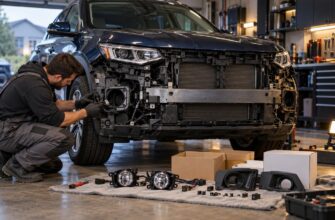
OBD installation is attractive because it avoids a workshop visit and can be tested quickly. The same accessibility is its weakness: a person who checks the vehicle may see the device and unplug it. A wired unit can provide a more permanent arrangement, while installation quality, power protection, and reception still determine whether it performs as intended.
Why the map can be late or wrong
Three separate problems are often treated as one. The tracker may struggle to obtain a satellite position, it may obtain a position but fail to send it over the mobile network, or it may be working normally with a deliberately long reporting interval. Each problem produces a different kind of delay on the map.
Satellite reception can suffer in underground parking areas, enclosed structures, narrow courtyards, and among tall buildings. Reflections from surrounding surfaces can also distort the calculation, a condition commonly called multipath. With stable reception and connectivity, car positioning can be accurate to around 10 m; obstructed environments can make it substantially less accurate.
Mobile coverage creates a second limit. A device may obtain a position yet fail to deliver it promptly when mobile service is unavailable or disrupted. Weak coverage, a plan that does not support the required network, roaming restrictions, or interference can leave the app showing an older position even though the tracker has not necessarily stopped functioning.
The third cause is configuration. A beacon that reports periodically may be operating exactly as designed, while the owner expects continuous monitoring. Claims that a location will appear within a few seconds or within a few metres should therefore be read as conditional performance statements, not universal guarantees. The reporting interval, satellite reception, mobile connectivity, and service behavior determine how current the displayed location is.
Look at the timestamp and the age of the last report before drawing conclusions from a map. A marker without a recent time reference can create false confidence, especially when a car has entered a basement or a weak-coverage area. The map display is evidence of the last successful transfer, not proof of uninterrupted live tracking.
Installation and power can decide whether tracking survives a theft
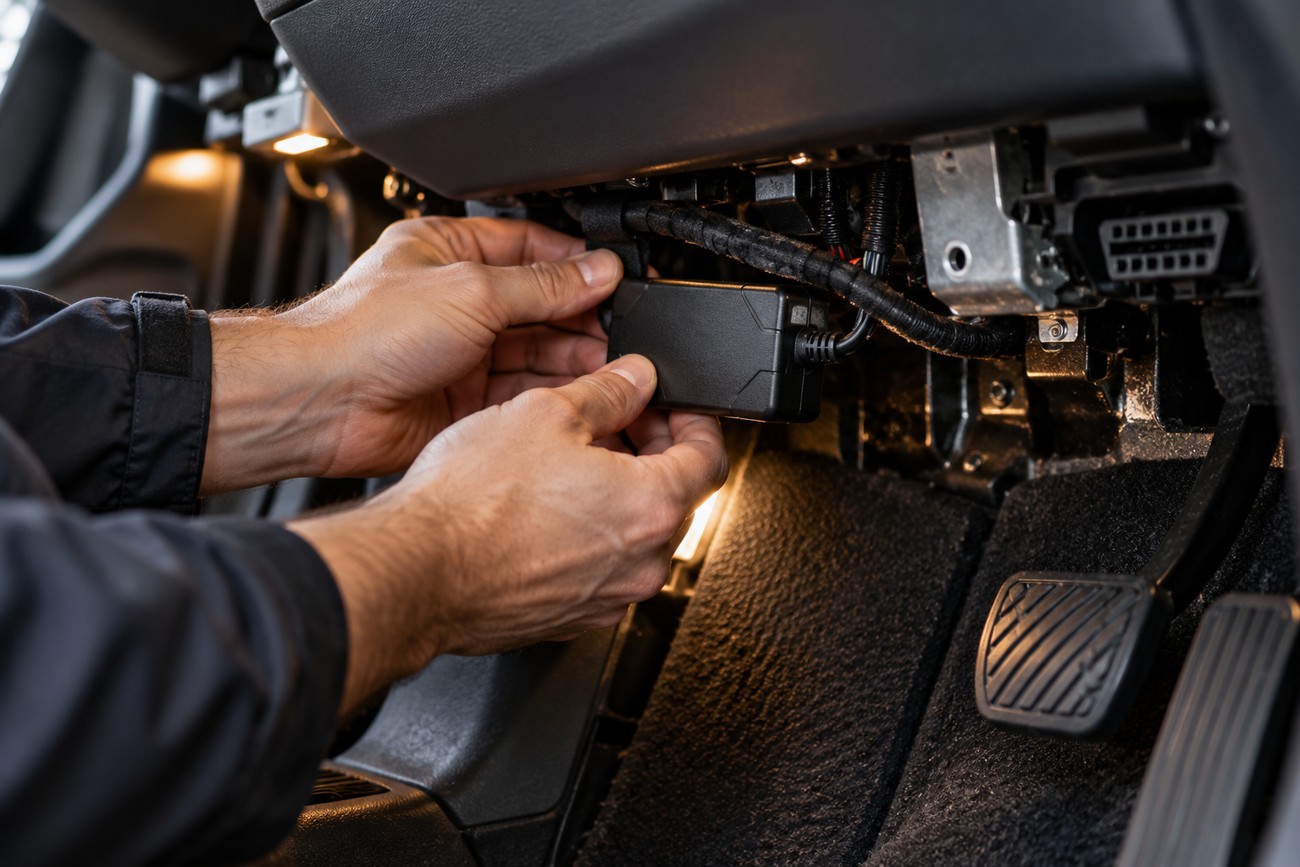
Installation has to balance concealment with adequate satellite and mobile-network reception. A device placed where signals are heavily blocked may be difficult for a thief to find yet equally difficult for the system to use. The most discreet position is not automatically the most effective position, and the vehicle’s structure, wiring, and materials can affect reception.
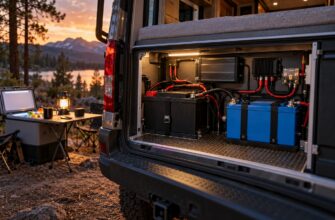
An exposed OBD unit can be found, unplugged, or deprived of power quickly. A wired device can also lose service if its power connection is cut, poorly protected, or affected by work on the vehicle. Battery-powered equipment avoids dependence on the vehicle’s main supply, though its operating time is limited and the battery must eventually be checked or recharged.
A discreet installation still needs an end-to-end reception test after fitting. A hidden device that cannot acquire and transmit a location offers little security benefit.
Frequent reporting, cold conditions, and weak reception can reduce a battery-powered device’s operating time. Weak reception may cause the unit to work harder to obtain or send data, while frequent updates increase both energy and data use. Advertising about battery life should therefore be compared with the intended reporting pattern and the conditions in which the car is parked.
After installation, confirm a position outdoors and in the places where the car normally parks. Check that the app receives a fresh timestamp, that movement creates the expected event, and that the device continues reporting after the vehicle is locked. Retest after changing the installation, replacing the battery, altering the plan, or updating the service.
What a tracker cannot stop
A tracker supports locating a stolen car; it does not reliably deter theft by itself. A vehicle can still be entered, started, moved, or dismantled before the owner sees an alert. The tracker is one part of a layered security setup, alongside measures that make unauthorized access or movement harder.
Removal, loss of power, interference, and unavailable connectivity can interrupt tracking. A thief may find an exposed device, while a vehicle parked in a shielded location may stop delivering useful data even if the tracker remains installed. These limitations do not mean every tracker can be defeated, but they do mean that no single device should be treated as a guaranteed recovery system.
Remote immobilization, cabin audio, and SOS are optional model-specific functions, not standard GPS-tracker capabilities. Where remote engine blocking is available, its operation may depend on the vehicle, installation, service, and safety rules. It should never be assumed that a tracker can safely stop a moving car, and audio or SOS functions require careful attention to local requirements and the people affected.
A sensible security arrangement assigns each tool a clear job. An immobilizer or other physical measure may make unauthorized movement more difficult, an alarm may draw attention, and a tracker may provide location information afterward. Combining systems can reduce dependence on any one signal, power source, or cloud service, although the setup still needs regular testing.
Set up alerts and test the system before relying on it
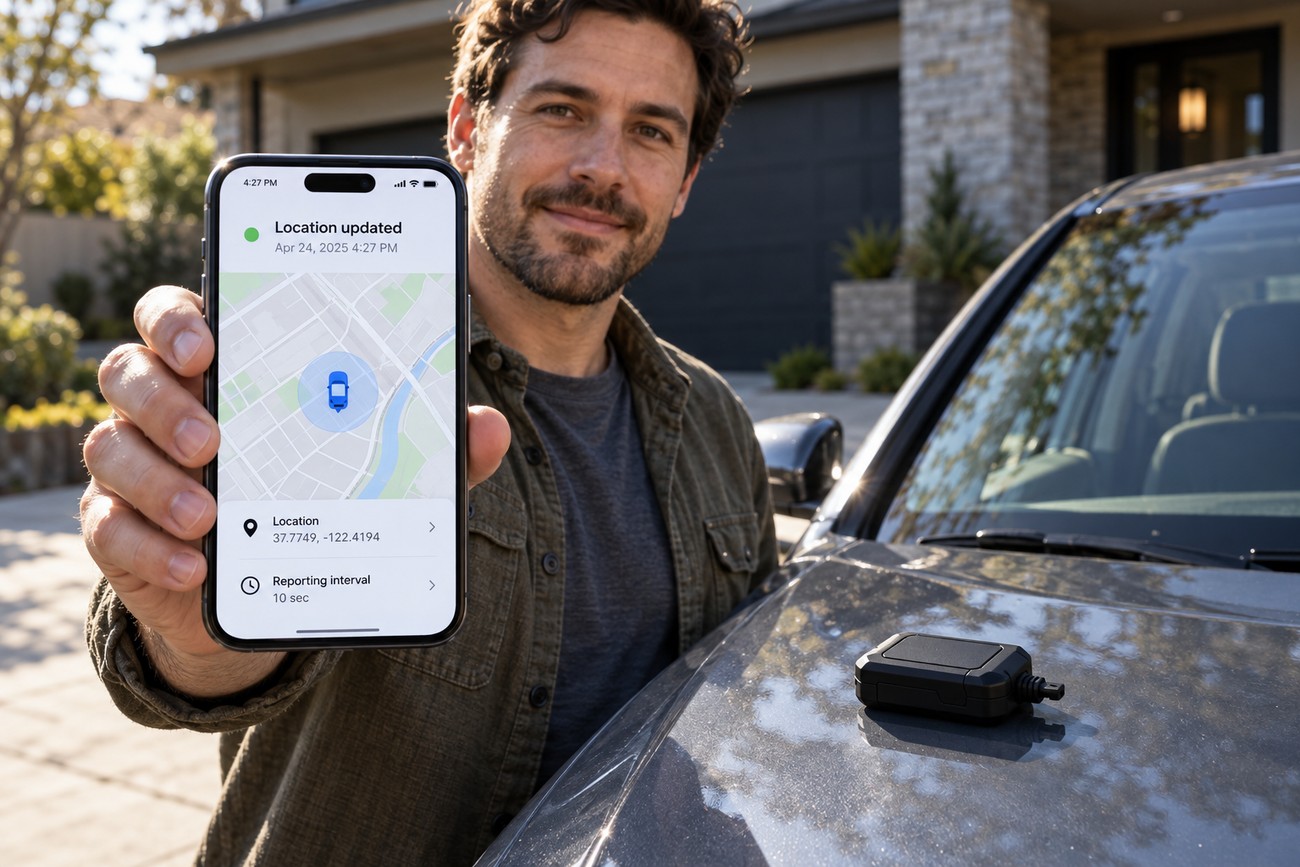
Start by checking the service before hiding or permanently installing the device. Verify that the SIM is active, the mobile-data settings and APN are correct where required, the device supports the available network, and the app is compatible with the account. Confirm that a fresh position reaches the service and that the displayed timestamp changes when the vehicle moves.
Choose an update interval that matches the theft scenario. More frequent location reports can make a route more informative but consume more battery and data. A private vehicle that spends most of its time parked may need a different balance from a fleet vehicle that requires regular route records. Avoid selecting a setting solely because it is labeled “real time”; determine how often the unit actually reports and how the service presents the data.
Set movement alerts and geofences around normal use rather than copying default values without testing them. Drive a permitted route, leave and re-enter a defined area, and park where the vehicle normally stays. Note whether the notification arrives, whether the map position is current, and whether routine events create repeated false alarms.
- Confirm the SIM, data plan, network support, and app connection.
- Test a current position before final installation.
- Select a reporting pattern that balances route detail, battery use, and data use.
- Configure movement and geofence alerts around real parking and driving habits.
- Test a permitted trip, a parking event, and the expected notification path.
- Repeat the checks after installation changes, battery replacement, or service changes.
Keep the account details, charging or maintenance schedule, and service contact information available. A tracker that worked during installation may later stop reporting because the subscription expired, the battery discharged, or the network arrangement changed. Periodic testing is part of the security benefit rather than an optional check performed only after a theft.
Choose a service, not just a device
The purchase price is only one part of the decision. A tracker may incur SIM, mobile-data, subscription, or cloud-service costs beyond its purchase price. Check whether the plan includes the functions you need, how long route history remains available, and what happens to stored data if the subscription ends or the provider changes the service.
Network compatibility deserves the same attention as satellite positioning. Confirm which mobile networks the device supports in the places where the car is used, whether the plan includes roaming, and whether cross-border operation is supported. A device that works well at home may have limited service elsewhere if the plan or network arrangement does not cover that area.
Compare the reporting options in practical terms. Find out whether the unit sends on movement, at set intervals, or only under particular conditions. Check how alerts arrive, whether the app shows the age of the last position, whether route history can be exported or reviewed, and whether the service continues to function after an app or firmware change.
A private owner often prioritizes discreet installation, actionable theft alerts, and enough autonomy to remain reliable while parked. A fleet may place more value on route history, stops, speed records, driver events, and centralized access. Neither priority makes one form factor universally best; the correct choice is the one whose power, network, reporting, and service terms match the vehicle’s actual use.
- Calculate purchase, SIM, data, subscription, and cloud-service costs together.
- Check network support, coverage assumptions, and roaming terms for every area of use.
- Confirm the real reporting options and the age shown for the last location.
- Review alert delivery, route-history retention, and account access if the service changes.
- Match concealment, power, autonomy, and installation requirements to the security scenario.
Frequently asked questions
The questions below address common decisions about tracker performance, range, theft prevention, underground parking, and backup power. The answers focus on what the device can report and where its limits appear. Actual results depend on the model, service, installation, and conditions in which the vehicle is used.
What is the most effective anti-car theft device?
There is no universally best single device. A tracker helps locate a vehicle after movement or theft, while an immobilizer, physical lock, or other deterrent is intended to make unauthorized movement harder. If you can prioritize only one purchase, decide whether your immediate need is to impede theft or support location and follow-up afterward.
For many owners, layered protection is more resilient than relying on one function. Whatever you choose, check how it is powered, how easily it can be removed, and whether you can test it regularly. A tracker should be judged by the quality and timeliness of its information, not by an assumption that its presence alone prevents theft.
How far can a tracker track a car?
A tracker has no fixed tracking distance from the owner. Its useful service area depends on the device’s supported mobile networks, the active plan, satellite reception, and whether the service supports the place where the vehicle is located. The owner can often view data from far away when the tracker has network access, but the device cannot deliver a position promptly without a usable connection.
Cross-border travel adds another check. Review roaming terms, supported networks, data charges, and service territory before relying on the tracker in another country. A plan that works domestically may provide limited or no data service abroad, even though the tracker can still obtain a satellite position.
Does a GPS tracker prevent car theft?
No. It primarily supports locating and following a vehicle after it moves, and it does not by itself guarantee prevention or recovery. Use a tracker alongside measures designed to deter entry, starting, or movement, and treat alerts as information that requires a safe and appropriate response.
Will a tracker work if the car is underground?
It may record or transmit late, with reduced accuracy, or only after the vehicle returns to an area with usable reception. Underground structures can obstruct satellite signals and mobile coverage at the same time. Check the timestamp and wait for a fresh report rather than treating the last visible marker as the vehicle’s exact current position.
Can a tracker use backup power?
Some wired models include backup power, while battery-powered beacons use their internal battery; this is device-specific rather than a universal feature. Ask how long backup operation is expected under the reporting pattern you intend to use, and test whether alerts continue after the vehicle’s main power is disconnected in a permitted, controlled check.
Battery life can fall with frequent reporting, cold conditions, and weak reception. Insurance treatment, installation requirements, and permission to track another driver also require separate checks based on the device, service, and jurisdiction.