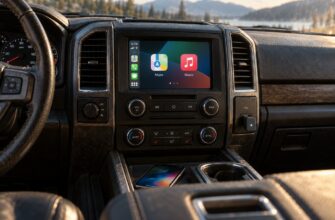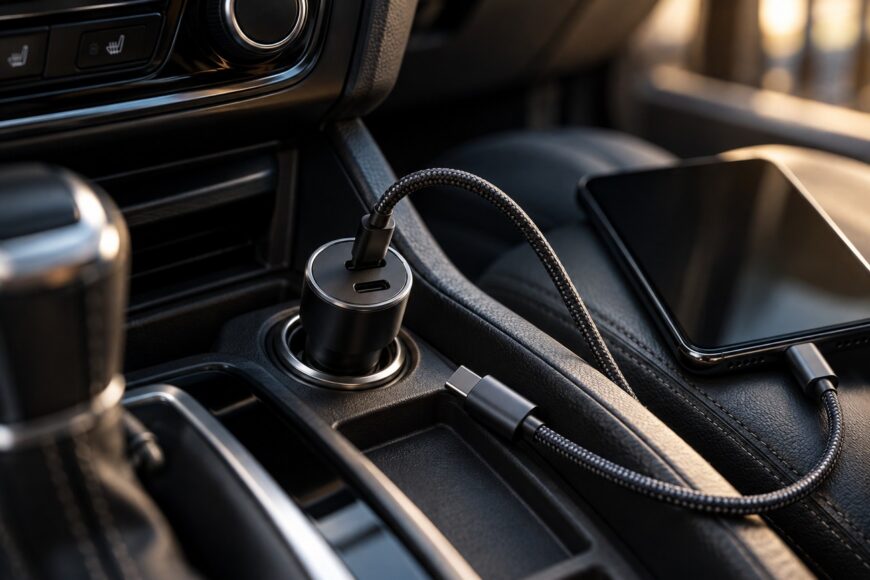
A USB-C car charger’s headline wattage is only the starting point. The power that reaches a phone, tablet, or laptop depends on the charger’s protocol, the active port, the cable, the device’s own charging limit, and the vehicle’s 12V circuit. A charger marked “100W” can therefore deliver far less in a real car, especially when several devices share it or the cabin is hot.
The sensible buying decision is based on compatibility and available power headroom. USB-C alone does not guarantee fast charging, and the largest number on the package cannot overcome an unsupported PD, PPS, or QC mode, a poor cable, a weak accessory socket, or a device that is already limiting its input because of heat. The right adapter supplies the profile your equipment can use while staying within the practical limits of the vehicle.
- How USB-C Car Charging Actually Delivers Power
- How Much Wattage Do You Really Need?
- Power Needs by Device and Driving Scenario
- Why 100W Does Not Mean 100W Per Port
- Check the Vehicle’s 12V Electrical Limits Before Buying
- Cables, Heat, Fit, and Reliability Matter as Much as Watts
- Troubleshoot Slow, Unstable, or Noisy Charging
- Frequently asked questions
- What power supply does a USB-C car charger need?
- What kind of charger do I need to charge a car battery?
- Why does a USB-C charger work differently with the engine off?
How USB-C Car Charging Actually Delivers Power
USB-C output is negotiated between the charger and the connected device. The charger advertises the voltage and current modes it can provide, while the phone, tablet, or computer requests a suitable option. A device does not automatically receive the charger’s maximum rating simply because a cable is plugged into a high-power port.
USB Power Delivery commonly uses 5V, 9V, 15V, and 20V profiles for consumer equipment. Without USB PD 3.1 EPR, USB PD is generally capped at up to 100W. USB PD 3.1 EPR adds 28V, 36V, and 48V profiles, with a theoretical ceiling of 240W, although those higher-power modes remain rare in automotive chargers and are far beyond the needs of most phones.
Fast charging may require USB PD, Qualcomm Quick Charge, or PPS, depending on the device. A USB-C port that provides only a basic 5V output can charge a phone while failing to deliver the expected fast-charge mode. This explains why two adapters with identical USB-C connectors can produce noticeably different results with the same handset.
PPS is a USB PD feature that dynamically adjusts voltage in small steps. For supported Samsung, Google, and other devices, this can provide more stable fast charging and better control of the charging process. The phone still decides how much power to accept, so the charger’s maximum output remains a ceiling rather than a promise.
How Much Wattage Do You Really Need?
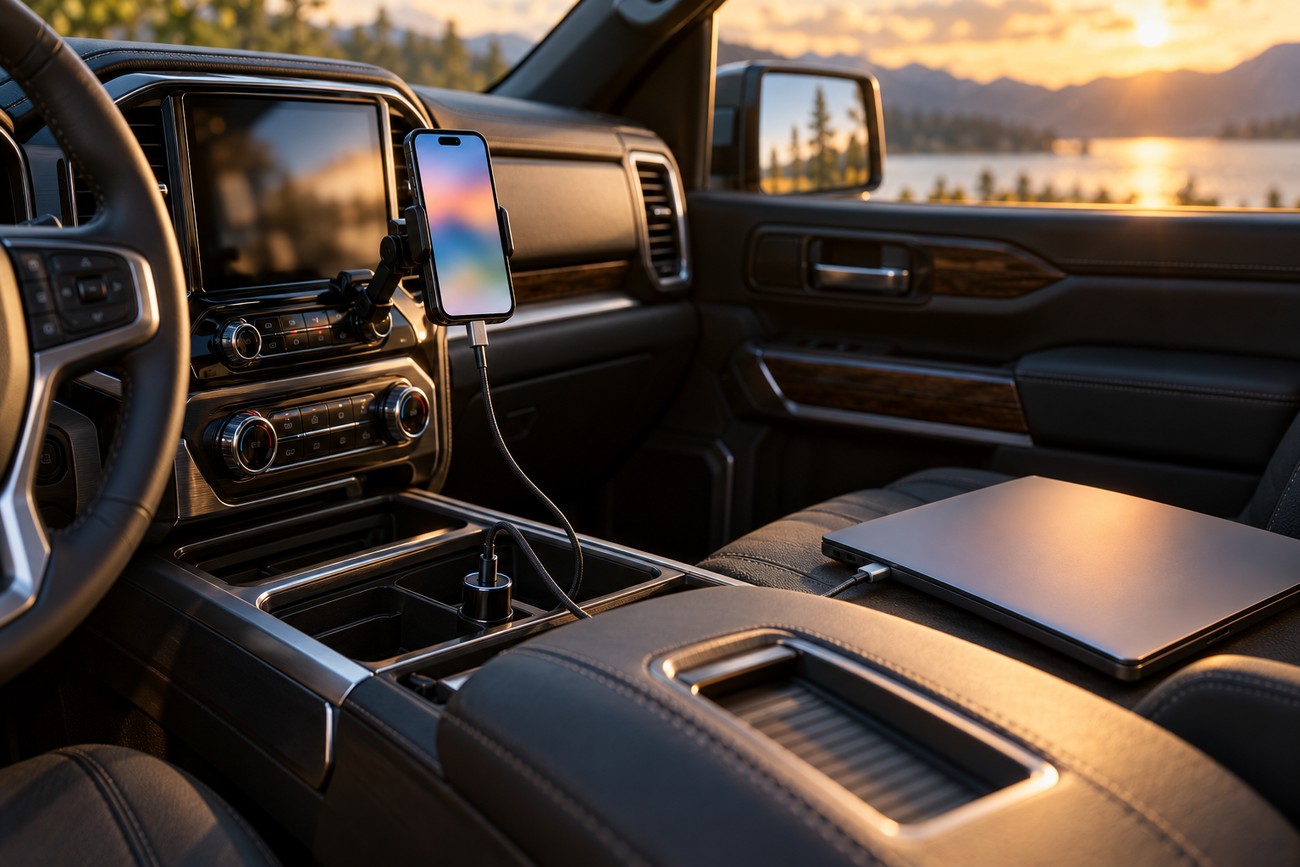
A basic phone used lightly needs far less power than a laptop, yet the useful rating changes once the phone becomes a navigation screen, music source, and mobile data terminal. Screen brightness, GPS activity, wireless communication, and heat all consume part of the incoming power. A phone may therefore show a charging icon while its battery percentage rises slowly.
Extra rated wattage does not force power into a device. The phone or computer controls its charging limits according to its supported protocol, battery state, temperature, and internal charging design. A higher-rated adapter helps only when the device can use the additional output and the charger offers the required profile.
For a single phone, choose a charger with the fast-charging standard required by that phone and enough headroom for active use. A handset that charges well while idle may need more available output during navigation or media playback simply to maintain its battery level. The relevant specification is the combination of protocol and usable single-port output.
Tablets and laptops require more careful checking. Confirm the device’s accepted USB-C power profile, then compare it with the charger’s single-port specification under the exact conditions you plan to use. A charger may be adequate for one laptop on its own and become unsuitable once a second port reduces the first port’s allocation.
Power Needs by Device and Driving Scenario
Use the scenario as the starting point, then verify the device profile, cable rating, and vehicle circuit. The table describes priorities rather than universal wattage promises.
| Driving scenario | Charging priority | Port and protocol concern | Cable requirement | Vehicle-load caution |
|---|---|---|---|---|
| One phone, light use | Compatible fast-charge protocol with modest headroom | One USB-C port with the phone’s PD, PPS, or QC mode | Good-quality cable with an appropriate power rating | Usually a light load, subject to the socket’s limits |
| Phone with navigation and media | Enough sustained output to exceed active consumption | Stable negotiation under heat and continuous use | Low-loss cable with suitable current support | Output may fall if the charger or socket is already heavily loaded |
| Phone plus tablet | Clear two-port allocation and sufficient combined budget | Check whether the main port drops when the second port is occupied | Each cable must support the intended device profile | Several devices can approach the practical circuit limit |
| Laptop use | Charger single-port output matching the laptop’s accepted profile | Prefer the laptop on the highest-power port by itself | Cable must support the required current and power rating | Confirm the socket, fuse, and wiring can sustain the load |
| Laptop plus mobile devices | Power distribution that remains adequate under simultaneous use | Read the allocation table for every active-port combination | Use correctly rated cables on all ports | A separate 12V or inverter-based solution may be more practical |
Navigation can change the result more than the charger label suggests. A phone running GPS, a bright display, music, and mobile data may consume much of the available input. If the charger supplies only slightly more than the phone uses, the battery can gain percentage slowly or remain almost unchanged during a long drive.
Tablet and laptop use adds a second constraint: the device must accept the charger’s offered profile at the required power level. A tablet may charge from a port that is excellent for a phone, while a laptop may need a higher single-port allocation and a properly rated cable. Check the device specifications rather than assuming that every USB-C computer accepts the same input mode.
Simultaneous use also changes the vehicle-side demand. A phone, tablet, dash camera, and other accessories may all draw from one accessory circuit, even if the USB adapter itself appears to have ample capacity. Heavy multi-device use can justify a separate 12V or inverter-based solution with a clearly defined load budget instead of relying on one compact adapter.
Remember that the charger’s output is conditional on the active port, supported protocol, suitable cable, device limits, and vehicle voltage. A high rating is useful as headroom, but it is not a guarantee that every connected device will charge at that level.
Why 100W Does Not Mean 100W Per Port
A label such as “100W total” usually describes the combined adapter budget. It does not mean that every USB-C port can provide 100W at the same time. The package may advertise the maximum available with one port active, while a separate table explains how power is divided when the second or third port is used.
Port sharing can reduce output as soon as another device is connected. A charger may provide 65W from its primary port alone, then reduce that port to 45W or lower when a second port becomes active. The allocation may be asymmetric, with one port retaining priority and the other receiving the remainder.
This distinction matters for a laptop. A laptop connected alone to the highest-power port may charge normally, while adding a phone causes the laptop to charge slowly, hold its battery level, or switch between charging states. A phone plus tablet can produce the same issue if the combined demand exceeds the adapter’s shared budget.
Read the distribution table before buying. Look for single-port output, two-port combinations, and any change in the primary port when a second connector is occupied. If the table is missing or vague, treat the headline wattage as an upper limit for a narrow test condition rather than as a dependable multi-device specification.
Check the Vehicle’s 12V Electrical Limits Before Buying
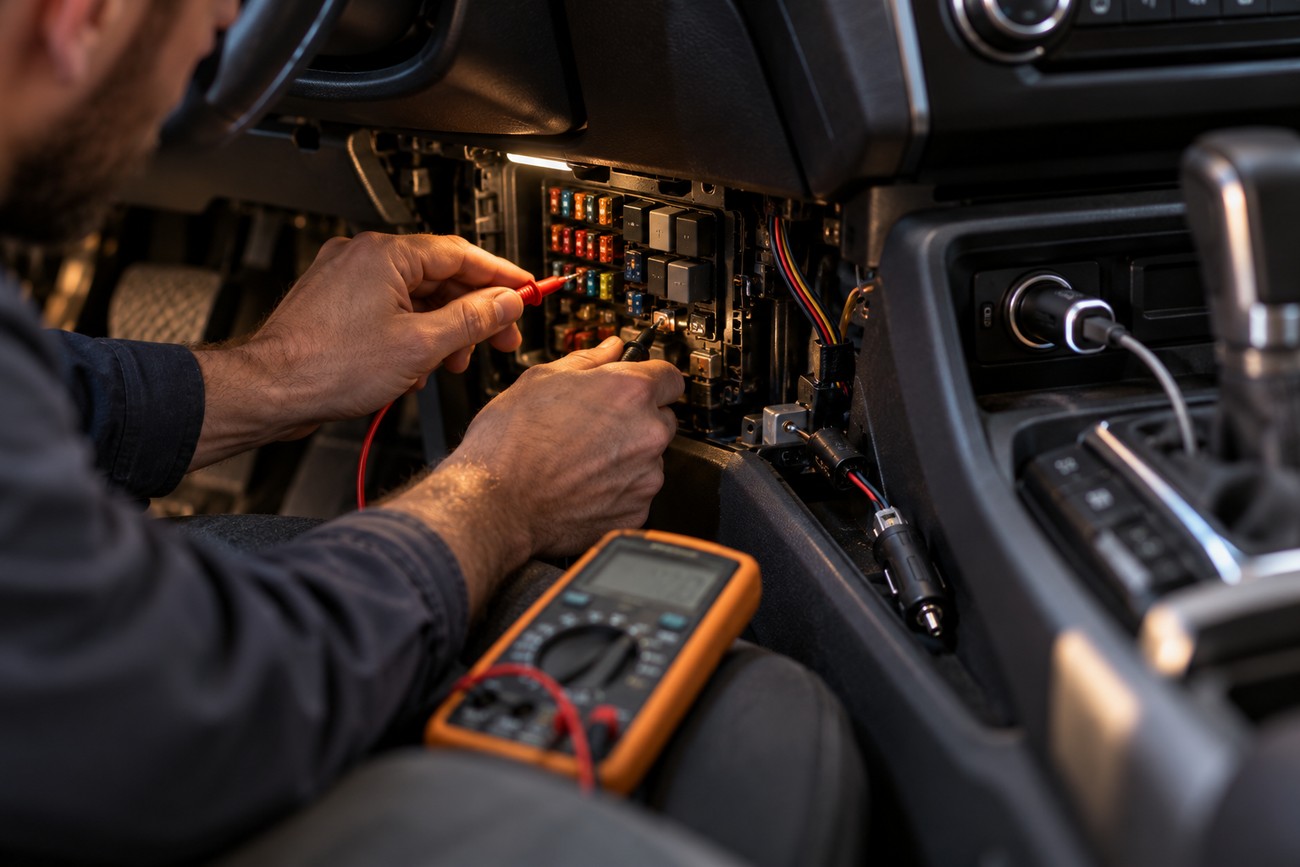
A USB-C car charger converts power from the vehicle’s accessory circuit into the voltage requested by the connected device. The 12V accessory socket is limited by its fuse and vehicle wiring, so the car’s practical capacity can be lower than the charger’s advertised combined port output. The adapter cannot create more usable electrical capacity than the circuit can safely provide.
Several devices connected at once increase the total load. A high-output USB-C adapter, a second accessory, and other equipment may approach the limit of a weak socket even when each individual device appears reasonable. Check the vehicle documentation for the accessory outlet rating and avoid treating the sum printed on the charger as proof that the car can sustain that output continuously.
Vehicle voltage also changes with operating state. With the engine running, the electrical system may provide a higher voltage than it does with the engine off, which can change how the converter behaves under load. A charger that works reliably while driving may reduce output, reset, or stop when the vehicle is parked and the battery voltage falls.
Some vehicles disconnect the 12V socket as soon as the engine is turned off. Others keep it live briefly and then disable it when the vehicle enters an electronic sleep mode. This is normal vehicle behavior rather than evidence of a failed USB adapter, and it matters if you expect a phone or dash camera to remain powered after parking.
Cables, Heat, Fit, and Reliability Matter as Much as Watts
High-power USB-C modes require a cable with an appropriate current and power rating. USB-C connectors do not make every cable equivalent. A cable designed for basic charging may limit the available mode, while poor conductors can create voltage drop, unstable negotiation, or repeated transitions between fast and slow charging.
Use a cable whose power rating matches the intended charger output and whose connectors fit firmly. If a phone charges normally with one known-good cable and slowly with another, the adapter’s wattage is unlikely to be the only issue. Replace damaged, unusually thin, or poorly fitting cables before judging the charger.
Heat is a separate limitation. Cabin temperatures and the enclosed space beneath a dashboard can make a charger reduce output or shut down to protect its electronics. GaN generally improves efficiency and allows a smaller design, but it does not remove thermal limits. A compact GaN adapter still needs airflow and may throttle in direct sun or against warm trim.
A charger that is warm under sustained load can be operating normally; a unit that becomes hot with no device connected deserves closer inspection. Heat, repeated resets, and a burning smell should be treated as reasons to stop using the adapter until the fault is identified.
Mechanical fit affects charging as well. A loose plug or weak spring contact can disconnect on uneven roads, interrupt PD or PPS negotiation, and make a good adapter appear defective. Audible coil whine from a switching converter can occur under load, particularly in budget designs; noise alone does not prove imminent failure, though a new or worsening whine combined with heat or resets is a warning sign.
Troubleshoot Slow, Unstable, or Noisy Charging

Start with the simplest controlled test: connect one device to one port with a known-good cable while the engine is running. This removes port sharing and gives the charger a stable vehicle-side voltage. If charging improves, add the second device or change the driving conditions one step at a time rather than changing everything together.
Next, check protocol compatibility. A missing or incompatible PD, PPS, or QC mode can leave a phone at 5V or another lower-power mode. Confirm that the cable is rated for the intended output, then test a different cable and the charger’s primary port. A phone showing a charging icon proves that some input is present; it does not prove that the battery is receiving enough power to gain percentage.
Reproduce the fault with one known-good cable, one active port, and the engine running before blaming the phone or the advertised wattage. This isolates negotiation, vehicle voltage, and port-sharing problems more reliably than repeated unplugging during normal driving.
If the problem appears only with two devices connected, read the charger’s power-allocation table. The first port may fall from 65W to 45W or lower, or the combined output may be divided in a way that leaves neither device with enough headroom. Remove the second device and check whether the original charging speed returns.
Heat and contact come next. Move the adapter away from direct sunlight and avoid burying it beneath objects, then inspect the socket for looseness and test whether vibration causes interruptions. Cheap chargers can repeatedly start and reset PD or PPS negotiation when contact is poor or the converter is thermally stressed. A high-pitched switching noise may become more noticeable under load; if it accompanies resets, excessive heat, or a burnt odor, discontinue use.
Finally, remember that the advertised wattage may require one active port, a suitable cable, and favorable vehicle voltage. If the adapter fails the controlled test with a compatible device and cable, try another socket if the vehicle has one and check whether that outlet is switched off during sleep mode. Persistent dropouts can indicate a poor adapter, a weak socket connection, or a vehicle-side power problem.
Frequently asked questions
USB-C car charging combines a vehicle-side power input with a negotiated USB-C output. The three points below clarify what the adapter needs, what it cannot do, and why its behavior may change after the engine is switched off.
What power supply does a USB-C car charger need?
A USB-C car charger normally draws power from the vehicle’s accessory circuit, usually through a 12V accessory socket. It converts that vehicle-side input into the USB-C output requested by a connected device, so it does not use a household power supply while installed in the car.
The charger’s input range still matters. A vehicle with a 24V electrical system requires an adapter explicitly rated for that input; a 12V-only model should not be assumed safe in a 24V vehicle. Check the charger specification and the vehicle documentation before connecting it.
What kind of charger do I need to charge a car battery?
You need a dedicated automotive battery charger or maintainer matched to the vehicle battery type. A USB-C car adapter powers consumer electronics through the accessory circuit and does not provide the charging profile, connection method, or safety controls required to recharge a vehicle battery.
A maintainer is intended for controlled long-term support, while a dedicated battery charger is selected for the battery’s chemistry and charging needs. Do not connect a phone adapter directly to a car battery or treat a high USB-C wattage rating as a substitute for an automotive charging device.
Why does a USB-C charger work differently with the engine off?
With the engine off, the vehicle may supply lower battery voltage, disconnect the accessory socket, or place its electronics into a sleep mode. Any of these conditions can stop the adapter, reduce its output, or cause it to restart. When the engine runs, the vehicle’s electrical state can provide a different input condition.
Test the socket with the vehicle parked and then with the engine running, while checking whether other accessories remain powered after shutdown. If the socket cuts off consistently after a delay, that is likely a vehicle power-management feature. If it remains live but the charger repeatedly resets, inspect the cable, socket contact, adapter temperature, and vehicle-side voltage.