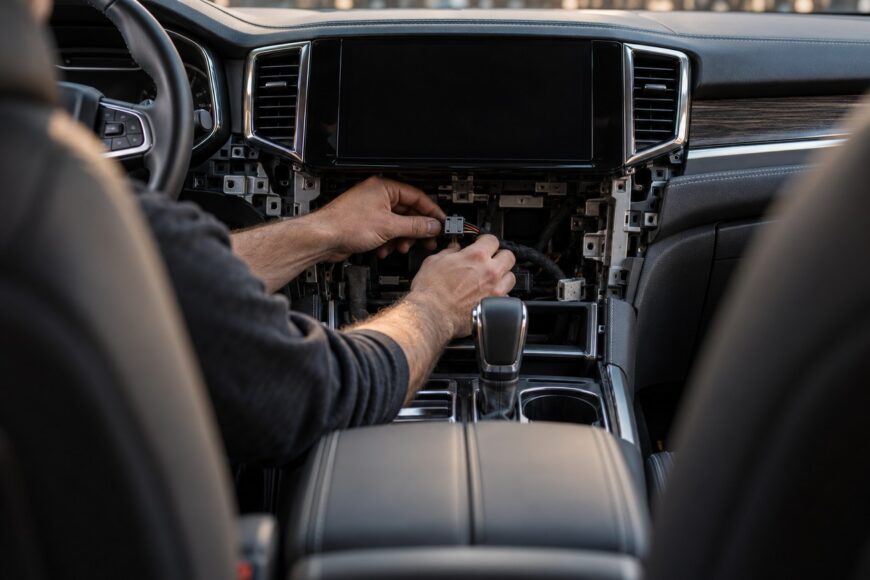
A black or blank backup-camera screen does not automatically mean the camera has failed. The fault may be missing power at the camera, a missing reverse-control signal, or a video signal that is not reaching the head unit.
Start with the system’s logic before replacing parts. The display must recognize reverse, the camera must receive the correct voltage and ground, and the video feed must arrive at the correct input. Many backup cameras use 12 volts from the vehicle electrical system, while some are designed for 5 volts. Applying 12 volts to a 5-volt camera can damage its electronics.
A careful diagnosis separates these possibilities instead of treating every black screen as a failed camera. It also protects connectors, wiring, and replacement parts from unnecessary damage.
- What a Blank Backup Camera Screen Actually Means
- Check Voltage and Reverse Logic Before Replacing Parts
- Trace the Fault: Reverse Trigger, Power, and Video
- Find Intermittent Failures at the Hatch, Connectors, and Weather Seals
- Aftermarket and Android Head Units: Compatibility Comes First
- Common Misdiagnoses and When Replacement Is Justified
- Frequently asked questions
- Why is my backup camera blank?
- Why does my camera keep saying no image?
- Why is the screen on my reversing camera blank?
- Why does my camera turn on but show no display?
What a Blank Backup Camera Screen Actually Means
A completely black screen can indicate that the camera has power but no usable video signal, or that the camera has no power at all. Check whether the head unit switches to camera mode when reverse is selected. If it changes modes but shows black, the fault is usually somewhere in the camera’s power or video path.
A “no signal” message points more directly to a missing or interrupted video feed, although the exact wording depends on the head unit. Inspect the video cable, its plugs, the head-unit connector, and the selected AV input. A loose connector or poor contact can create a broken image, a flickering image, or no image at all.
If the image appears only after moving the hatch, driving over a bump, or closing the trunk, suspect a connector or wire rather than immediately condemning the camera. Vibration can briefly restore or interrupt contact. The same symptom may occur when a wire is fractured inside its insulation.
A display that never switches into reverse-camera mode follows a different diagnostic path. The camera may work correctly while the head unit receives no reverse trigger, uses the wrong input, or has a control-interface problem. Check the screen behavior, reverse signal, wiring, and connectors before replacing the camera.
Check Voltage and Reverse Logic Before Replacing Parts
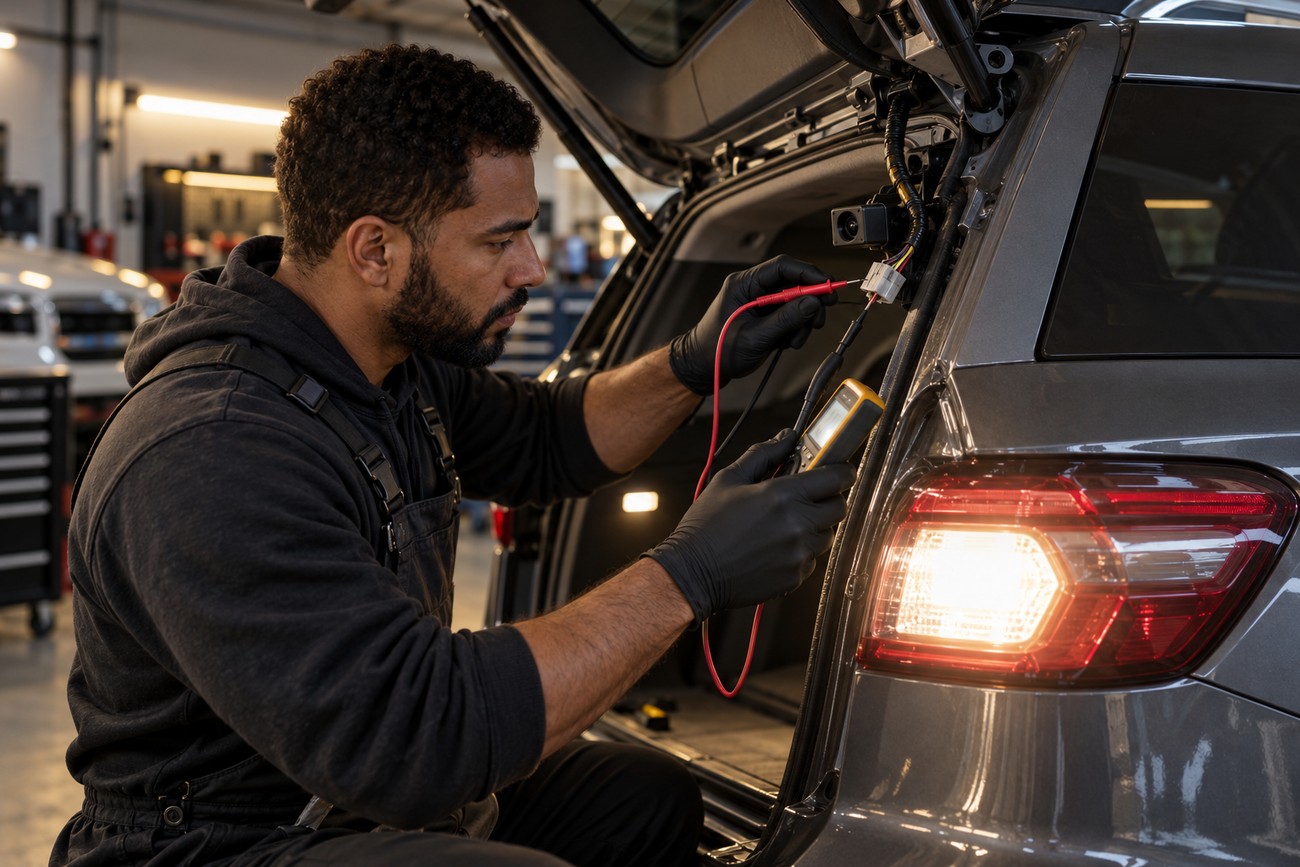
Many backup cameras are powered by a 12-volt vehicle electrical system, but some models require 5 volts. Confirm the camera specification and wiring arrangement before applying test power. Applying 12 volts to a camera rated for 5 volts can damage its electronics, sometimes without leaving an obvious external sign.
With the vehicle secured and the ignition switched as required by the service procedure, check whether the camera receives power when reverse is selected. Verify the ground as well as the positive feed. A poor ground can produce a blank, unstable, or distorted image even when the voltage on the positive wire appears correct.
Some Android and aftermarket head units need a separate reverse-control signal to switch to the camera view. This signal may come from the reverse-light circuit, a dedicated vehicle wire, or a CAN interface. If the head unit does not recognize reverse, a working camera may never be displayed.
Confirm that the video lead is connected to the head unit’s correct AV input. Aftermarket systems may have several similar connectors, and selecting the wrong input can look exactly like a failed camera. Avoid probing unknown pins with power until their functions are confirmed.
Trace the Fault: Reverse Trigger, Power, and Video
Use a fixed sequence so that each test narrows the fault. First, select reverse and observe whether the head unit changes modes. If it does not, test the reverse trigger and the relevant control wiring before concentrating on the camera itself.
If the screen switches correctly, measure the camera supply and ground at the camera-side connector. The result must match the camera specification. A correct reading at one end of the harness does not prove that the same voltage reaches the camera under load, so inspect the terminals and wiring for looseness, corrosion, or damage.
Next, trace the video path from the camera to the head unit. Check the cable, both plugs, any adapter, and the selected AV input. A camera may be functional while the display remains blank because the video signal is lost in the cable or never reaches the correct input.
The head-unit connector deserves a close inspection when camera power and the cable test correctly. A loose terminal, weak retention, or damaged connector can create a no-image fault even after a replacement camera has been installed.
Inspect the connector at the radio and the connector at the camera for pushed-back pins, damaged locks, and poor terminal tension. One practical case resolved a post-replacement no-image problem by replacing a low-cost head-unit connector rather than replacing the camera again. If all inputs, wiring, trigger logic, and connectors test correctly, the head unit itself becomes a reasonable suspect.
Find Intermittent Failures at the Hatch, Connectors, and Weather Seals
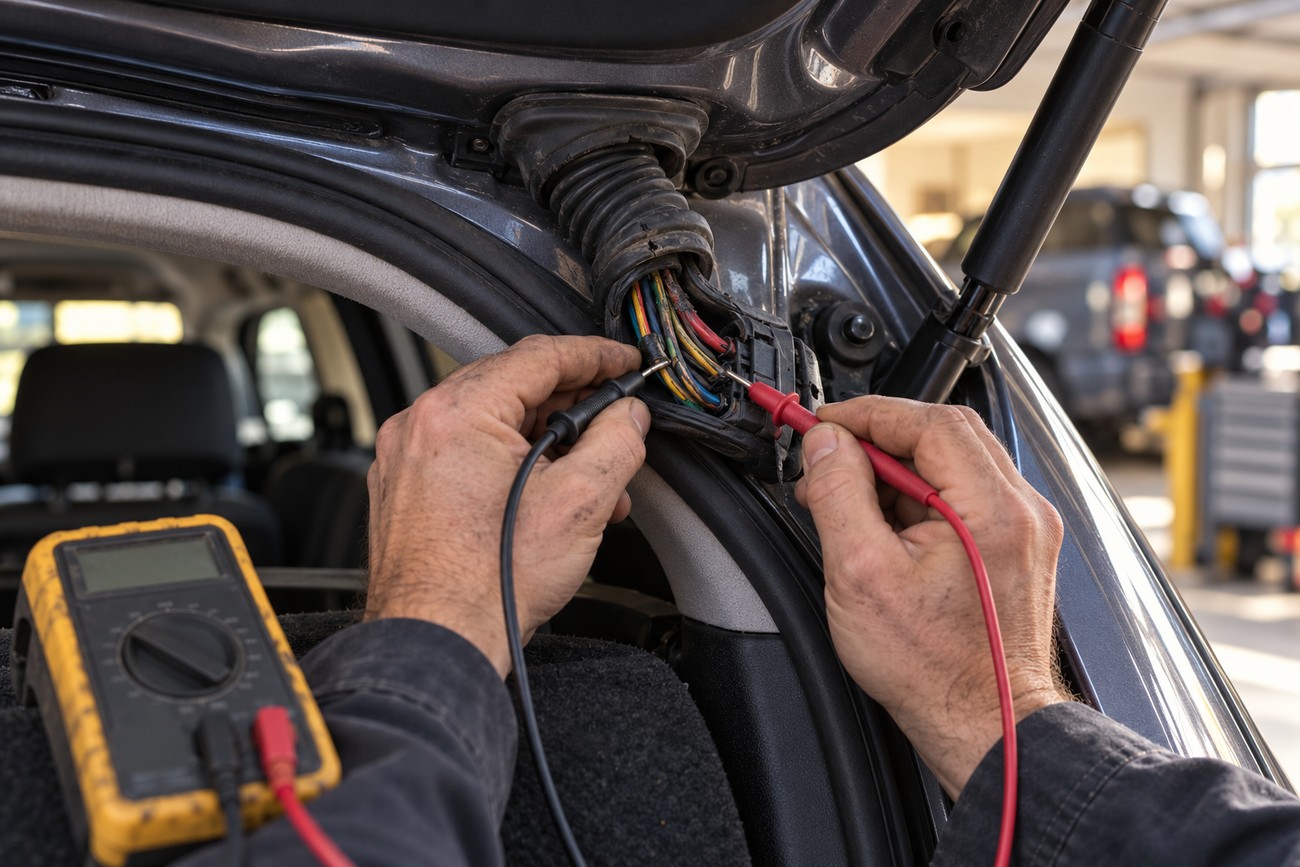
Intermittent faults often reveal themselves through movement. If the image appears and disappears when the hatch is opened, closed, or struck by a bump, inspect the harness at the point where it bends between the body and the liftgate or trunk lid.
The harness at the bending point of a trunk or liftgate is a typical failure location because it flexes repeatedly during opening and closing. Wires can break internally while their insulation remains intact. Test continuity while gently moving the harness, and repair the damaged section with a suitable automotive repair method.
Moisture can affect the lens, camera housing, connectors, and nearby wiring. Raindrops, snow, frost, ice, and condensation can limit camera operation or obscure the image. High-pressure washing can force water into the lens area or housing and cause faults that may be temporary or permanent.
Dry the exterior and inspect the seals and connectors before replacing wet components. Clean lens contamination carefully, remove ice without scraping the lens, and look for corrosion or water tracks. If the camera recovers after drying, treat that as evidence of a moisture or sealing problem rather than proof that the system is permanently repaired.
Aftermarket and Android Head Units: Compatibility Comes First
A replacement camera can have power and still show no picture on an Android or aftermarket system. Compatibility can depend on the video-signal format, the physical AV input, the reverse trigger, a CAN interface, firmware behavior, and the wiring.
Check that the camera’s signal type matches what the head unit accepts and that the cable is connected to the intended camera input. Some systems require a separate reverse-control wire even when the video plug is connected. Others rely on a CAN interface to tell the head unit that reverse has been selected.
A 4-pin connector does not guarantee matching pin functions for power, ground, and video. Two connectors may fit together while using different pinouts. Before connecting a replacement camera to existing wiring, compare its voltage requirement and pinout with those of the original camera and the head-unit harness.
A camera may therefore be electrically healthy but invisible to the head unit because the input, format, firmware behavior, or control interface is incompatible. Confirm those details before modifying wiring or applying external power.
Common Misdiagnoses and When Replacement Is Justified
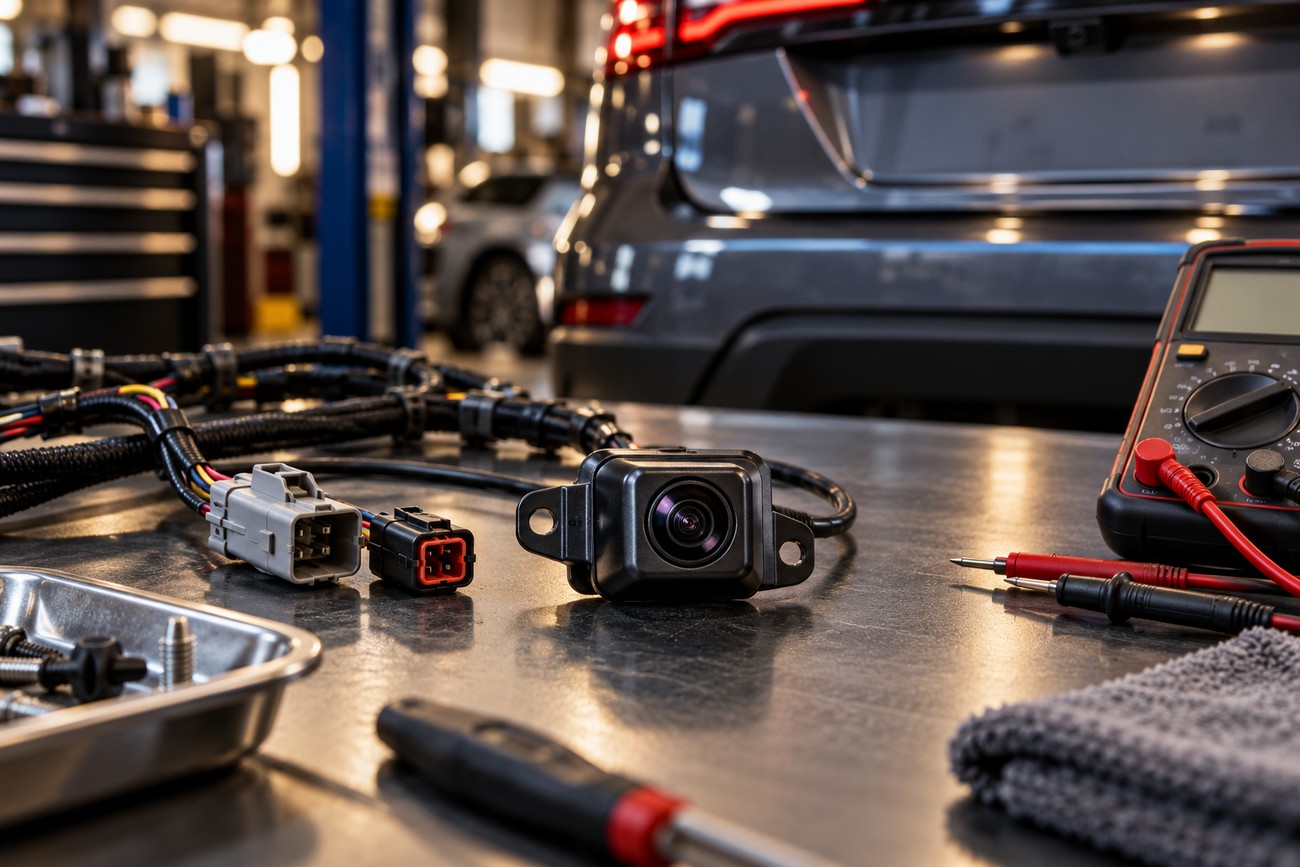
The most common misdiagnosis is treating a black screen as proof that the camera is dead. Power loss, video loss, a missing reverse trigger, a bad connector, and head-unit incompatibility can produce the same basic symptom.
Wrong voltage is an avoidable and potentially destructive mistake. Many cameras use 12 volts from the vehicle electrical system, while some are designed for 5 volts. Applying 12 volts to a 5-volt camera can damage its electronics, so verify the specification before testing or installing a replacement.
Do not skip the hatch harness, the head-unit connector, or the reverse logic. A new camera connected to an unverified 4-pin harness may introduce another fault, and a replacement camera cannot correct a missing trigger or an incompatible AV input.
Replacement is justified after the camera specification, supply voltage, ground, reverse trigger, video cable, connectors, head-unit input, and environmental causes have been checked. If those tests are correct and a known-compatible camera still fails, the original camera becomes the stronger suspect.
Frequently asked questions
Why is my backup camera blank?
A blank backup camera usually means that power, the video signal, or the reverse-switching logic is missing somewhere in the system. Check whether the head unit enters camera mode, then verify the camera’s specified voltage, ground, video connection, and selected input.
If the blank screen started after rain, washing, freezing weather, or hatch movement, inspect moisture exposure and the flexible hatch harness. A camera that works intermittently may have a connector or wire fault rather than a failed imaging unit.
Why does my camera keep saying no image?
“No image” generally means that the head unit has selected the camera function but is not receiving a usable video feed. The cause may be a disconnected cable, incorrect AV input, damaged head-unit connector, incompatible signal format, or a camera that is not powered correctly.
After a camera replacement, compare the new unit’s voltage and pinout with those of the original. A matching plug or a 4-pin design alone does not establish compatibility.
Why is the screen on my reversing camera blank?
The screen may be blank because the display is not receiving the reverse trigger, even if the camera itself works. This is especially relevant to Android and aftermarket head units that use a separate reverse wire or CAN interface.
Confirm that the head unit switches into reverse-camera mode and that the camera feed is connected to the correct AV input. If the screen reacts to reverse but remains black, continue with power, ground, video-cable, and connector checks.
Why does my camera turn on but show no display?
A camera can receive power without sending a viewable image to the display. The video cable, adapter, head-unit connector, input selection, signal format, or control interface may still be preventing the picture from appearing.
Do not test a low-voltage camera by blindly applying vehicle voltage. Confirm its specification first, then verify the complete path from the camera output to the compatible head-unit input.