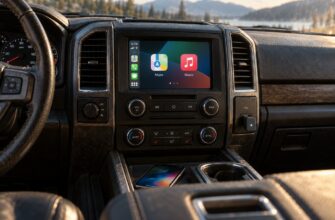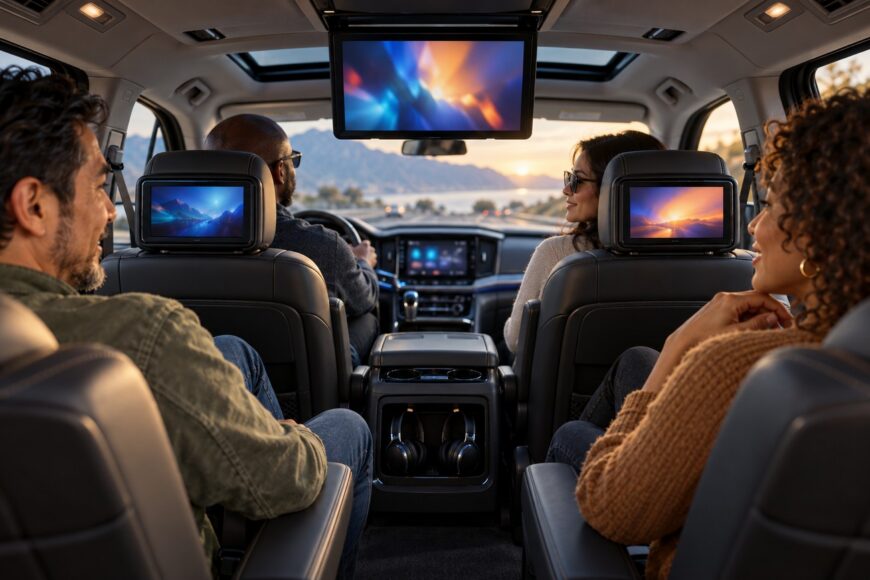
Rear seat entertainment is a choice between factory integration and aftermarket flexibility. An OEM system can share controls, audio, and vehicle data with the head unit, while an aftermarket setup may offer easier streaming, replacement, and upgrades. A screen alone does not guarantee a comfortable passenger experience.
Glare, weak built-in audio, loose cables, paid connectivity, difficult repairs, and poor viewing angles can undermine an otherwise expensive installation. Active headrests, seat-mounted airbags, and seat-frame construction add safety constraints that generic mounting kits may overlook. The sensible approach is to match the system to the actual seats, passengers, content sources, and journeys before comparing screen sizes.
- What Counts as a Rear Seat Entertainment System?
- Rear Seat Entertainment Options Compared
- Streaming, Media, and Audio: What Actually Works
- OEM and Aftermarket Installation: Safety First
- Costs, Subscriptions, and Ownership Trade-Offs
- A Practical Buying and Setup Checklist
- Frequently asked questions
- Which vehicles offer factory rear seat entertainment?
- What should I do before selling a car with an Android rear screen?
- What is the best rear seat entertainment system?
- What is the best infotainment system for a car back seat?
- How much does it cost to add a rear seat entertainment system?
What Counts as a Rear Seat Entertainment System?
A rear seat entertainment system, or RSE, includes more than a display. It combines rear passenger screens with content sources, audio routing, controls, connectivity, and, in an integrated installation, links to the vehicle head unit, audio system, CAN/LIN controllers, and HMI layers. Those links can allow the driver or front passenger to manage playback, distribute audio, and diagnose faults through the vehicle’s existing systems.
Common layouts include a 10–19-inch flip-down roof monitor and 7–11.6-inch headrest or seatback displays. Specialized minivan and van installations may use screens up to 32–48 inches, although those solutions require a different approach to structure, power, visibility, and passenger protection. Screen size should follow viewing distance and seating position rather than the largest specification available.
RSE is useful for families on long trips, passengers who need separate content, and vehicles used for tours or shuttle work. Younger passengers may value simple playback and headphones, while older children may need casting, streaming, gaming input, or separate profiles. The right arrangement depends on passenger age, seating layout, trip length, and whether rear passengers need independent content.
A tablet attached to a seat can provide entertainment, but it is a portable device rather than a complete integrated RSE. It may lack controlled power, proper audio routing, secure mounting, and a clean cable path. That simplicity can still be an advantage for occasional use, especially when a permanent system would be tied to one vehicle or require structural work.
Rear Seat Entertainment Options Compared
Each format solves a different packaging problem. The table focuses on the compromises that become apparent after installation, including access, visibility, audio, and failure points.
| Option | Viewing position | Installation and flexibility | Visibility and seating effect | Audio practicality | Main failure risk |
|---|---|---|---|---|---|
| Roof-mounted flip-down screen | Central view for the second row; typically 10–19 inches | Moderate to high installation complexity; usually one shared source | Can create glare, poor angles for shorter passengers, and partial obstruction of the rearward view | Shared headphones or vehicle audio; built-in speakers may be weak | Broken screen mechanism, loose trim, or expensive roof-panel repair |
| Headrest or seatback displays | Direct view for each seating position; typically 7–11.6 inches | Flexible independent content; mounting must match the seat and safety systems | Seatback units can reduce rear legroom because the seat becomes thicker; headrest units can interfere with active headrests | Good potential for separate headphones and independent audio | Mounting incompatibility, cable damage, rattles, or a failed panel |
| OEM-integrated RSE | Designed around the original cabin and seating layout | Deep vehicle integration, with limited transferability and model-specific software | Usually tidy, although roof and seat packaging limits still apply | Often works with the factory audio and controls; pairing limits still need checking | Vehicle-specific modules, coding, software faults, and high repair costs |
| Portable tablet or monitor | Position varies with the mount and seat | Lowest installation commitment; easiest to replace or move | Can block seat access or create a loose object if poorly secured | Tablet headphones are simple, though battery and Bluetooth management are separate | Unsecured mounting, charging-cable damage, battery drain, or poor visibility |
Streaming, Media, and Audio: What Actually Works
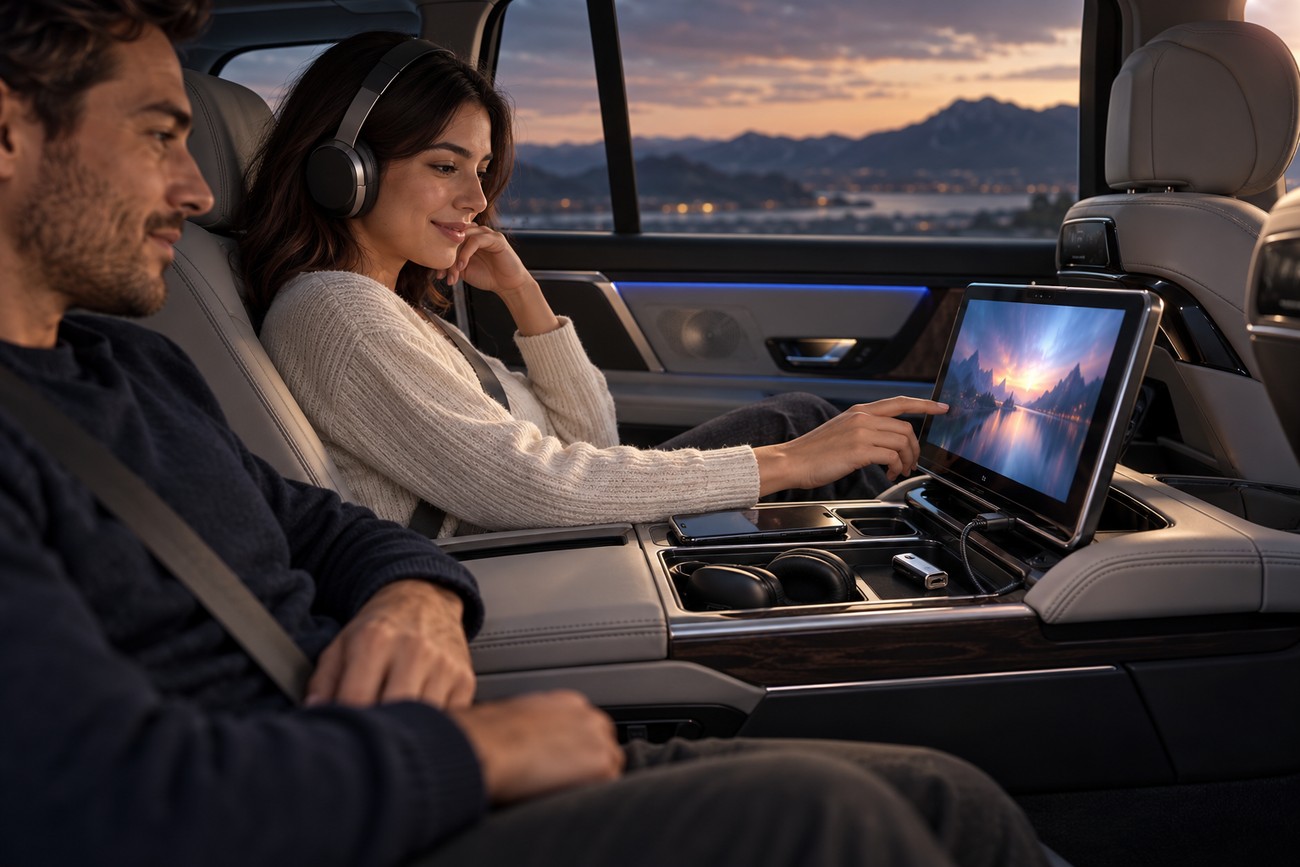
Check the content path before choosing the display. Common inputs include HDMI, USB, SD or microSD, Blu-ray/DVD, Miracast or Android casting, and mobile-hotspot integration. A system that accepts a file in theory may still reject its codec, audio track, subtitle format, or resolution, so test the files and services you actually use.
DVD-only systems can remain useful for a prepared disc library, but children often outgrow that limitation as streaming becomes their normal source. Streaming performance also depends on the vehicle connection, screen software, and thermal behavior. A 4K label describes capability under stated conditions; it does not promise stable playback through a weak mobile signal while the vehicle is moving.
Some 2024–2025 OEM solutions use Wi-Fi 6E and 5G access points and officially support simultaneous 4K streaming and cloud gaming across multiple rear displays. That is a high-end integration feature, not a reason to assume every built-in hotspot performs similarly. An integrated modem commonly requires a separate automaker or carrier subscription, even when the hardware is already installed.
Audio deserves as much attention as video. Small monitor speakers can sound thin or be overwhelmed by road noise, Bluetooth headphones may drop their connection, and infrared headphones are easy to misplace. Separate headphones reduce cabin noise and allow different passengers to watch different material; profiles and parental controls also help keep adult accounts and unsuitable content away from a child’s screen.
OEM and Aftermarket Installation: Safety First
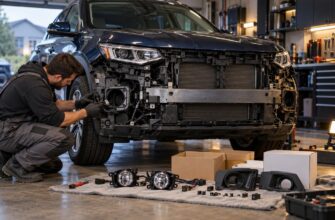
Factory RSE offers clean controls and vehicle-specific integration, but it depends on the model, software, harnesses, and safety architecture. Aftermarket equipment gives you more choice of streaming hardware and makes replacement easier, yet installation quality determines whether the result is quiet, secure, and safe. A universal-fit claim should be treated as a starting point for inspection.
Active headrests, seat-mounted airbags, and seat-frame construction can restrict screen mass, mounting position, and any seat modification. Some universal monitors claim compatibility with adjustable headrest posts without clearly addressing active headrests or airbags. An incorrectly positioned screen can become a hard obstacle in the head’s travel path, while interference with an active headrest may affect its intended movement during a crash.
Require a full movement and safety check of active headrests before finalizing a mount, then secure power and HDMI wiring so seat adjustment cannot pull on connectors or place a screen in the head’s travel path.
Power planning is equally practical. A monitor connected to a convenience outlet may introduce electrical noise, overload a circuit, blow a fuse, or drain the battery if its shutdown behavior is poorly managed. The installer should confirm the circuit’s protection, use suitable strain relief, and route cables away from seat tracks, belt hardware, and foot areas.
Loose HDMI and power cables cause more than visual untidiness: passengers catch them, connectors break, and seat movement transfers force into the ports. Poorly secured trim can develop rattles after travel on rough roads. One reported premium plug-and-play solution uses original Mercedes mounting hardware in the seatback of other vehicles without modifying the seat frame; that is a product-specific claim, not a general compatibility rule.
Costs, Subscriptions, and Ownership Trade-Offs
The cost of an RSE installation depends on the number and size of displays, factory integration, wiring, installation labor, audio hardware, and vehicle-specific trim work. A simple portable screen may require little permanent work, while a pair of integrated displays can involve seat disassembly, coding, custom routing, and testing. Comparing hardware prices alone gives an incomplete picture.
Built-in hotspot service is another recurring cost. Streaming through the vehicle’s modem commonly requires a manufacturer or carrier subscription, and the total over several years may exceed the cost of a separate SIM or mobile router. An independent router can also be moved between vehicles, although it adds another device to charge, secure, and manage.
Repair exposure differs by format. A failed roof-screen mechanism, vehicle-specific module, or headrest panel can produce a disproportionately high bill because the part is integrated into trim and software. Portable equipment is easier to replace, while aftermarket displays may be cheaper to source but harder to diagnose cleanly if their wiring or firmware is obscure.
OEM RSE is often difficult or uneconomical to transfer when the vehicle is sold or replaced. Many aftermarket Android monitors also receive few security updates while retaining access to Wi-Fi networks and household accounts. Use separate accounts where possible, avoid storing unnecessary credentials, and treat an inexpensive connected display as a device that needs privacy management.
A Practical Buying and Setup Checklist
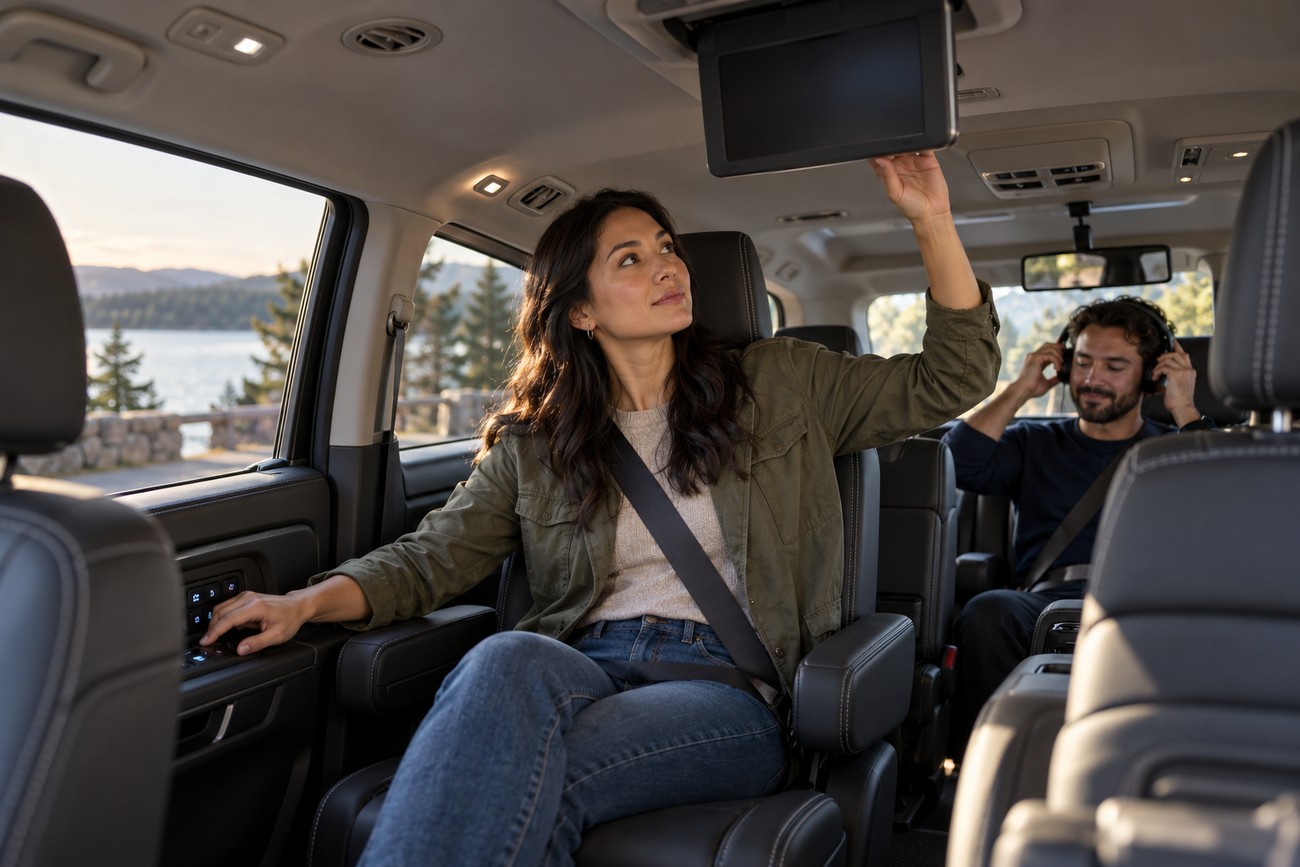
Start in the actual cabin, with the child seats and passengers who will use the system. Check the viewing angle from each seating position, the reach to controls, roof clearance, and the rearward view through the mirror. A roof monitor may be uncomfortable with a low roofline, sunroof, child seats, or a third row, especially for shorter passengers.
Confirm every required input and supported code before purchase. Decide whether both rear passengers need independent content or whether one shared screen is sufficient. Then check whether the chosen headphones support the display’s pairing method, how many devices can connect, and whether the vehicle head unit changes the available audio routes.
Have the installer budget power correctly, protect each circuit, and secure HDMI and charging cables against seat movement. Set up profiles, parental controls, and privacy options before the first trip. Keep household credentials off a shared Android display unless the software and reset procedure are trustworthy.
Finish with a road test rather than a driveway demonstration. Look for glare in changing light, poor angles, rattles, electrical interference, Bluetooth dropouts, and battery behavior after the vehicle is parked. Choose OEM RSE when deep integration and a factory finish matter most, aftermarket equipment when flexible content and replacement matter more, and portable equipment when occasional use and easy transfer are the priority.
Frequently asked questions
Which vehicles offer factory rear seat entertainment?
Availability depends on the exact vehicle, trim, model year, and market. A model-level advertisement is not sufficient because RSE may be optional, limited to a higher trim, or unavailable in a particular region.
Check the vehicle identification number, original build sheet, or current manufacturer equipment list. Confirm the actual displays, headphones, media inputs, hotspot terms, and warranty coverage rather than assuming that a similarly named trim includes the same system.
What should I do before selling a car with an Android rear screen?
Sign out of streaming services and Google accounts, remove saved Wi-Fi credentials, clear downloads, and delete locally stored files. Then perform a factory reset and verify after reboot that no account, browsing history, or personal media remains accessible.
Also remove paired headphones and phones, and check whether a removable SD card or USB drive contains data. If the unit cannot complete a reliable reset, have it wiped or replaced before handing over the vehicle.
What is the best rear seat entertainment system?
The best system is the one that matches the seating layout, safety hardware, content sources, and frequency of use. OEM RSE suits owners who value integrated controls and a factory appearance; aftermarket or portable equipment is often better for flexible streaming, independent screens, or future replacement.
What is the best infotainment system for a car back seat?
For most families, a system with secure mounting, separate headphone support, simple controls, and the required streaming or HDMI inputs is more useful than the highest display resolution. Confirm Bluetooth compatibility, parental controls, and cable routing before judging the screen specification.
How much does it cost to add a rear seat entertainment system?
There is no reliable universal price because the total depends on displays, integration, wiring, trim work, audio equipment, and labor. Portable equipment generally limits installation work, while roof-mounted, seatback, and OEM-style systems can require vehicle-specific fitting and coding.
Ask for an itemized quote covering power protection, cable routing, safety inspection, software setup, and future service. Include subscription costs for hotspot streaming and the likely replacement cost of the display or mounting hardware.