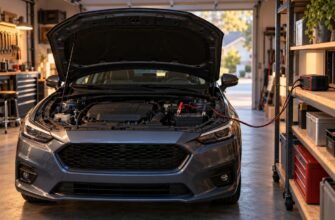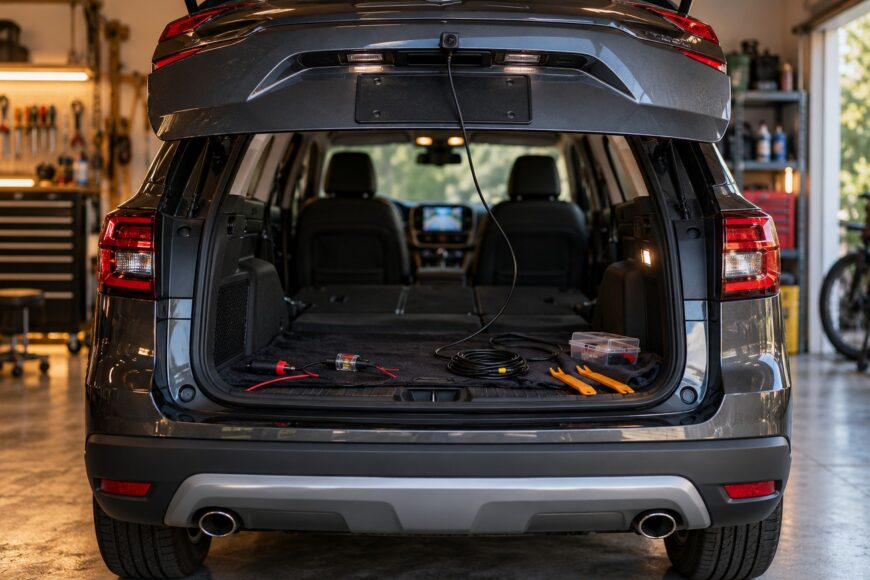
A “universal” backup camera may fit many cars on paper, yet compatibility, wiring, weather sealing, and night performance determine whether it is useful in daily driving. A camera can produce a picture during a bench test and still fail after installation because the screen expects PAL instead of NTSC, the vehicle uses a CAN-based reverse signal, or the cable passes through a wet hatch hinge.
The reliable goal is a complete system that wakes when reverse is selected, shows a stable image, survives rain and vibration, and helps you judge distance. Older cars without a factory camera can usually be upgraded, but the vehicle’s body, electrical architecture, trim, and display must be assessed before you buy a kit.
- What “universal” really means on a car
- Choose a camera and screen that will actually work together
- Plan the installation before removing trim
- Wire and mount the camera without creating new faults
- Set the viewing angle and test it in real conditions
- Diagnose black screens, flicker, delay, and fogging
- The trade-offs installers and sellers often leave out
- Frequently asked questions
- How much does it cost to have a backup camera installed in a car?
- How can I add a backup camera to an old car?
- Can a backup camera drain the battery when the car is parked?
What “universal” really means on a car
A universal camera must fit the chosen mounting point, connect to the display, receive the correct reverse command, and reach the screen through a practical cable route. Tailgates, hatch handles, door-mounted spare tires, and limited access behind body panels can make a nominally universal kit unsuitable. Cable length also matters, especially on long vehicles or cars with a rear-mounted screen connection.
Most universal cameras use the vehicle’s 12 V electrical system and draw about 50–200 mA. That load is modest, yet the connection still needs a solid ground, suitable protection, and a clean trigger signal. A poor connection at the reverse lamp can cause flicker, resets, or image noise even when the camera itself is functional.
Factory head units add another compatibility issue. Some accept a reverse signal through CAN rather than a direct 12 V input, so the head unit may need an additional interface before it will switch to an aftermarket camera. A simple wire connected to the reverse lamp cannot always reproduce the signal expected by the factory system.
Inspect the hatch movement and cable path before removing trim. A wire that crosses a flexing rubber boot without enough slack can break internally, while a cable routed around a spare tire or opening door can be pinched. “Fits any car” describes a product category; it does not guarantee a suitable mounting surface, harness route, or interface for your vehicle.
Choose a camera and screen that will actually work together
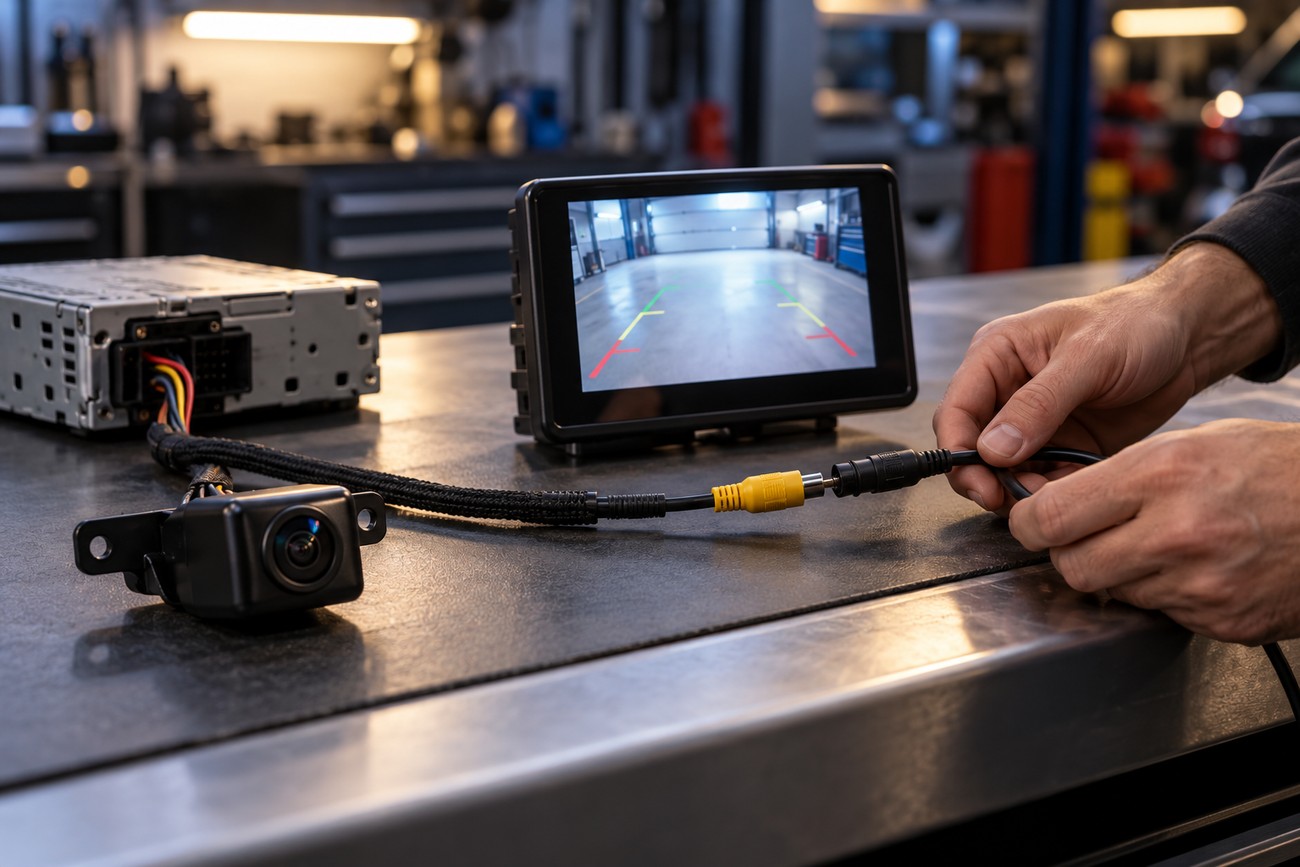
Start with the video standard required by the display. Cameras and displays may use NTSC or PAL; a mismatch can cause a black-and-white image, shifted image, or no image. Confirm the specification of the camera and the screen together before ordering, particularly when using an older factory head unit or an inexpensive replacement monitor.
Common inexpensive cameras advertise about 120–170° viewing angles. Wider angles improve width coverage, yet they also increase geometric distortion and can make objects appear farther away than they are. About 120–140° is often easier for judging distance than an extreme 160–170° view, especially when reversing close to a wall or another vehicle.
For night parking, about 0.1–0.5 lux is a reasonable practical benchmark. Claims such as 0.01 lux or “night vision” are not automatically reliable, and budget built-in infrared lighting often adds limited useful visibility. It can also overexpose shiny surfaces and license plates, while headlights behind the vehicle may still overwhelm the sensor.
Weather protection deserves close inspection. Many models claim IP67–IP68, but a fully sealed housing without exposed outdoor connectors is a stronger practical durability indicator. A license-plate-frame camera must also preserve the visibility of plate characters and required illumination where local rules require it. Mirror-mounted screens can be harder to read in daylight because of glare and tinting than a dedicated monitor or compatible factory head unit.
Plan the installation before removing trim
Verify the camera format, screen input, reverse-trigger method, cable length, mounting location, hatch movement, and local plate rules before drilling or unclipping panels. Check whether the camera’s guide lines can be disabled, whether the screen accepts the signal directly, and whether the factory parking system has its own camera or switching logic. These checks prevent a finished installation from becoming a compatibility project.
Prepare trim tools, a multimeter, wire protection, suitable connectors, sealing material, and an inline fuse. A temporary bench test should include the camera, screen, trigger connection, power, ground, and the actual video cable. Testing only the camera on a short lead can conceal interference, a weak connector, or a display-standard problem that appears after the system is fully routed.
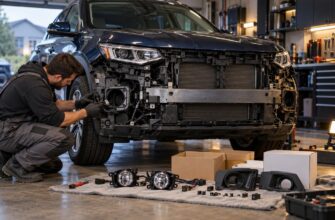
Allow about 3–5 hours for a first-time installation, depending on trim, mounting, wiring, and compatibility. Rushing the job can break clips, damage insulation, or lead to a hole being drilled without corrosion protection. Identify existing grommets and unused mounting points first; avoiding a new hole is often the cleanest way to improve long-term reliability.
Plan electrical protection before connecting anything. An inline fuse and solid grounding help prevent a camera short from affecting the reverse-light circuit. Every drilled surface and cable-entry point must be sealed and protected against corrosion, because water entering the trunk can oxidize connectors and create faults that look like a failed camera.
Wire and mount the camera without creating new faults
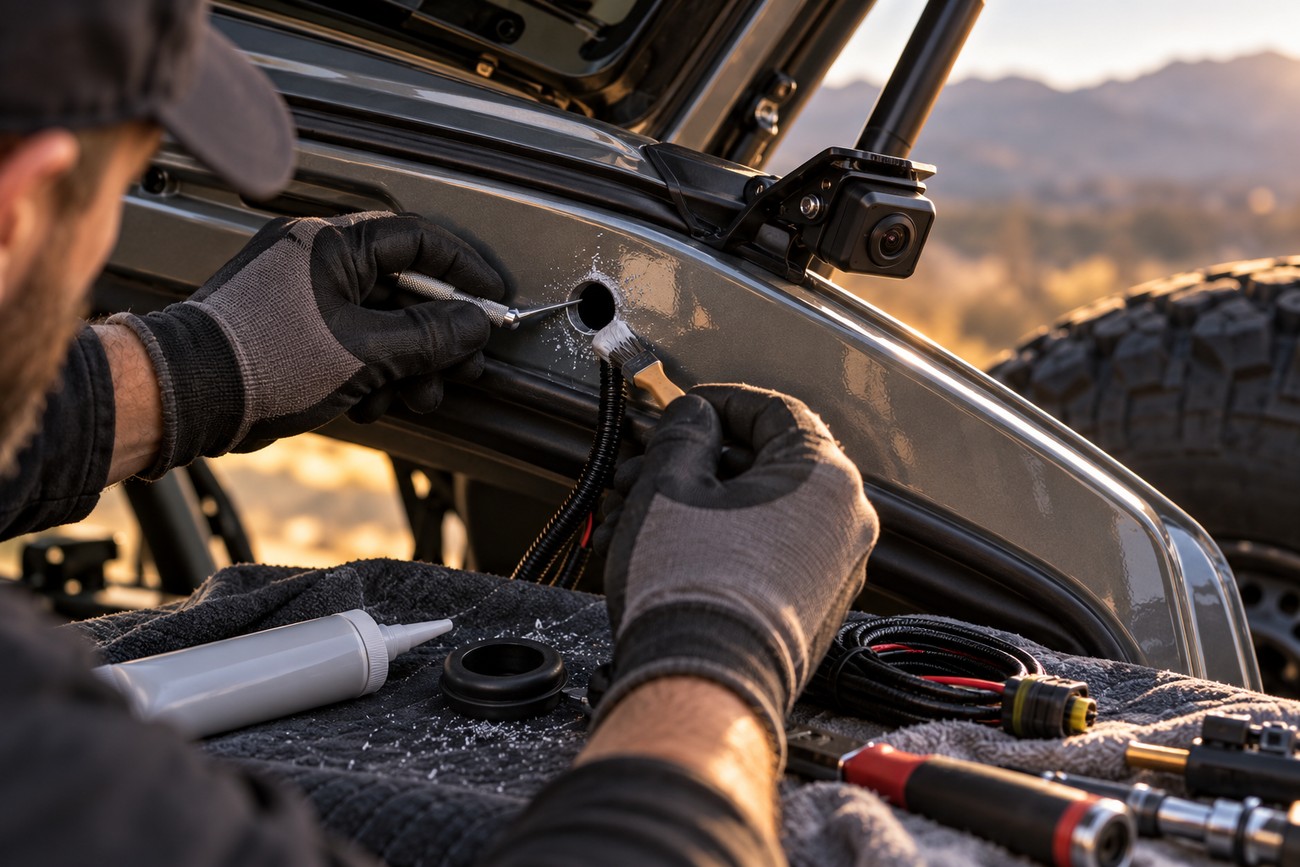
Position the camera where it has a clear view and where its housing will not be struck by luggage, a spare tire, or the moving hatch. Test the angle temporarily, then mark the mounting holes and cable entry. If drilling is unavoidable, deburr the metal, apply corrosion protection, and seal the hole after the cable is installed.
Connect power and ground according to the vehicle’s wiring design, then connect the reverse trigger required by the screen or interface. Direct connection to the reverse-lamp circuit can contribute to voltage drop, interference, flicker, or camera resets. If that circuit is used as a trigger, the camera’s main supply may still need a cleaner protected source, depending on the vehicle and equipment.
Bench-test the complete camera, screen, trigger, and cable before routing anything behind trim. If interference appears, replacing a low-grade supplied video lead with a properly shielded cable can save hours of fault tracing.
Route the video cable away from high-current wiring. Running video beside heated-window, amplifier, or head-unit power lines can cause stripes, shimmer, or other interference. Secure the cable so it cannot rattle, rub on sharp edges, or become tight when the hatch opens; protect it inside flexing sections with suitable loom or sleeve.
A wired connection usually gives more predictable results than a wireless link. Wireless systems eliminate the long video cable, yet they can introduce delay, interference, and unstable transmitter power. Whichever route you choose, keep connectors dry, support the harness near the camera, and recheck the hatch flex point after several full opening cycles.
Set the viewing angle and test it in real conditions
Aim the camera with the vehicle on level ground and use actual reversing maneuvers rather than trusting the supplied guide lines. You should see enough ground to identify low obstacles, while the horizon remains high enough to show the area behind the car. A camera aimed too low shows pavement and loses useful distance; one aimed too high can miss objects close to the bumper.
Built-in parking guides may not be calibratable and can diverge substantially from the car’s real boundaries. Treat them as a visual reference until you verify them with the vehicle’s actual width and path. Place safe markers behind the car, reverse slowly, and compare the screen position with the real vehicle edges before relying on the lines.
Check the image in daylight, dusk, and darkness. Look for glare from headlights, reflections from license plates, and loss of detail in shadowed areas. A 160–170° view can make objects appear farther away because of strong geometric distortion, so the wider image should not be mistaken for more accurate distance information.
Keep the lens clean. Dirt, salt, and water drops can severely reduce visibility, especially at night, and a camera that seems weak may simply have a contaminated lens. Budget infrared illumination can add reflections rather than useful detail, so judge the camera by the image it produces on your vehicle in real conditions.
Diagnose black screens, flicker, delay, and fogging
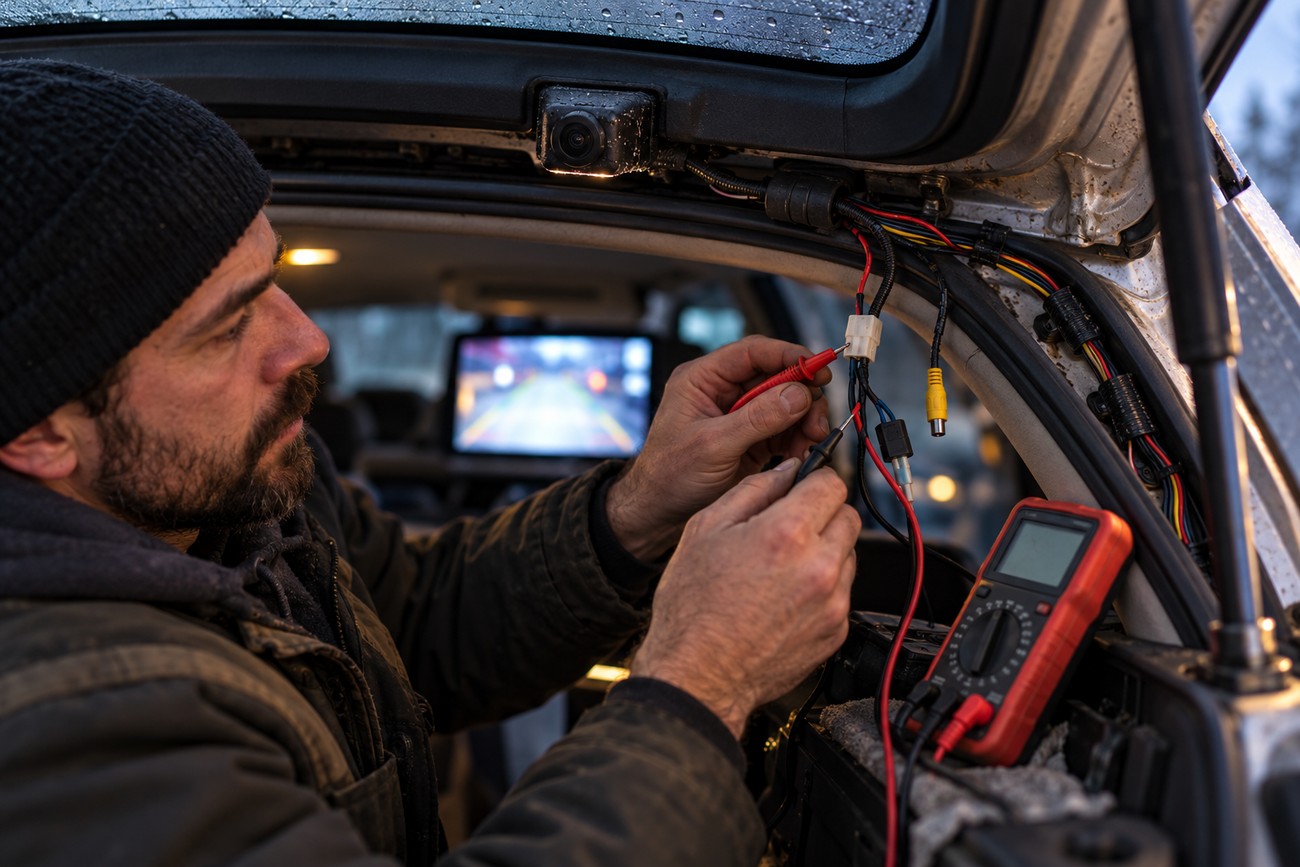
Trace the signal path in order instead of replacing parts randomly: video format, screen input, reverse trigger, power, ground, connectors, and cable routing. A black-and-white, shifted, or missing image can indicate NTSC/PAL incompatibility. Confirm the screen is on the correct input and that the head unit actually receives the required reverse command.
An unstable image usually points toward power, ground, connector, or interference problems. Check voltage at the camera while reverse is selected, inspect crimped or exposed connections, and move the video cable away from heated-window, amplifier, and head-unit power wiring. Direct reverse-lamp power can produce voltage drop or switching noise that appears as flicker or repeated resets.
A camera may take 1–2 seconds to wake after reverse is selected, especially when the power or trigger circuit is marginal. Factory parking radar or sensor systems can also conflict with aftermarket cameras and cause switching delays or head-unit lag. If the camera works consistently on a separate test display, the fault may be the factory integration rather than the camera.
Condensation after rain usually points to inadequate sealing or an exposed outdoor connector. Inspect the housing, cable gland, mounting hole, and any connector near the bumper or plate. Poor night performance should be checked after cleaning the lens and testing for glare before assuming the advertised low-light specification is accurate.
The trade-offs installers and sellers often leave out
A first-time installation often takes about 3–5 hours because trim removal, cable routing, testing, and sealing take longer than mounting the camera itself. A one-hour estimate may apply to a vehicle already prepared for the option, not to every older car. Rushed work can leave broken clips, an unsealed hole, or a harness that fails when the hatch moves.
Wireless equipment removes the long video cable, yet it can add delay, interference, and unstable transmitter power. A properly routed wired connection is often more dependable. Similarly, a 170° camera is not automatically better: the extra width comes with distortion, and a 120–140° view is often easier for judging distance.
Infrared LEDs do not make a budget camera perform like daylight. Their practical benefit may be limited, and shiny surfaces or license plates can become overexposed. Mirror displays may also suffer from daytime glare and tinting, while a plate-frame camera can vibrate on rough roads and make the image tiring to watch.
Check local requirements before fitting a plate-frame camera. The installation must not obscure plate characters or required illumination where local rules prohibit it. Also verify warranty and insurance conditions for nonstandard camera or monitor wiring, since certification or installation compliance may matter after an electrical fault or insurance incident.
Frequently asked questions
The right installation depends on the camera, display, trigger signal, wiring, and mounting location. Testing the complete system before routing cables can reveal compatibility or power problems early. The following questions cover installation cost, retrofitting an older car, and battery drain.
How much does it cost to have a backup camera installed in a car?
The cost depends on the camera type, the display, and the amount of vehicle work required. A simple camera connected to an existing compatible input needs less labor than a retrofit requiring a new monitor, head-unit replacement, drilling, extensive trim removal, or corrosion protection.
CAN integration, difficult hatch routing, troubleshooting, and repair of poor previous wiring can add substantially to the job. Ask for a quote that separates the camera, display or interface, installation labor, and any diagnostic or bodywork charges. That makes a low initial price easier to compare with a complete installation.
How can I add a backup camera to an old car?
An old car without a factory camera can use an aftermarket monitor or a replacement head unit with a compatible camera input. The camera normally uses the vehicle’s 12 V system and draws about 50–200 mA, while the screen needs its own suitable power and reverse-switching arrangement.
Use a reverse-trigger wire when the display accepts one. If the vehicle or factory head unit requires a CAN-based reverse signal, an additional interface may be needed. A professional installer is justified when trim is difficult to remove, the vehicle has complex factory electronics, or drilling and sealing cannot be completed confidently.
Can a backup camera drain the battery when the car is parked?
The risk depends on whether the camera is powered only in reverse or connected to a circuit that remains live while the car is parked. A correctly switched camera should shut down with the reverse system, while an incorrectly connected monitor, transmitter, or control module can remain active and create a parasitic draw.
To verify the result, measure the vehicle’s standby current with the car locked and allowed to enter its normal sleep state, then compare it with the system disconnected. Use the vehicle’s service procedure for that measurement, because opening doors or waking the network can change the reading. If the draw remains high, inspect the camera, monitor, interface, and trigger wiring individually.