An OBD log can look detailed while hiding delayed responses, missing channels, or values that the ECU never supplied. A long CSV file is easy to collect; a record you can trust is harder. For tune testing, a small set of verified parameters usually tells you more than an overloaded low-cost adapter trying to capture everything at once.
Logging gives you evidence from a defined operating condition. It can help you spot a repeatable change or a suspicious gap in the data, but it cannot establish on its own that a calibration is correct or safe. The first job is to establish what the interface actually records and when each value arrives.
- What OBD Tune Logging Actually Measures
- Choose a Minimal PID Set Before You Drive
- Set Up the Adapter and Record a Repeatable Test
- Interpret Load, Speed, Temperature, and Other PIDs Correctly
- Why OBD Logs Become Slow, Fragmented, or Misleading
- Validate the Log Before Using It to Judge a Tune
- Frequently asked questions
- What data can you get from OBD?
- What is data logging when tuning a car?
- How do you record OBD2 data without corrupting the test?
What OBD Tune Logging Actually Measures
Data logging is a time-stamped record of ECU responses collected during a test. Unlike a dashboard display, it lets you review the sequence afterward, compare repeat runs, and inspect gaps. That usefulness depends on recording the operating conditions as carefully as the numbers.
SAE J1979/ISO 15031-5 defines formats, timing requirements, and behavior for emissions-related OBD requests and responses. Standard OBD access is oriented toward diagnostic and emissions data, so it can provide useful context without exposing the ECU’s complete control strategy. A displayed diagnostic value may also be calculated from other inputs rather than read directly from a sensor.
The ECU declares which standard PIDs it supports. If a requested PID is unavailable, that does not by itself indicate an interface fault; the vehicle may simply not offer it through standard OBD. Check support before treating an empty field as a failed measurement.
Calibration work may depend on OEM sensors, internal channels, or calculations that a generic app cannot request. Those signals and extended PIDs may require a proprietary protocol or application. Before planning a test around ignition, lambda, boost, or torque-related data, confirm that the chosen logging method can access the specific channels you need.
Choose a Minimal PID Set Before You Drive
Start by requesting the ECU’s supported-PID list, then choose channels that answer one test question. For a controlled pull, engine speed, a supported load indication, and the relevant available temperature can provide context for comparing runs. For steady cruise, prioritize parameters that show the condition remained steady; for a repeatability check, keep the same channel set across recordings.
Each extra request consumes time in the polling cycle. Selecting dozens of PIDs “just in case” can leave fewer useful observations of the event you meant to study, particularly if responses are slow or the adapter struggles. Save a broader diagnostic scan for a separate session when timing matters less.
Keep the meaning of each chosen channel explicit. PID 04 is calculated engine load, not a universal throttle-opening percentage, cylinder-filling percentage, or torque output. If throttle position or another measure is central to the test, verify that the relevant PID is supported and understand what its definition represents.
Record an absent response as missing data, never as numerical zero. A zero can be a legitimate reported value, while a blank, timeout, or unsupported PID says nothing about the physical state being measured. That distinction prevents a spreadsheet or graph from turning a communication failure into an apparent engine event.
Set Up the Adapter and Record a Repeatable Test
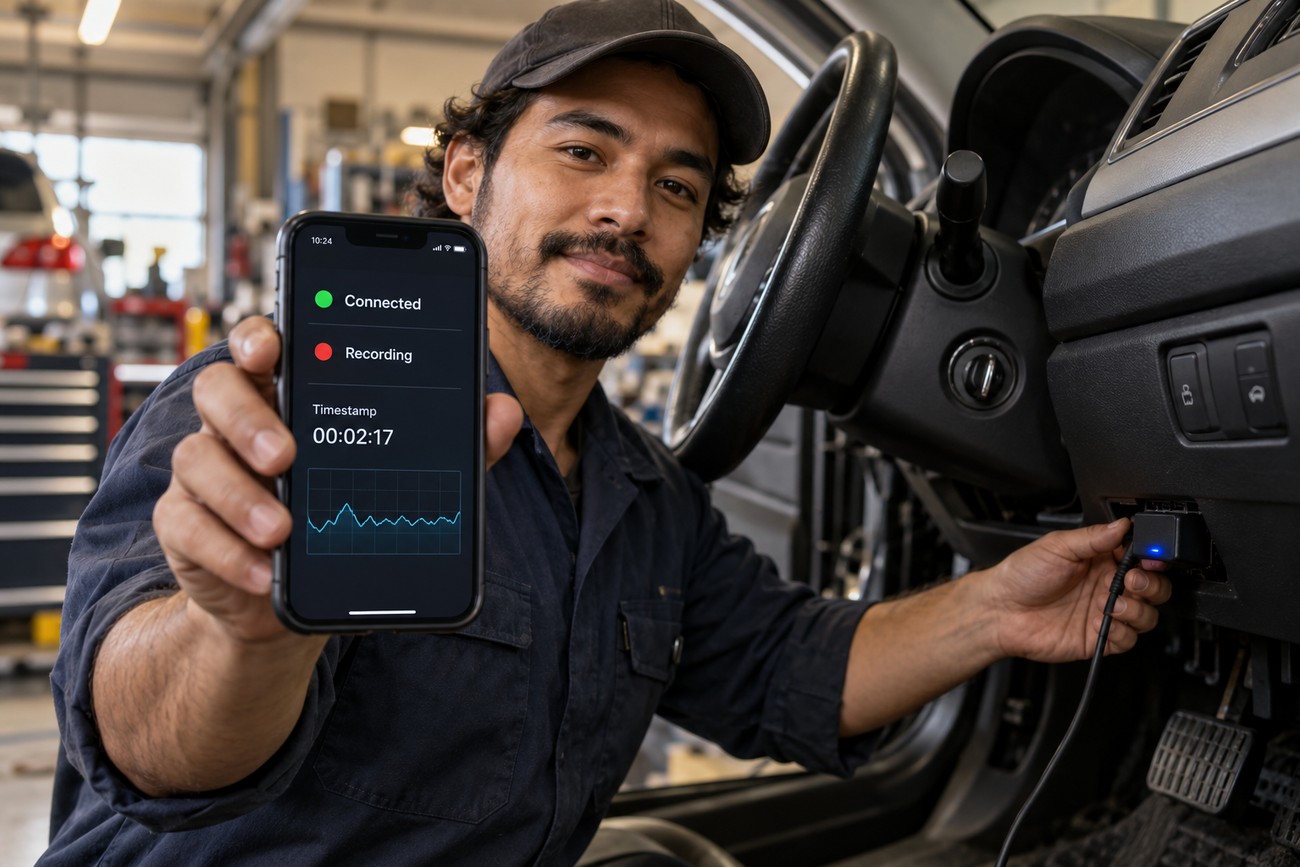
Check the adapter against the vehicle protocol and the app you intend to use, then test whether it maintains a connection while recording. Devices labeled ELM327 can differ in implementation, protocol support, buffering, and monitoring stability. A device that reads a trouble code may still prove unreliable during a sustained log.
Configure the app to retain timestamps that move consistently forward and to identify missing responses rather than filling them silently. Disable phone settings likely to suspend the app or wireless connection during the run, and check that the adapter has stable power. Bluetooth or Wi-Fi interruptions can stem from phone sleep, energy saving, interference, or the adapter itself; a disconnect is not automatically an ECU fault.
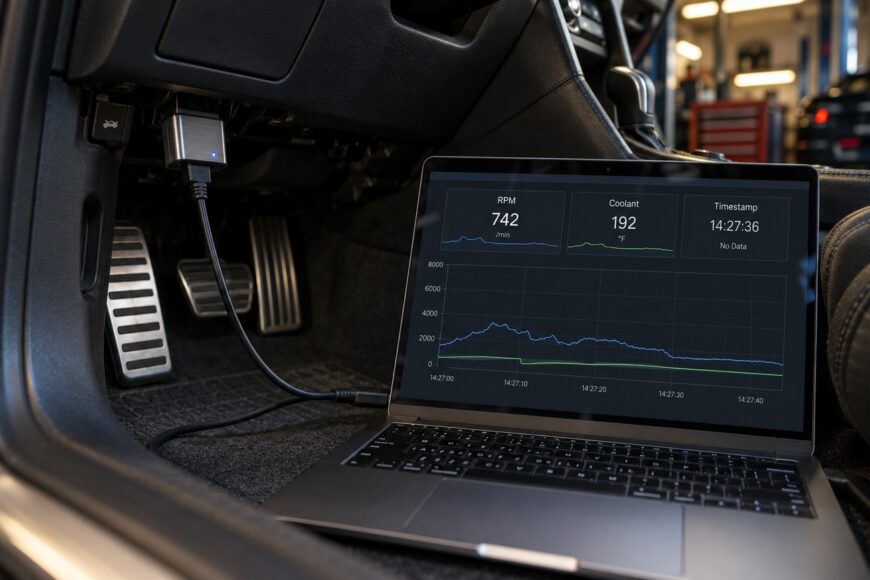
Record a stable idle baseline before driving. It gives you an operating condition in which jumps, missing frames, and values that stop updating are easier to notice. Open the saved file after that check to confirm that the requested channels and timestamps actually appear, rather than relying on moving gauges in the app.
Define the driving test before starting: gear or operating range where relevant, engine-speed range, temperature, intended load, and the point at which you will repeat or abandon a run. Use a suitable, lawful setting and avoid interacting with the phone while driving. Comparing tune changes is more credible when the conditions match and the recording remains continuous.
Interpret Load, Speed, Temperature, and Other PIDs Correctly
Standard PID names come with defined encodings, formulas, and ranges. The standard engine-speed representation can cover up to 16,383 rpm, vehicle speed up to 255 km/h, and coolant temperature from −40 to 215 °C. These are representation limits, not evidence that a particular vehicle can reach them or that every displayed sample is current.
Calculated engine load, PID 04, deserves particular care. It is not interchangeable with throttle position, cylinder filling, or calculated torque. The standard also defines absolute load separately; seeing “load” in an app does not establish which measure it uses. Keep the PID identifier and units alongside the label when comparing files.
Similar caution applies to ignition timing, lambda, boost, and torque-model channels. Some information may be available through supported standard PIDs, while the channel a calibrator actually needs may be OEM-specific or internal. A plausible gauge reading alone cannot confirm that a generic interface has captured the same signal used by the calibration.
Applications may disagree because they use different formulas, units, polling behavior, or interpretations of manufacturer-specific PIDs. Before comparing two exports, check their channel definitions and whether both apps received fresh responses. Agreement in the shape of a graph is less useful if one trace contains repeated old values.
Why OBD Logs Become Slow, Fragmented, or Misleading
Generic OBD logging is generally sequential polling, not a synchronized snapshot of all selected parameters. Engine speed may be requested and answered before load or temperature, even if the app places them on one CSV row. During a changing operating condition, that timing difference can make a relationship between channels appear cleaner than the underlying measurements justify.
The observed frequency depends on the vehicle protocol, ECU response time, number of PIDs, interface, and application. The rate at which an app writes CSV rows is not necessarily the rate at which the ECU provides new responses. An advertised “real-time” rate therefore cannot describe every channel in every session.
When a run becomes unreliable, reduce the channel set and polling burden before repeating it. A “BUFFER FULL” message, a frozen value, and a wireless dropout point to different failure points; treating them all as an engine event can send diagnosis in the wrong direction.
An ELM327 serial buffer can overflow during intensive monitoring, potentially stopping the mode with a “BUFFER FULL” message. That interruption differs from an ECU that stops answering a particular request or a phone that loses its connection. Preserve app messages and the last valid timestamps so you can locate where the record failed.
ELM327 adaptive timing can adjust request timing behavior, but it does not make the interface a high-frequency ECU oscilloscope. Requesting more PIDs or pushing the polling rate can increase timeouts and data loss instead of improving useful resolution. A cleaner, narrower log is often the better basis for comparison.
Validate the Log Before Using It to Judge a Tune
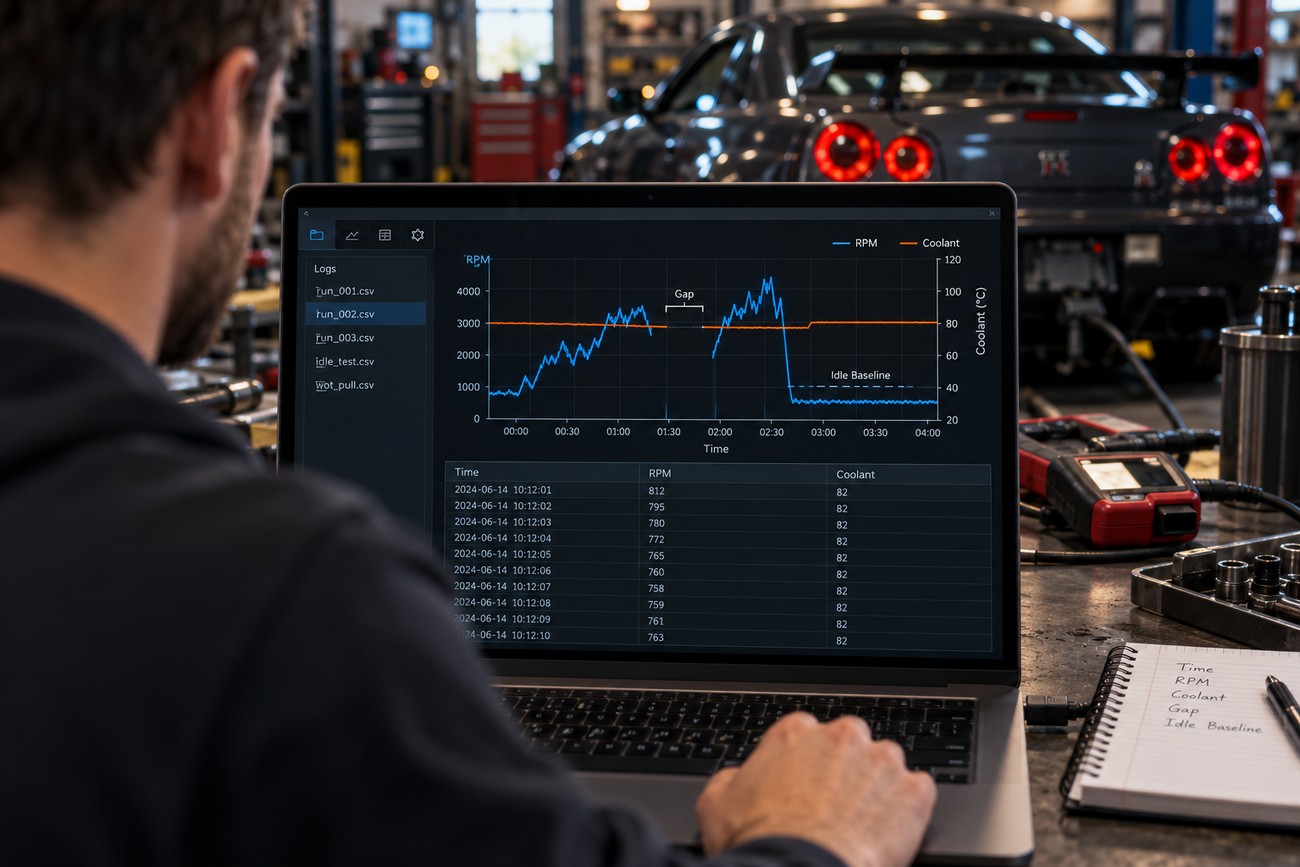
Inspect the file before interpreting the driving event. Check that timestamps move forward, note gaps and missing responses, and look for values that jump implausibly or remain fixed while the operating condition changes. Compare those patterns with the stable idle baseline; a frozen channel visible at idle should not become evidence of a tune issue later.
Use monotonic timestamps and account for each response’s delay rather than relying only on CSV row numbers. For a short transient, values shown side by side may describe slightly different moments. If that offset could change your conclusion, the log lacks the timing precision needed for that conclusion.
Compare identical repeat runs using the same channel set and defined operating conditions. A change that appears in one recording alongside gaps or stale values deserves another test before it is attributed to the calibration. Consistent observations improve the evidence, though they still do not prove the tune safe under conditions you have not measured.
Fast calibration signals may require a proprietary logger, CAN capture, or an analog/frequency input instead of standard OBD PIDs. Choose that equipment when the decision depends on a signal unavailable through generic access or on timing the interface cannot resolve. Standard OBD remains useful for context and screening when its limits are visible in the record.
Frequently asked questions
The answers below clarify what generic OBD logging can capture and how to assess its reliability. They also explain why a detailed-looking file may not provide synchronized or complete measurements. Use them alongside the validation steps above.
What data can you get from OBD?
A generic OBD interface can request the standard diagnostic and emissions PIDs that the ECU declares it supports. Some reported values are calculated measures, such as PID 04 engine load, rather than direct measurements of throttle opening or torque. OEM-specific sensors, internal signals, and extended PIDs may need a proprietary protocol or application; a generic app cannot make an unsupported channel available by giving it a label.
What is data logging when tuning a car?
Data logging is a time-stamped test record of ECU responses under documented operating conditions. A live gauge or screenshot shows a moment; a log lets you inspect continuity and compare repeat runs. It remains evidence for a specific test, rather than proof that every ECU signal was measured simultaneously or that the tune is safe.
How do you record OBD2 data without corrupting the test?
Before driving, verify PID support, select only the needed channels, keep the phone and adapter powered and connected, and record a stable idle sample. Use monotonic timestamps, define the run conditions, and leave the app undisturbed during the test. Afterward, open the saved file and check its timestamps, missing responses, and final entries before drawing conclusions from the graph.