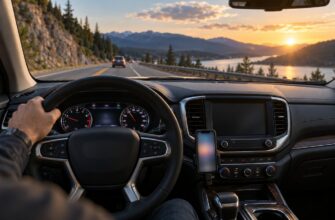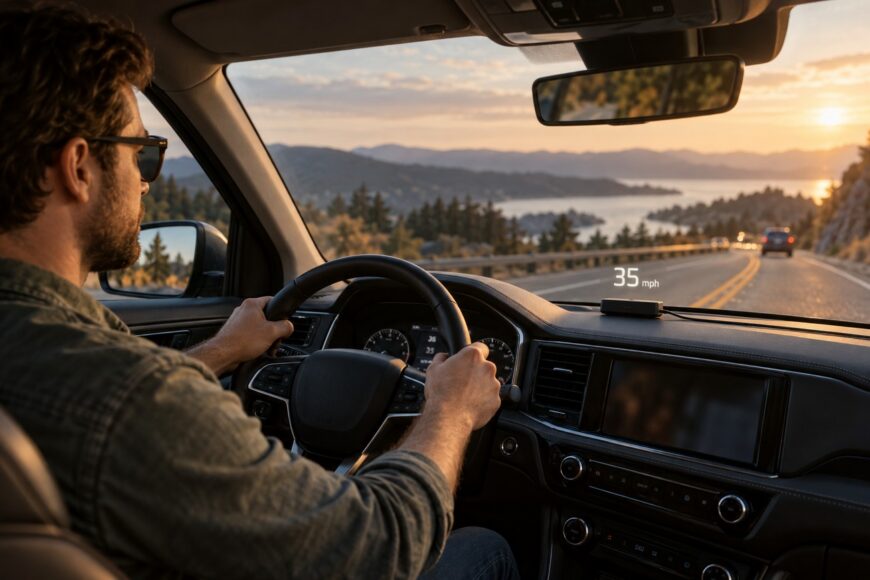
Seeing your speed near the road can make a head-up display (HUD) appealing, especially if you would rather glance up than look down at the instrument cluster. An aftermarket unit can bring that view to a car that did not leave the factory with one. The benefit depends on whether the numbers are readable from your normal driving position and worth the extra display in your field of view.
A HUD that powers on may still leave out the vehicle data you wanted. Its image may double on the windshield, disappear in direct sun, or shine too brightly at night. Choosing one means checking two separate things: where its information comes from and how it presents that information. A temporary fit and a careful road test can reveal more than a “plug-and-play” claim.
- GPS vs OBD HUDs: Data, Coverage, and Trade-Offs
- Check Your Car and Windshield Before You Buy
- Find a Readable Position Without Blocking Your View
- Install the HUD and Route Its Power Safely
- Test Speed, Brightness, and Reliability on the Road
- When Adding a HUD Is Worth It—and When It Is Not
- Frequently asked questions
- How much does it cost to add a head-up display to a car?
- How much does it cost to put in a heads-up display in a car?
- What is the $3000 rule for cars?
GPS vs OBD HUDs: Data, Coverage, and Trade-Offs
The first choice is the data connection. A GPS HUD calculates its own speed and does not need ECU access; an OBD HUD obtains supported vehicle parameters through a diagnostic connection.
| Data source | Connection and typical data | Predictable limitations | Best fit |
|---|---|---|---|
| GPS-only | Uses satellite signals to calculate speed and, on some units, direction. It still needs power, but no connection to the vehicle’s ECU. | Reception can degrade in tunnels, underground parking, and dense urban areas. It cannot read engine or diagnostic data on its own. | A driver who mainly wants a speed display, particularly when vehicle-data compatibility is uncertain. |
| OBD-connected | Uses a diagnostic connection for supported values such as speed or selected engine readings. | Available parameters depend on the specific vehicle, powertrain, and protocol. A matching connector does not ensure that every advertised reading works. | A driver who wants particular vehicle readings and can confirm support for their car. |
Data source is separate from display style. Either type may project onto the windshield or show an image on a separate transparent combiner. The former relies on the car’s glass for reflection; the latter carries its own viewing surface and needs a suitable place on the dashboard.
A GPS label does not imply access to engine speed, coolant temperature, vehicle voltage, or fault codes. Engine and diagnostic readings require vehicle data and device support; voltage may be measured through a suitable power connection. Likewise, an OBD connector does not tell you whether the image will be sharp through your windshield. Compare the information you need and the optical setup as two independent buying decisions.
Some units offer more than one data mode. If you switch between GPS-derived and vehicle-derived speed, the display may respond differently because the readings come from different sources. Check which mode is active before judging a mismatch or assuming a setting has fixed it.
Check Your Car and Windshield Before You Buy
Start with a short list of the readings you would use. If speed is enough, a GPS HUD avoids a vehicle-data compatibility check, though it still needs reception and a suitable power source. If you want engine readings, look for seller documentation covering your exact make, model, year, engine or powertrain, and supported protocol. Ask which individual parameters the device can show on that combination.
Connector shape, model year, and an OBD-II/EOBD label alone are not guarantees. Hybrids, diesels, vehicles with modified ECUs, and some individual models may offer limited readings or fail to work with a particular OBD HUD. A unit can receive power from the diagnostic port and light up while failing to obtain the value you bought it to display.
Next, inspect the proposed viewing area from your normal seating position. Check that the dashboard has room for the unit or combiner without covering existing controls. For a windshield projection, assess the glass where the image would appear: curvature or special glazing can make it double, dim, or displaced. A clear image on a product page says little about how it will look through your windshield.
Find out whether the projector calls for reflective film and whether you are willing to place it on the glass. Film can help a compatible setup produce a single readable image, but it is worth testing the projected position before applying anything. Keep the return terms in mind if the optics, required readings, or mounting space cannot be verified until the unit is in your car.
Find a Readable Position Without Blocking Your View
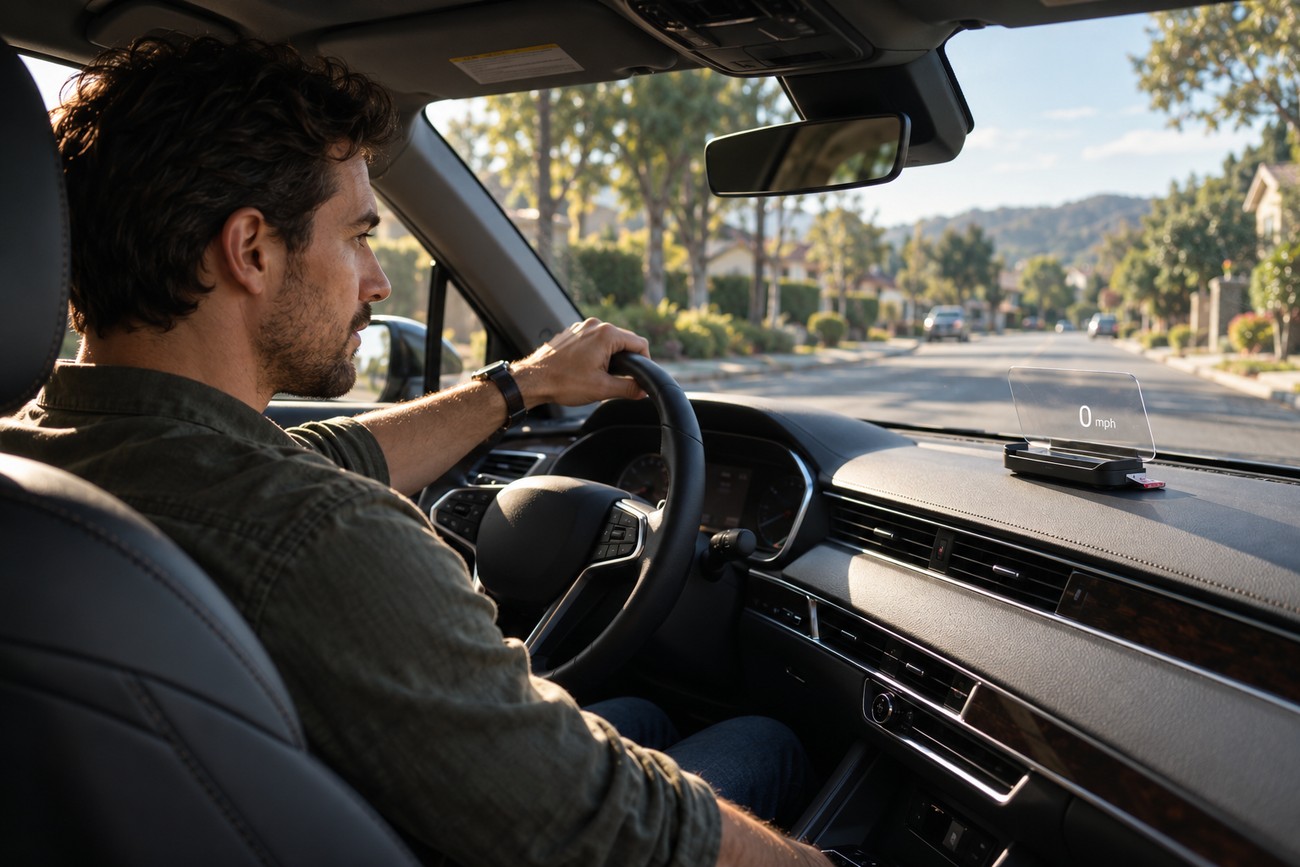
Place the HUD temporarily before removing adhesive backing or applying reflective film. With the car parked, sit as you normally drive and look through the intended display area toward the road. Move the device until the image is in focus and easy to find with a brief glance. If seeing it requires leaning forward or changing your seat position, that location is unlikely to work in daily use.
Test in daylight and after dark. Direct sun may wash out a display that looked clear in a garage; a setting bright enough for daytime may become an unwanted light source at night. Check for reflections elsewhere on the glass as well as the intended image. Adjust brightness while parked, then decide whether the available range works at both ends of the day.
A windshield projector and a transparent combiner solve different placement problems. Windshield curvature or coatings can split or shift a projected image, and moving the projector may change its focus. A combiner avoids relying on windshield reflection, but its screen and base need appropriate dashboard space. Neither style is automatically less intrusive from the driver’s seat.
Keep the windshield area needed to see the road unobstructed. Restrictions on added displays depend on the vehicle and jurisdiction, so check the rules that apply where you drive before fixing a device or film in place. If the only readable position blocks a useful view of traffic, choose another location or return the HUD.
Optical test language on a product listing is no substitute for this fit check. SAE J1757-2 describes methods for measuring automotive HUD optical characteristics under different ambient lighting conditions; it sets no mandatory pass thresholds and does not certify a particular aftermarket installation. Your seated view, in your car’s lighting conditions, remains the practical test.
Install the HUD and Route Its Power Safely
Begin with a temporary connection and follow the device’s instructions for its specified power and data leads. An OBD HUD obtains supported vehicle parameters through the diagnostic connection; a GPS HUD does not need ECU access, although it still needs power. Confirm that the unit starts and shows the expected information before fixing the base, combiner, or film in place.
Choose a stable, removable mounting position that does not cover controls or interfere with your forward view. Clean the mounting surface as directed by the device maker and avoid placing adhesive where removal could damage a finish. If the proposed position conflicts with an airbag area or another safety system, do not route or mount the accessory there.
Plan the cable path with the driver’s footwell and steering movement in mind. Secure excess cable so it cannot drop near the pedals, catch around the steering column, or obstruct access to the diagnostic port. A lead that looks tidy while the car is parked can still pull taut when the seat or steering wheel is adjusted, so check their normal range of movement.
Leave connectors accessible and avoid forcing a plug or trapping a cable under trim. If safe routing would require work around safety equipment or wiring you cannot identify, consider professional installation. The goal is a secure accessory that can also be removed for troubleshooting without disturbing the car’s original equipment.
Finish with a stationary startup and shutdown check. Verify that the requested readings appear after the usual start sequence and that the unit behaves as expected when you park and switch the car off. A lit OBD HUD still does not prove that every advertised parameter is available; record missing values now, while the device is easy to move or return.
Test Speed, Brightness, and Reliability on the Road
Set the display while stationary, then use ordinary drives to judge it without adjusting controls in motion. Compare its speed reading with the factory speedometer at several steady speeds and as speed changes. Note whether a difference is consistent or whether the HUD takes time to catch up. Keep using the factory instruments if the added reading is uncertain.
Marketing descriptions may promise accurate speed, while some practical tests have reported deviations around 10%. That observation is not a universal error rate for aftermarket HUDs. The useful check is how your chosen unit behaves in your car, with its current data mode and settings, rather than whether a headline accuracy claim sounds convincing.
For a GPS HUD, pay attention to what happens after a tunnel or another area with poor reception, without treating the display as your sole speed reference. Reception can degrade in tunnels, underground parking, and dense urban areas; users report speed delays of 1–3 seconds in difficult urban conditions, rather than as a fixed specification. A delay during changing speed matters more than a small difference while cruising steadily.
Revisit brightness on a sunny drive and again at night. A number that disappears in direct sunlight is of limited use, while one that draws your eye in darkness adds distraction. Make any adjustments after stopping safely. Check from your usual seat position, since an image can look clear to a passenger and still be awkward for the driver.
Use the return window to repeat the checks after several starts and trips. Some users report that data appears only after restarting a HUD following engine startup; incomplete readings, intermittent signals, and a fragile or unreliable cable are also reasons to reconsider the purchase. If performance depends on repeated resets or constant attention, a cleaner installation will not solve the underlying problem.
When Adding a HUD Is Worth It—and When It Is Not
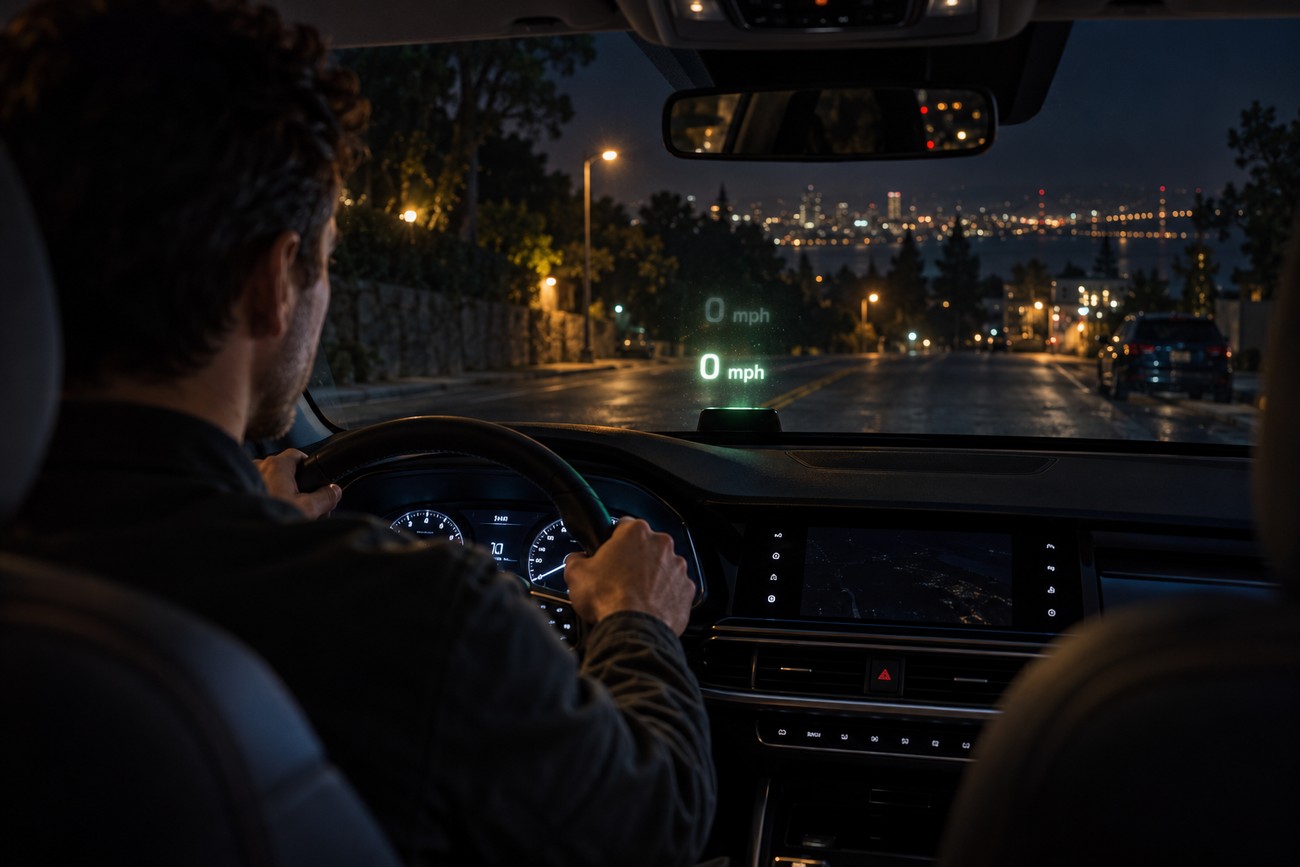
An aftermarket HUD makes sense when it displays information you actually use, is readable from your normal driving position, and works reliably on your car. A simple speed display can be worthwhile if it lets you take a brief, comfortable glance without hiding the road. Engine-data features earn their place only when the specific readings are supported and useful to you.
Be more selective if the setup needs a conspicuous windshield patch, shows a persistent double image, or forces you to choose between daytime legibility and nighttime glare. Unreliable speed, missing OBD readings, and a blocked view are stronger reasons to return a device than reasons to keep refining its mount. An added display should reduce effort, rather than give you another screen to monitor.
A HUD does not automatically improve safety. Its position, legibility, reflections, and potential for distraction all matter, and the windshield area needed to see the road must remain clear under the rules applicable to your vehicle and jurisdiction. Treat safety claims as prompts to test the product, not as proof that a particular placement is suitable.
Standards claims also have limits. SAE J1757-2 provides optical measurement methods, not mandatory pass thresholds or certification of an aftermarket installation. FMVSS No. 101 addresses the location, identification, and illumination of vehicle controls and displays; it does not require a HUD. Neither reference replaces checking the device’s actual behavior from your driver’s seat.
Frequently asked questions
The questions below concern the total cost of a retrofit and a car-buying phrase that can be confused with a HUD budget. For installation quotes, keep the device and labor charges separate so you can compare what each option includes.
How much does it cost to add a head-up display to a car?
The total depends on the device, any required reflective film or mount, and whether you pay for installation. There is no dependable purchase or installation price range to apply to every aftermarket setup. A windshield-projection kit that needs film and a separately powered combiner unit may call for different accessories.
Compare the complete cost of units that meet your needs, including any mounting parts, cable-routing work, and return terms. A lower device price offers little value if the display cannot read the parameters you need or produce a clear image in your car.
How much does it cost to put in a heads-up display in a car?
If you already own the HUD, ask an installer for a quote covering the specific work: mounting, a safe cable route, connection, and a startup check. Ask whether the quote includes any mount or film and whether the work is reversible. Labor can differ substantially between a simple accessible installation and one that needs more careful routing; get a car-specific quote rather than assuming a standard fee.
What is the $3000 rule for cars?
There is no established $3000 rule for adding a head-up display to a car. The phrase does not provide a reliable HUD budget or a test of whether an accessory is worth fitting. If you encountered it in advice about buying or repairing a car, check what that source means before applying it to a separate purchase.
For a HUD decision, use the actual total quote and the results of a temporary fit instead. Confirm that the display shows the information you want, remains readable, and can be installed without obstructing your view or interfering with driving controls.