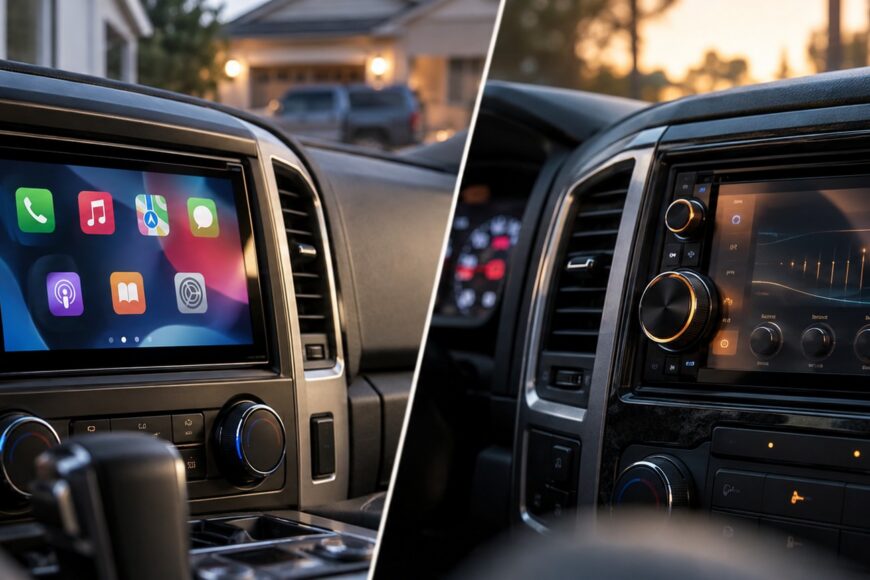
Pioneer and Kenwood double-DIN head units can share a 2-DIN label, a touchscreen of about 7 inches, and Apple CarPlay support while behaving very differently in daily use. The meaningful differences appear in the exact connection method, chassis geometry, audio controls, regional features, and the amount of installation work your vehicle requires.
A retailer’s “wireless CarPlay” badge is therefore an unreliable basis for a purchase. Pioneer DMH-W3050NEX and Kenwood DMX8021DABS support wired and wireless smartphone integration, while Kenwood DMX5023DABS is officially USB-only for CarPlay and Android Auto. The comparison below treats each model separately and checks the head unit against the vehicle, mounting kit, and factory electronics rather than awarding a blanket brand victory.
- Pioneer vs. Kenwood: Compare the Exact Model, Not the Badge
- Pioneer and Kenwood Model Comparison: Features That Change the Decision
- Wireless CarPlay Is a Model Feature, Not a Brand Guarantee
- Screen Size, Resolution, and Audio Tuning: Where Kenwood Can Pull Ahead
- The 2-DIN Fitment Trap: Depth and Chassis Shape Still Matter
- Reliability Complaints: What the Reports Do and Do Not Prove
- Hidden Trade-Offs and Myths Buyers Should Reject
- Which One Should You Buy? A Use-Case Decision Framework
- Pre-Purchase and First-Week Checklist
- Frequently Asked Questions
- Which head unit is better, Kenwood or Pioneer?
- Who makes the best double-DIN head unit?
- Is Kenwood DMX5023DABS wireless?
- Can a wireless CarPlay problem be caused by the phone rather than the head unit?
- Does a 2-DIN label guarantee that a Pioneer or Kenwood unit will fit?
Pioneer vs. Kenwood: Compare the Exact Model, Not the Badge
Brand reputation is a poor substitute for a model number. Pioneer DMH-W3050NEX supports wired and wireless Apple CarPlay and Android Auto, whereas Pioneer DMH-260BT supports wired and wireless Apple CarPlay without the same stated support for Android Auto. Within Kenwood’s range, DMX8021DABS supports wired and wireless CarPlay and Android Auto, while DMX5023DABS connects to both platforms through USB only.
That spread changes the buying decision more than the badge on the bezel. A buyer who wants wireless Android Auto should not treat DMH-260BT as equivalent to DMH-W3050NEX, and a buyer who prefers a dependable cable should not dismiss DMX5023DABS simply because it lacks wireless operation. The practical question is which feature set fits your phone, listening habits, and vehicle.
Audio adjustment is another reason to compare models rather than brands. Kenwood DMX8021DABS has a documented 13-band equalizer and time alignment, features that matter in a system with upgraded speakers, an amplifier, or a listening position that is far from acoustically centered. Pioneer DMH-W3050NEX brings useful connectivity and broadcast features, including HD Radio and SiriusXM Ready, subject to regional availability.
Owner reports add a reliability warning, but they do not provide a controlled comparison between the two companies. Reports on several Pioneer models describe freezes, dropped CarPlay, stuttering, and repeated reconnection attempts, while other installations can work normally. One installer’s claim that Pioneer causes CarPlay problems more often is a single experience, not a failure-rate measurement, so it should prompt careful testing rather than a universal verdict.
Pioneer and Kenwood Model Comparison: Features That Change the Decision
The table separates confirmed model features from assumptions commonly made from product listings. “Wireless” means the supplied specification states wireless operation; the absence of that wording should not be treated as an invitation to guess.
| Model | Screen | Smartphone support | Connectivity | Notable audio features |
|---|---|---|---|---|
| Pioneer DMH-W3050NEX | 6.8-inch WVGA | Wired and wireless Apple CarPlay and Android Auto | Bluetooth, HD Radio, SiriusXM Ready | Compare the model-specific audio controls; the notable distinction here is connectivity and broadcast support |
| Pioneer DMH-260BT | 6.8-inch WVGA | Wired and wireless Apple CarPlay | Bluetooth is listed among the model’s smartphone connection features | Do not assume the same Android Auto or broadcast feature set as DMH-W3050NEX |
| Kenwood DMX8021DABS | 7-inch WVGA | Wired and wireless Apple CarPlay and Android Auto | Model and regional specification should be checked for additional services | 13-band equalizer and time alignment |
| Kenwood DMX5023DABS | 6.8-inch WSVGA | Wired Apple CarPlay and Android Auto through USB only | USB smartphone connection | Do not buy it expecting wireless operation |
| Kenwood DMX8019DABS | 7-inch display | Wireless Apple CarPlay and Android mirroring | USB, HDMI, and Bluetooth | Its main advantage is expanded source and mirroring connectivity |
The model suffix and sales region still matter after this comparison. DAB+, HD Radio, SiriusXM, HDMI, Android mirroring, and wireless protocols can vary by exact model and region, even when products look similar or belong to the same family. Verify the official specification for the unit actually being sold, rather than using a review of a regional variant as confirmation.
Wireless CarPlay Is a Model Feature, Not a Brand Guarantee
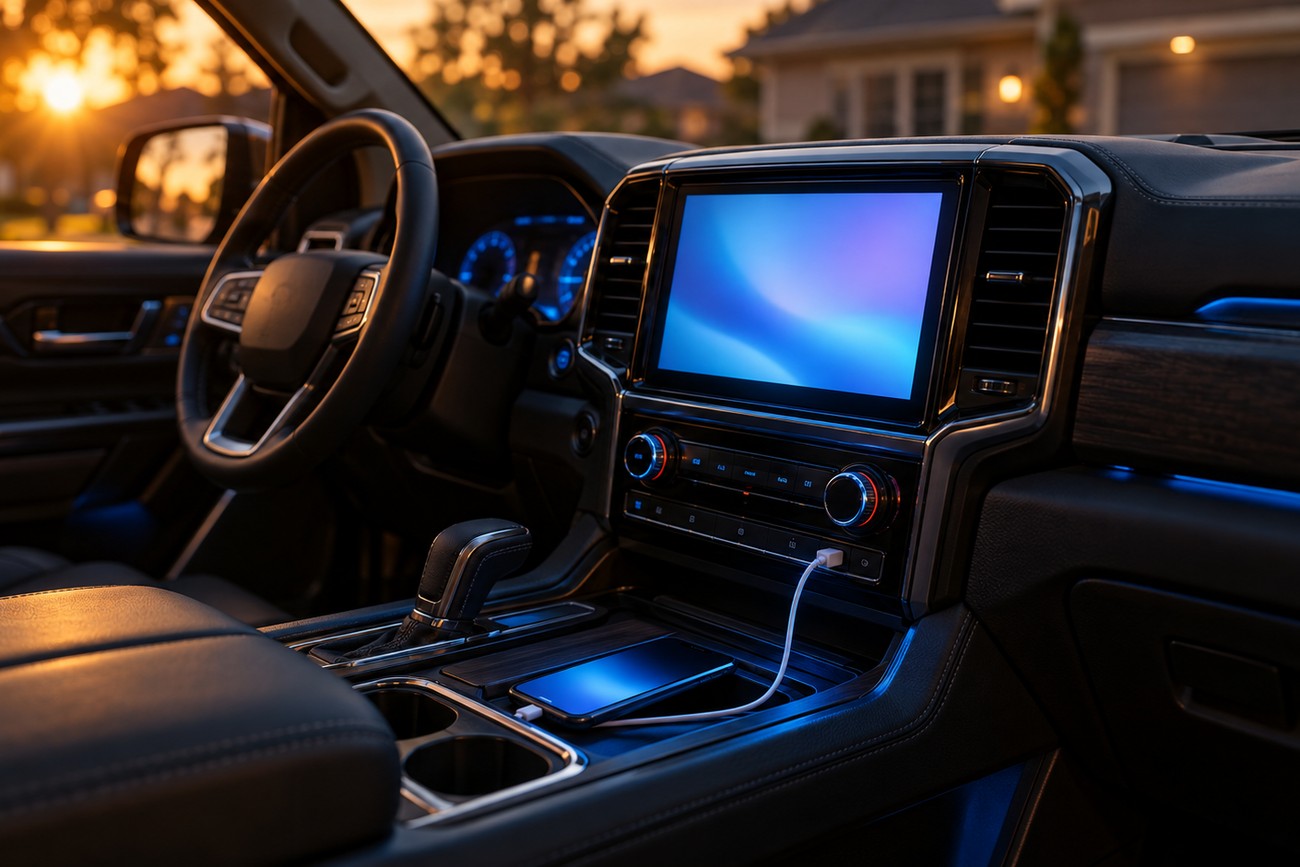
Apple CarPlay or Android Auto on a specification sheet does not automatically mean wireless operation. Kenwood DMX5023DABS is the clear counterexample: its stated CarPlay and Android Auto connection is through USB only. That can be the right design for a driver who values a predictable link and phone charging, provided the vehicle allows a sensible USB installation.
Wireless CarPlay uses Bluetooth and Wi-Fi pairing, so it involves more than the head unit’s touchscreen menu. The phone must recognize the receiver, establish the expected wireless relationship, and restore it after the vehicle is restarted or the phone has connected to another device. Recovery can be less predictable than plugging in a cable, especially after a phone operating-system update or a change in pairing history.
Owner reports on some Pioneer models describe dropped CarPlay, interrupted or stuttering music, repeated reconnection attempts, and a fallback to wired use. Those reports are useful warning signals, yet they do not prove that every Pioneer wireless unit behaves that way. The phone, its operating-system version, the head-unit firmware, Bluetooth and Wi-Fi pairing, and the USB cable can each contribute to an unstable result.
A wired fallback is therefore part of a sensible wireless installation. Keep a short, good-quality USB cable in the vehicle and test it before blaming the receiver. If wireless operation fails, try a second phone and a second cable, then compare wired behavior; that sequence can separate a phone or cable problem from a receiver, pairing, or firmware problem.
Screen Size, Resolution, and Audio Tuning: Where Kenwood Can Pull Ahead
A 7-inch screen gives Kenwood DMX8021DABS and DMX8019DABS a modest physical size advantage over the 6.8-inch Pioneer DMH-W3050NEX, Pioneer DMH-260BT, and Kenwood DMX5023DABS. That can make map labels and touch targets easier to see, but it does not by itself establish better image quality. Dash angle, bezel design, viewing position, and interface layout can matter more than the small diagonal difference.
Several listed models are specified as WVGA or WSVGA rather than Full HD. A larger display can improve visibility while still showing the same general level of image detail. Treat screen size as an ergonomic consideration, not a shortcut to judging panel quality or navigation clarity.
DMX8021DABS has the clearest documented advantage for hands-on system tuning: a 13-band equalizer and time alignment. Time alignment can help compensate for the different distances from the driver’s seat to each speaker, while more equalizer bands give you finer control over tonal peaks. These controls matter most when the rest of the system is installed and adjusted competently; they cannot correct a badly fitted speaker or an unsuitable enclosure.
Pioneer DMH-W3050NEX answers a different priority. Its HD Radio and SiriusXM Ready support may matter more to a listener who relies on broadcast and satellite services than extra equalizer control, although availability depends on the region and required service hardware. Comparing the screen alone would miss that different buyers are paying for different kinds of capability.
The 2-DIN Fitment Trap: Depth and Chassis Shape Still Matter
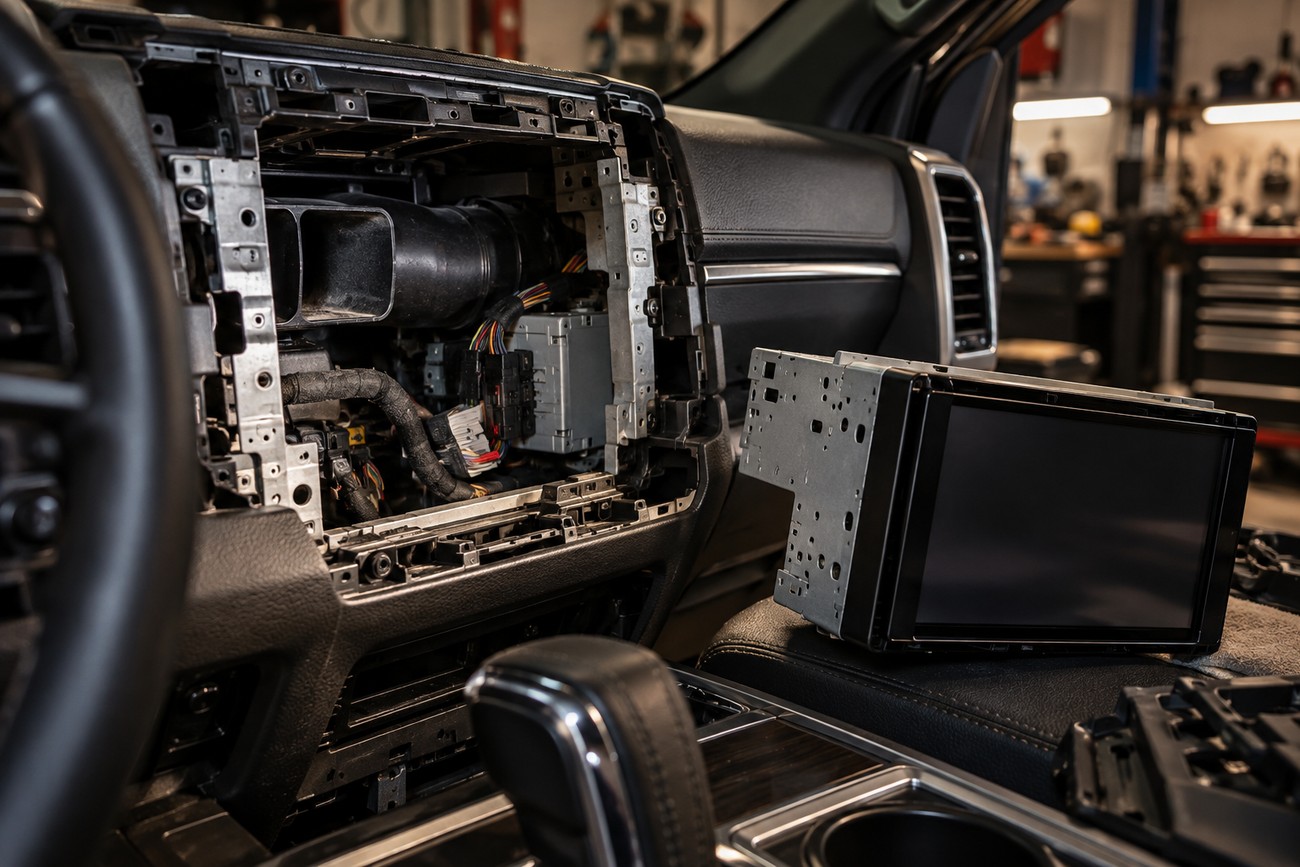
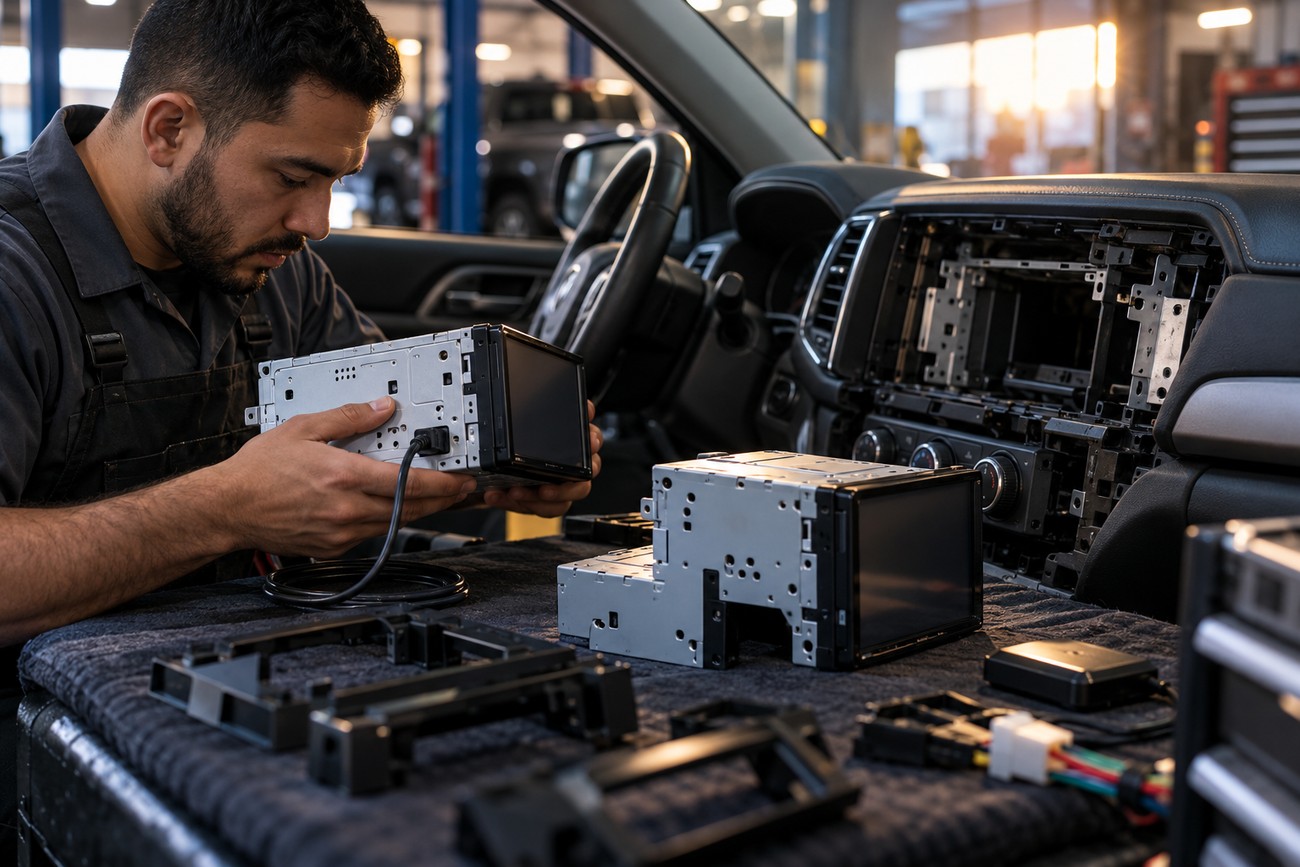
2-DIN describes a mounting class, not a promise that every receiver has identical depth, geometry, bezel dimensions, or clearance requirements. A vehicle can have a nominally double-DIN opening while the dashboard behind it contains ducts, brackets, control modules, or wiring that restrict the replacement unit. The mounting kit also determines how the face sits in relation to the original trim.
Pioneer DMH-W3050NEX is described as using an L-shaped 2-DIN chassis. That geometry may provide useful clearance in one dashboard and create a conflict with an air duct, factory module, or rear wiring space in another. The same warning applies to any unit whose depth or connector placement is different from the receiver removed from the vehicle.
A complete fitment check should cover the vehicle-specific dash kit, wiring harness, steering-wheel controls, factory amplifier, backup camera, parking sensors, and CAN-bus integration. A generic harness may power the head unit while losing steering controls or factory prompts. A camera may also require a separate adapter, and factory amplification can change the signal and wiring requirements.
Test-fit the head unit and mounting kit together while routing the USB cable and checking clearance around factory modules. An L-shaped or deep chassis can create a problem after the opening has appeared to fit on paper.
USB routing deserves its own check because a wireless-capable unit still benefits from a reliable cable connection. Make sure the cable can reach a usable storage point without being pinched behind the receiver, and confirm that the phone can be connected without blocking the screen or interfering with the gear selector. Physical installation is complete only when the trim, wiring, and phone connection work together.
Reliability Complaints: What the Reports Do and Do Not Prove
Reliability concerns around Pioneer should be taken seriously as anecdotal evidence, while keeping their limits clear. Owners of Pioneer DMH-1770NEX have described freezes, sudden CarPlay loss, and recurring disconnections after an initially normal period. These accounts identify a real ownership risk for some users, but they do not measure the failure rate of the model or the brand.
Users of Pioneer DMH-W4660NEX have reported music interruptions, stuttering, and wireless connection problems after an iOS update. Some DMH860NEX owners have described wireless CarPlay succeeding roughly once in 20–30 attempts, with some switching to wired operation. Such specific reports can influence a cautious buyer, yet the supplied evidence does not establish whether the common cause was the receiver, a phone version, pairing data, firmware, or another part of the system.
Official product pages are useful for confirming features, dimensions, and connection methods. They do not provide comparable statistics for freezes, interface lag, reconnection time, or CarPlay failures. A retailer’s positive rating and a forum complaint therefore answer different questions: one reflects a user’s experience, while neither is a controlled reliability study.
Use a disciplined diagnostic sequence before replacing hardware:
- Test the same receiver with another compatible phone.
- Try another short, quality USB cable in wired mode.
- Compare wired and wireless operation separately.
- Forget and rebuild the Bluetooth and Wi-Fi pairing rather than repeatedly retrying a corrupted connection.
- Check the specific head-unit firmware and the phone’s operating-system compatibility before updating either device.
If the receiver works with another phone and cable, the original phone, cable, or pairing history becomes a stronger suspect. If multiple phones fail in both wired and wireless modes after the model-specific checks, the head unit or installation deserves closer inspection. This method avoids turning a single symptom into a brand-wide conclusion.
Hidden Trade-Offs and Myths Buyers Should Reject
Myth: CarPlay and Android Auto automatically mean wireless operation. Reality: the connection method is model-specific. DMX5023DABS supports both platforms through USB only, while DMX8021DABS supports wired and wireless operation; a similar screen size does not make their smartphone experience equivalent.
Myth: every 2-DIN receiver fits the same opening in the same way. Reality: depth, chassis geometry, bezel shape, connector placement, and the installation kit control the result. Pioneer’s L-shaped DMH-W3050NEX may solve a clearance issue in one vehicle and create one in another, so the vehicle must be checked before the unit is ordered.
Myth: wireless is always more convenient and stable than wired. Reality: wireless removes the daily cable, but it adds Bluetooth and Wi-Fi pairing variables and may reconnect less predictably. Wired operation can be more repeatable, charges the phone, and provides a useful diagnostic baseline even when wireless is supported.
Regional and model-number differences create another quiet trap. DAB+, HD Radio, SiriusXM, HDMI, Android mirroring, and wireless protocols may vary by exact model and region. A review of DMH-W3050NEX cannot confirm the feature set of another Pioneer receiver, and a good experience with one Kenwood unit is not proof that every Kenwood model uses the same connection method.
Which One Should You Buy? A Use-Case Decision Framework
Choose Kenwood DMX8021DABS if your priority is documented audio adjustment within this group. Its 13-band equalizer and time alignment give it the strongest stated tuning toolkit, particularly for a system with upgraded speakers or an amplifier. That is a feature advantage, not evidence that it will be more reliable in every vehicle or with every phone.
Choose Kenwood DMX5023DABS if you accept USB-only CarPlay and Android Auto and prefer a straightforward wired connection. It suits a driver who keeps the phone connected, wants charging during use, and does not regard the missing wireless mode as a defect. Its 6.8-inch WSVGA display also shows why the screen specification should be checked separately from the connection method.
Kenwood DMX8019DABS is the more relevant candidate when HDMI and Android mirroring matter alongside wireless CarPlay. Pioneer DMH-W3050NEX is attractive for a buyer who wants wireless CarPlay and Android Auto together with HD Radio and SiriusXM Ready, subject to regional availability. Pioneer DMH-260BT fits a narrower priority: wired and wireless Apple CarPlay in a 6.8-inch WVGA unit, without assuming the same Android Auto feature set.
For a vehicle with restricted space behind the dashboard, the best choice may be the exact chassis that clears the ductwork and factory modules. For a system requiring careful staging, Kenwood’s documented time alignment may outweigh a small screen difference. For a driver who values connection predictability above cable-free use, a wired model or a wireless model that is always installed with a USB fallback can be the more rational choice.
No supplied evidence supports declaring Pioneer or Kenwood universally more reliable. Make reliability a verification task: inspect model-specific firmware information, read reports for the exact unit and phone combination, test the installation, and keep the wired path available. A feature advantage can be confirmed from a specification; long-term stability depends on the whole installed system.
Pre-Purchase and First-Week Checklist
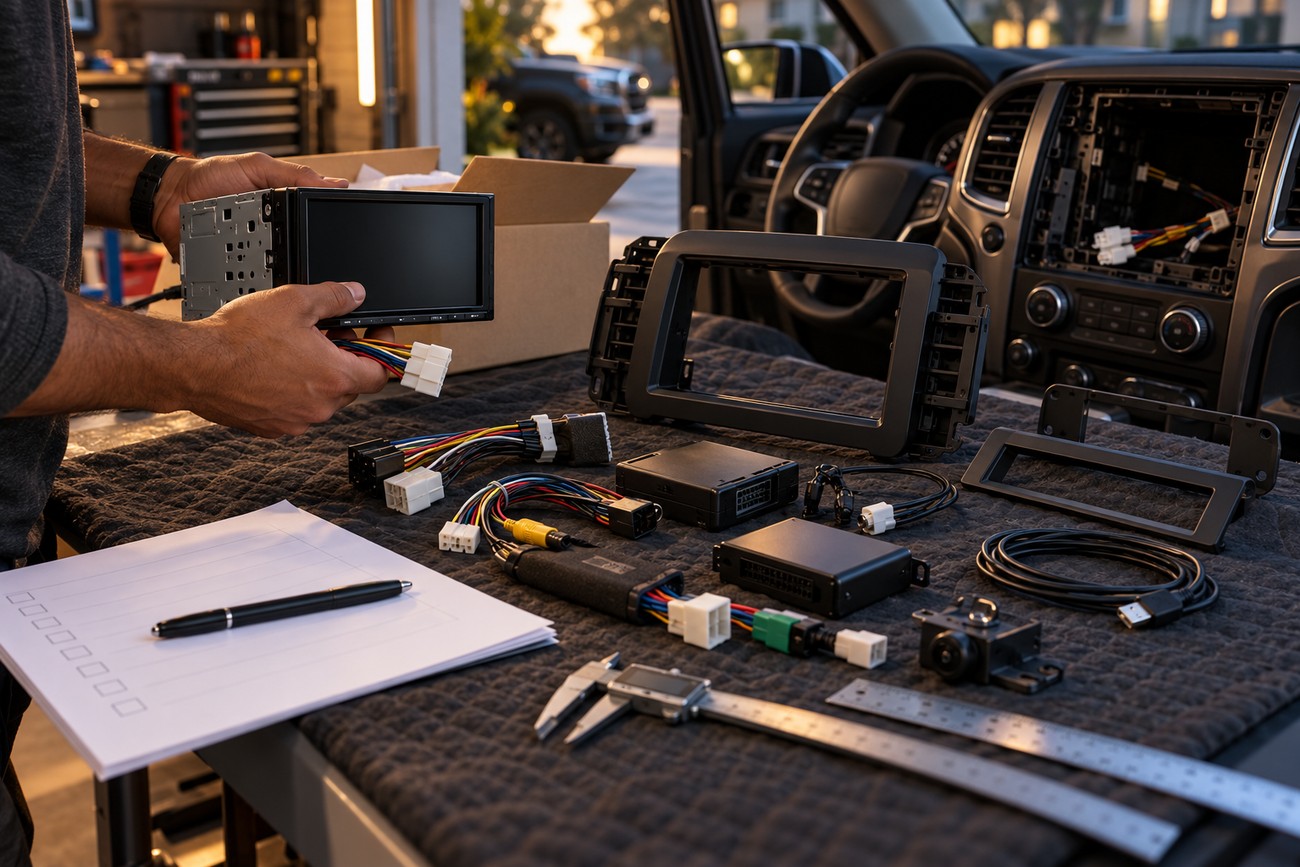
Start with the exact model number and region, including every suffix shown by the seller. Confirm whether the unit has wireless CarPlay, wireless Android Auto, DAB+, HD Radio, SiriusXM Ready, HDMI, or Android mirroring in that market. Do not infer one feature from another or from a product photograph.
Before ordering, match the receiver to the vehicle-specific dash kit and check chassis depth, bezel geometry, USB clearance, and connector position. Confirm the harnesses and interfaces for steering-wheel controls, the factory amplifier, the camera, parking sensors, and CAN-bus functions. A receiver that powers on can still be a poor replacement if these systems are left unsupported.
- Confirm the exact model and regional specification.
- Check the mounting kit, chassis depth, bezel, and rear clearance.
- Verify factory amplifier, camera, parking sensor, steering-control, and CAN-bus interfaces.
- Plan a protected USB route and retain a short, quality USB cable.
- Test wired and wireless operation with more than one phone where possible.
- Try a second cable before diagnosing a receiver failure.
- Check head-unit firmware against the specific model before installation or updating.
- Check iOS or Android compatibility before assuming an operating-system update will improve stability.
During the first week, test the receiver after cold starts, short stops, and longer drives. Use both connection methods if the unit supports them, and note whether the issue follows the phone, cable, or receiver. Check firmware and mobile-operating-system guidance before applying updates; newer software can resolve a problem, but the supplied reports do not prove that every update improves every installation.
Frequently Asked Questions
Which head unit is better, Kenwood or Pioneer?
Kenwood is the stronger choice for documented audio adjustment if the model is DMX8021DABS, because its 13-band equalizer and time alignment are clearly stated. Pioneer DMH-W3050NEX is the better fit for a buyer who specifically wants wireless CarPlay and Android Auto together with HD Radio and SiriusXM Ready, while DMH-260BT is suited to wireless or wired Apple CarPlay.
Kenwood DMX5023DABS is preferable for a buyer who deliberately wants USB-only operation, and DMX8019DABS is the relevant choice for wireless CarPlay with HDMI and Android mirroring. If the dashboard favors one chassis, that physical compatibility overrides a brand preference. None of these scenarios proves a universal reliability winner.
Who makes the best double-DIN head unit?
No brand is the best by itself because the decisive variables are vehicle fitment, connection method, audio processing, and regional features. First eliminate units that cannot fit the dash or preserve the factory systems. Then choose between wireless and wired smartphone operation, compare the audio controls you will actually use, and verify services such as DAB+, HD Radio, SiriusXM, or HDMI for your region.
A useful priority test is simple: fitment first, connection predictability second, audio processing third, and regional extras fourth. A model that passes all four is a better purchase than a higher-rated brand that requires unverified adapters or cannot clear the dashboard.
Is Kenwood DMX5023DABS wireless?
No. The supplied specification lists wired Apple CarPlay and Android Auto through USB only, with no wireless mode stated. This makes it suitable for drivers who prefer a cable connection and phone charging, but unsuitable for someone who requires cable-free smartphone integration.
Use the exact regional listing to confirm any other feature before buying. The absence of wireless operation is a model characteristic, not evidence that every Kenwood receiver is wired-only.
Can a wireless CarPlay problem be caused by the phone rather than the head unit?
Yes. The phone operating system, Bluetooth and Wi-Fi pairing, USB cable, head-unit firmware, and receiver hardware can all contribute. A second phone and a second cable provide a practical comparison before you replace the head unit or assign blame to the brand.
Test wired operation separately, reset the pairing relationship, and check model-specific firmware guidance. If another phone works consistently, investigate the original phone or its software; if several phones fail in both modes, inspect the receiver and installation.
Does a 2-DIN label guarantee that a Pioneer or Kenwood unit will fit?
No. 2-DIN identifies the mounting class but does not guarantee identical depth, chassis geometry, bezel dimensions, or clearance. Pioneer DMH-W3050NEX’s L-shaped chassis is a concrete example of why the head unit and vehicle should be checked as a complete installation.
Confirm the dash kit, harnesses, factory-module clearance, USB route, steering controls, amplifier, camera, parking sensors, and CAN-bus integration before ordering. A physical test-fit with the mounting kit is safer than relying on the opening size alone.