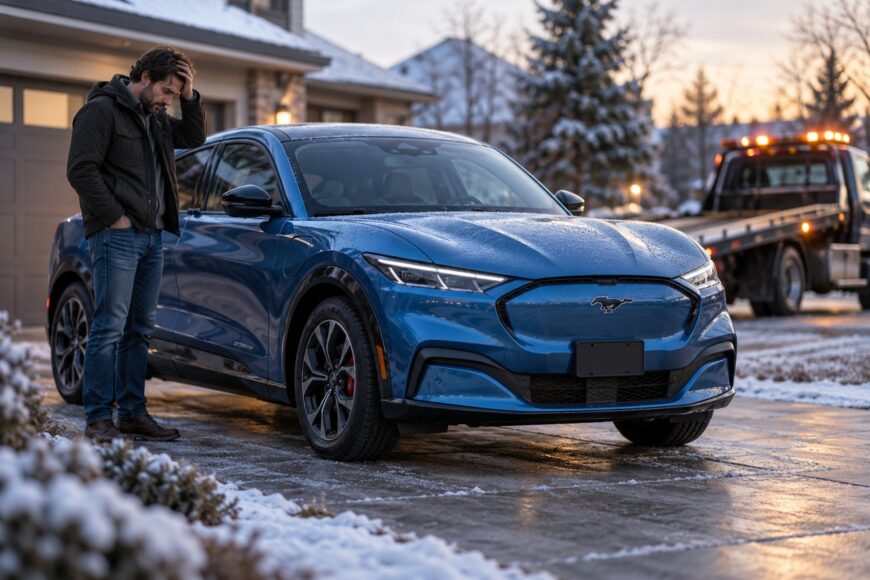
A routine Ford Power-Up update can leave a Mustang Mach-E unable to move, showing a serious warning or requiring a tow. That is the practical fear behind reports that an update “bricked” the car. The word does not necessarily mean permanent damage, but it can describe a vehicle that cannot safely start, select Drive, or provide traction power.
Three situations can look similar from the driver’s seat: an update that failed because its starting conditions were wrong, a genuine software fault, and a hardware-related problem in the high-voltage traction system. A reset may help an unresponsive display, yet it cannot be treated as a guaranteed repair for a vehicle showing loss-of-power warnings. The safest response depends on the exact message and whether the Mach-E can move normally.
- What “bricked” means on a Mustang Mach-E
- The OTA conditions Ford expects before installation
- What to do immediately after a failed update
- Why a software update may not be the whole problem
- Common mistakes that make the failure worse
- What the dealer needs to diagnose and recover the car
- Frequently asked questions
- How can I force a Ford SYNC update without confusing it with a Mach-E Power-Up update?
- How do I hard-reset a Mustang Mach-E, and when should I stop trying?
- What is the latest Mach-E software update for my vehicle?
- Why will my Ford SYNC update not install even though the Mach-E drives normally?
What “bricked” means on a Mustang Mach-E
On a Mustang Mach-E, “bricked” usually means the vehicle has become unavailable for normal use after an update attempt. Ford may show “Vehicle Not Updated” when an OTA installation does not complete. That message can reflect a failed starting condition, so it does not by itself prove that the vehicle’s software or battery system has been permanently damaged.
The more serious outcome is a no-drive condition. Owners have reported blocked driving, a vehicle that would not select Drive, failed soft resets, and FordPass commands that did not restore mobility. Single-source owner reports also describe towing, dealer reprogramming, and waits of several days while the vehicle was diagnosed. Those experiences are useful warnings, but they are not universal outcomes confirmed by Ford.
“Stop Safely Now” deserves more attention than a normal infotainment error. In a Mach-E, that warning may indicate a traction-power problem, meaning the car could lose propulsion or limit available power. If it appears with reduced performance, an inability to select Drive, or an unexpected stop, continuing to test the vehicle on the road creates an avoidable safety risk.
A dealer may recover the car through a scan, reprogramming, or another approved procedure. Some owner reports describe the warning returning after dealer intervention, although that recurrence is anecdotal and does not establish a Ford-wide defect. The useful distinction is practical: a failed update notice with normal driving capability is one situation; a traction warning or immobilized vehicle requires a higher level of caution.
The OTA conditions Ford expects before installation
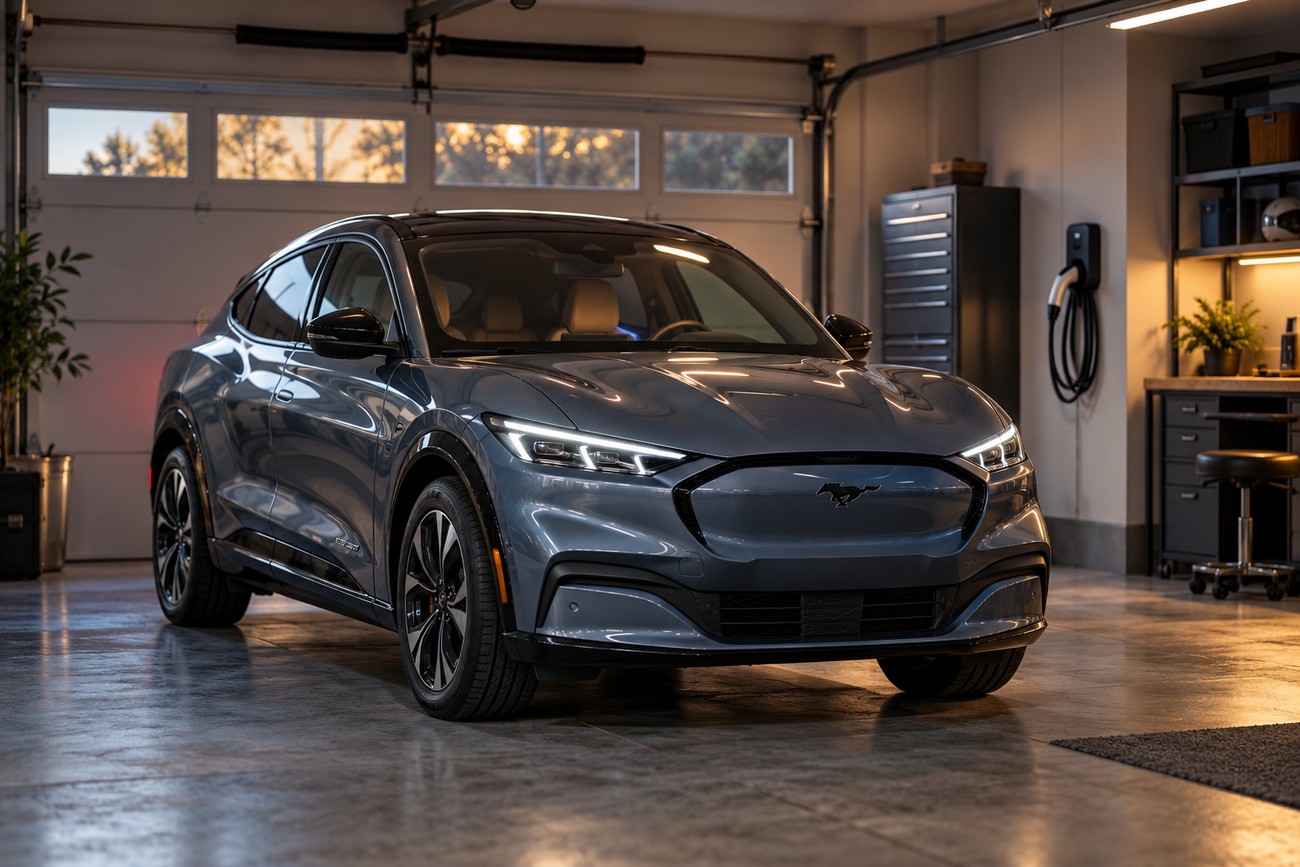
Ford Power-Up OTA updates are delivered through Ford’s cloud platform, and Ford specifies conditions for a battery-electric vehicle before installation. The Mach-E should be in Park, with the parking brake engaged, and the battery at least 80% charged. The vehicle must also be disconnected from charging.
Every opening matters during the check. Ford requires the doors, hood, and liftgate to be closed. A small mismatch, such as an open hood or active charging session, can prevent an update from starting or completing. In that situation, correcting the condition is the first response; the vehicle should not automatically be treated as bricked.
Some Power-Up updates may install in less than two minutes, which can make the process appear trivial. The short installation time does not remove the need to follow the parking and access restrictions. During the procedure, the car may deliberately limit normal functions while it protects the update sequence.
Ford also says that a failed attempt should produce “Vehicle Not Updated” and recommends correcting the reason for the failure first. Check the charge level, charging connection, Park position, parking brake, and all panels before assuming that a major software fault has occurred. If the message remains or the vehicle develops a traction warning, move from owner checks to Ford assistance.
What to do immediately after a failed update
Start by reading the exact warning and noting whether the Mach-E can still power up and select Drive. Record the battery level, whether the car was charging, and whether the update was still shown as active. Then verify Ford’s documented conditions: Park, parking brake engaged, at least 80% charge, no charging connection, and closed doors, hood, and liftgate.
During an active parking update, Ford prohibits several actions. Do not cancel the procedure, enter the vehicle with the blade key, use remote commands to lock, unlock, or start it, drive the vehicle, or charge it until the procedure finishes. These restrictions can feel excessive for a software task, yet interrupting the sequence may make diagnosis harder and leave the car in an uncertain state.
If the display reports “Vehicle Not Updated,” correct any obvious condition and follow the vehicle’s instructions. A normal restart may be reasonable only when the car remains otherwise functional and the warning is limited to the update process. Repeatedly cycling the vehicle, issuing remote commands, or attempting to drive through a warning adds little value when the car cannot establish normal operating status.
Stop experimenting if the Mach-E shows “Stop Safely Now,” refuses to select Drive, loses traction power, or remains unavailable after the documented failure message. Contact Ford or arrange transport to a dealer, explaining that the problem followed an OTA attempt. A failed OTA may require dealer diagnosis and reprogramming, and some cases may require a tow rather than a normal restart.
Do not use a successful return of the screen as proof that the vehicle is safe to drive. The screen, vehicle-control software, and high-voltage traction system are related, yet they do not fail in exactly the same way. A car that displays information but cannot reliably provide propulsion belongs in the recovery process, not in a road test.
Why a software update may not be the whole problem
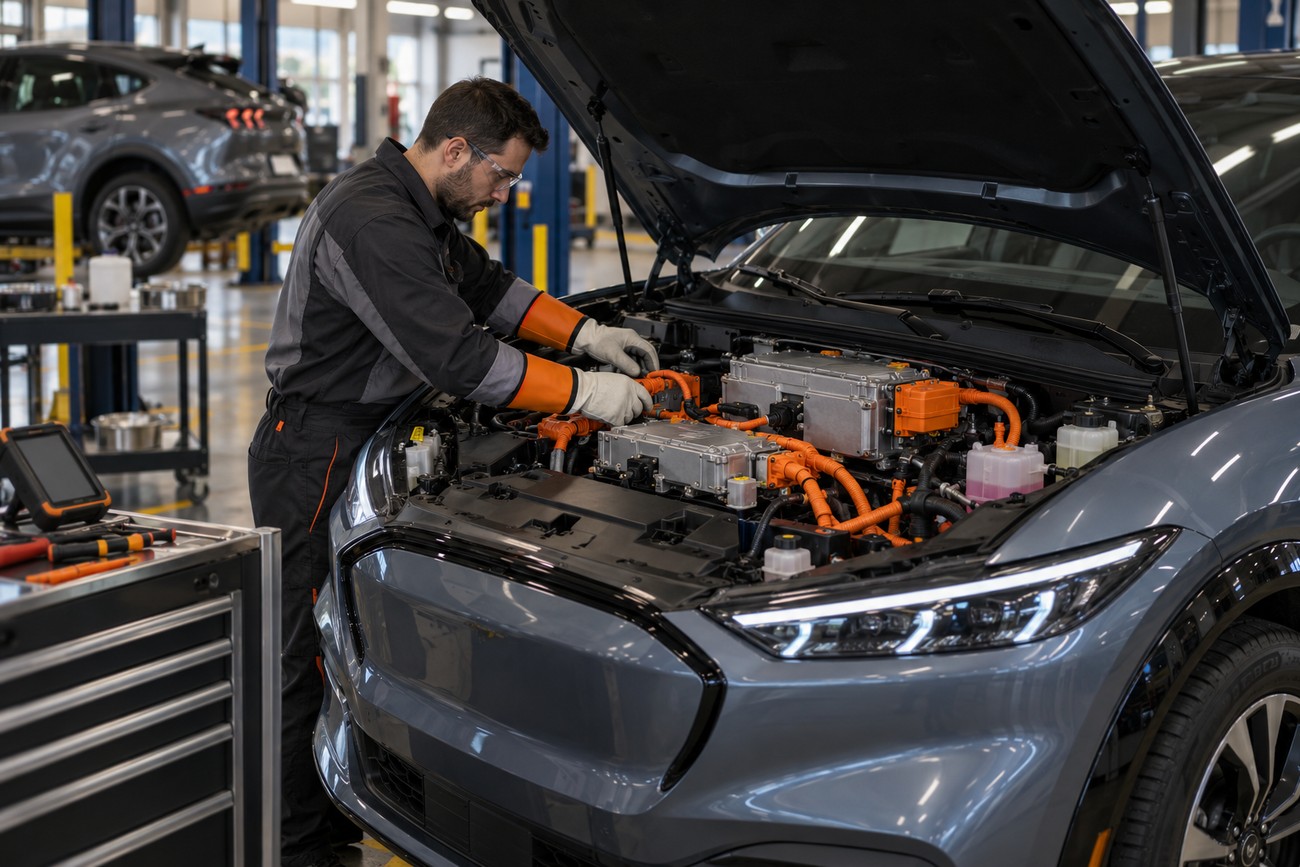
Ford has used software remedies for Mach-E risks involving power delivery, so an update-related failure cannot automatically be classified as an infotainment problem. In 2022, Ford recalled 48,924 U. S. Mustang Mach-E vehicles over overheating high-voltage contactors and possible loss of propulsion power. The remedy was a software update.
In 2026, Ford recalled 86 Mach-E vehicles from model years 2023–2025 after an error following BECM replacement could set State of Health to 100%, overstate the state of charge, and contribute to power limitation or loss of traction. This campaign concerns a specific battery-management situation. It does not mean that every failed Power-Up installation involves the BECM or contractors.
Those examples show why a displayed value can mislead. A 100% State of Health or charge indication may look reassuring while the underlying battery-management data is wrong. Ford stated that the two cited recall incidents involved no fires, crashes, or injuries, while still addressing the possibility of lost propulsion power through corrective action.
A software remedy can therefore address a risk that has hardware consequences. The technician’s task is to separate an installation-condition failure from a control-module problem and from a high-voltage traction-system fault. Treating every update failure as a frozen screen can delay the checks that matter most for safe mobility.
Common mistakes that make the failure worse
Starting an OTA update while the Mach-E is charging is a common setup error because the vehicle may be connected overnight when the update arrives. Ford requires the battery to be at least 80% and the vehicle to be disconnected from charging. A lower charge level or an active charging session can block installation before any permanent software fault exists.
Owners can also overlook an open door, hood, or liftgate, or assume that Park is selected when the vehicle has not fully met the required state. These details are easy to dismiss because they do not resemble a propulsion failure. They matter because Ford uses them as installation safeguards, and a failed start can produce an alarming result even when the underlying systems remain intact.
Another mistake is treating “Stop Safely Now” as an interface glitch. Owner reports include Mach-Es that stopped or became unavailable after warnings appeared, although those accounts are anecdotal and should not be generalized. A warning associated with lost traction power deserves the same caution whether it appeared during an update, immediately afterward, or during a later drive.
FordPass is useful for status information and remote functions, yet owner reports say it did not restore mobility in some failed-update cases. Soft-reset attempts have also failed in some accounts. Repeated resets can blur the timeline and remove useful clues, especially when the real issue involves BECM data, contactors, or another traction-system component.
What the dealer needs to diagnose and recover the car
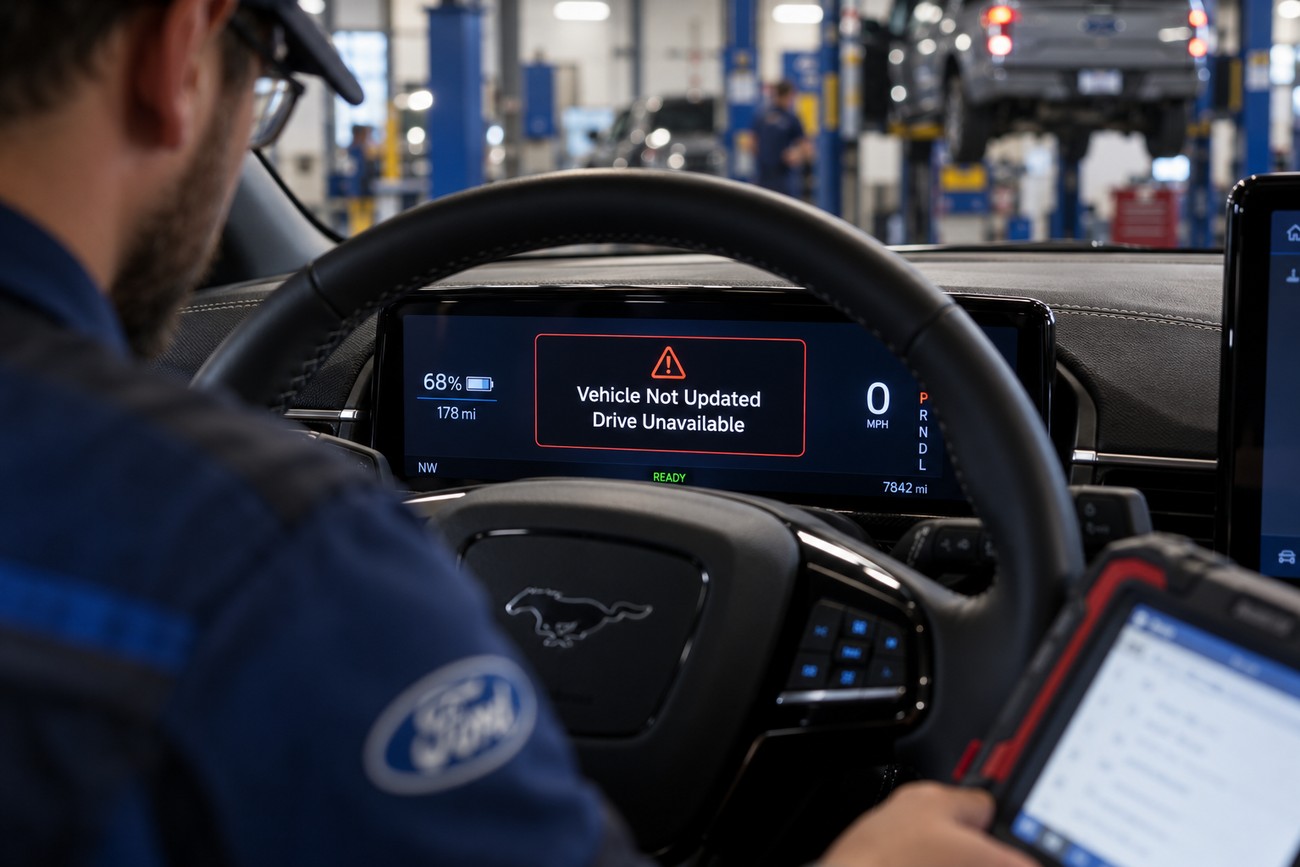
Recovery may require a dealer scan, reprogramming, and, in some cases, a tow. Before transport, write down the exact warning, the time it appeared, the battery state, charging status, and whether the vehicle could select Drive. A photo of the instrument display can preserve information that may disappear after a restart or power cycle.
Ask the dealer to check the vehicle’s update history and campaign eligibility alongside the current fault codes. Diagnosis should distinguish an OTA installation failure from contactor, battery-management, or other traction-system faults. The displayed State of Health and state-of-charge values also deserve verification where the BECM-related error described by Ford could apply.
Preserve the exact warning and update history before codes are cleared. A reset can restore operation while removing clues about whether the failure began with OTA conditions, BECM data, or the high-voltage traction system.
Dealer reprogramming can restore a vehicle, but a successful reset does not by itself establish the root cause. Ask what failed, which modules were checked, and whether a recall or service campaign applies to the VIN. If the same warning returns, report the recurrence rather than accepting repeated resets as proof that the problem has been resolved.
Single-source owner reports describe recurrence after dealer intervention, multi-day waits, and vehicles that needed towing. These reports should not be presented as a confirmed Ford-wide defect, but they explain why a complete service record matters. The goal is to document the failure path and confirm safe traction operation, rather than merely make the center screen responsive again.
Frequently asked questions
Mach-E software terminology can make a failed update harder to interpret. The answers below separate infotainment functions from vehicle-control updates and set a practical limit on owner troubleshooting.
How can I force a Ford SYNC update without confusing it with a Mach-E Power-Up update?
SYNC infotainment updating and the vehicle’s Ford Power-Up OTA update are different processes, even though both may appear as software maintenance. A successful screen or media-system update does not prove that a propulsion-related campaign or vehicle-control update is complete.
Use Ford’s official instructions for the specific SYNC system and verify the vehicle’s status by VIN. If the Mach-E drives normally but a SYNC update fails, the issue may involve connectivity, storage, compatibility, or Ford’s rollout process rather than an immobilizing traction fault.
How do I hard-reset a Mustang Mach-E, and when should I stop trying?
A cautious reset may be appropriate for an unresponsive display when the vehicle otherwise powers up, selects Drive, and shows no traction warning. Follow Ford’s current procedure for the vehicle rather than repeatedly removing power or issuing remote commands during an active update.
Stop trying resets if the Mach-E cannot select Drive, shows “Stop Safely Now,” loses propulsion power, or remains unavailable after “Vehicle Not Updated.” Those signs require Ford assistance and possibly dealer transport; a reset is not a guaranteed repair for a traction-system fault.
What is the latest Mach-E software update for my vehicle?
The latest available version depends on the Mach-E’s VIN, configuration, campaign eligibility, and Ford’s rollout. Verify the version and recall or campaign status through Ford’s official records or a dealer instead of relying on another owner’s release number or a generic internet post.
Keep the update version, installation result, and warning message together in the service record. That information helps the dealer determine whether the vehicle received the intended Power-Up update and whether a separate campaign remains open.
Why will my Ford SYNC update not install even though the Mach-E drives normally?
A normally driving Mach-E with a failed SYNC update may have a connectivity, storage, compatibility, or rollout issue. That pattern differs from a vehicle that cannot select Drive or shows a traction warning, where the high-voltage system and vehicle-control modules require attention.
Check the exact SYNC message and use Ford’s supported installation path. Keep the distinction clear when contacting service: a screen update problem does not automatically indicate battery or propulsion damage, while a vehicle-control warning should not be handled as an infotainment-only fault.