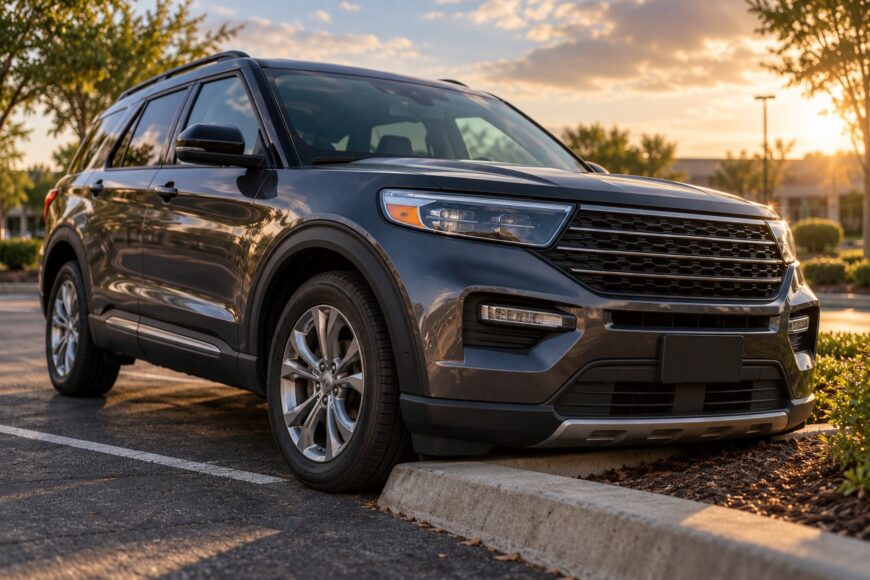
A jolt or scraping sound during a self-parking maneuver creates an immediate choice: move the Explorer away, or stop and inspect it first. Stop safely, secure the vehicle, and look at the contact point before attempting another maneuver. If the bumper or an underbody panel is still caught on the curb, pulling away can worsen the damage.
A low-speed impact can damage the tire sidewall, wheel rim, bumper, underbody, or potentially steering and suspension components even when the SUV still moves. A scraped wheel face may be cosmetic, while a cut sidewall or bent rim can affect safety and air retention. The first checks should cover the contacted tire and wheel, tire pressure, the bumper and rocker area, and any visible signs of contact underneath.
- Stop the maneuver before you move the Explorer again
- Inspect the tire, wheel, and anything that scraped
- When to stop, drive cautiously, or call for help
- Watch for problems that appear after you pull away
- Ask for an inspection before paying for an alignment
- What self-parking changes—and what it doesn’t
- Frequently asked questions
- How do I reset a parking aid malfunction after a curb strike?
- What can cause the park assist warning light to come on?
- How do I turn off park assist on my Ford Explorer?
Stop the maneuver before you move the Explorer again
Bring the Explorer to a complete stop as soon as you notice the curb strike or scraping contact. Select Park, apply the parking brake as appropriate, and keep clear of traffic while you assess the situation. Avoid reversing or driving forward again until you know whether the bumper, rocker panel, or underbody is caught on the curb.
A hard strike deserves inspection even at parking speed. The tire sidewall can be pinched against the rim, and the wheel can bend without an obvious loss of air. Steering or suspension components may also be affected, so the fact that the vehicle still moves does not establish that it is undamaged.
Look at the contact point from a safe position and use a flashlight if the area is shaded. Do not crawl beneath an unsecured vehicle or pull on a panel that appears trapped. If the vehicle is resting against the curb, has a leaking tire, or cannot be moved without additional contact, roadside assistance is the safer option.
Inspect the tire, wheel, and anything that scraped
Start with the tire closest to the impact. Examine the sidewall and tread for a cut, bulge, exposed material, or a section that appears torn away, then inspect the rim for a bent lip, deep gouge, or fresh deformation. A cosmetic scrape on the wheel does not rule out damage elsewhere.
Check the tire pressure using the vehicle’s pressure display or a suitable gauge, and compare it with the pressure listed for the Explorer. Air loss can be gradual after a curb strike, especially if the rim no longer seals evenly. Recheck the pressure later if the vehicle remains parked and the first reading appears normal.
With good lighting, inspect the bumper, rocker area, and visible underbody surfaces for hanging parts, cracked plastic, fresh marks, or fluid. Check the other wheels as well, since a parking maneuver can involve more than one contact point. Keep your inspection to areas you can see safely; a visual check cannot rule out hidden damage in the steering or suspension.
A heavy SUV can transfer substantial force through a tire and wheel during a seemingly minor curb contact. The damage may be limited to one tire and rim, yet the rest of the vehicle still deserves a quick review for secondary signs. If you find a sidewall cut, a badly deformed rim, or falling pressure, do not continue driving normally.
When to stop, drive cautiously, or call for help
Use the following triage as a practical guide after the initial inspection. A cautious trip for inspection is conditional on normal tire pressure, no visible damage, and normal driving behavior.
| Observable condition | Immediate action | Reason |
|---|---|---|
| Flat or visibly damaged tire | Do not drive normally; arrange roadside assistance or a suitable tire service. | A damaged sidewall or loss of air can worsen while driving. |
| Badly deformed wheel or a rim that cannot hold pressure | Stop and seek assistance rather than driving to a shop. | The wheel may damage the tire further or affect vehicle control. |
| Pulling, unstable handling, or a steering wheel that is suddenly crooked | Stop testing the vehicle and have it transported or inspected promptly. | Steering, suspension, wheel, or alignment trouble may be present. |
| New vibration, scraping, knocking, or other unusual noise | Stop if the symptom continues and call for help when needed. | Noise or vibration can indicate damage that is not visible from outside. |
| Only a superficial-looking mark, with normal pressure and normal handling | Travel cautiously to an inspection facility if the vehicle remains stable and quiet. | A visual check cannot rule out hidden damage, so the trip is a conditional option rather than a safety guarantee. |
Keep the speed and distance as low as practical during any conditional trip for inspection. Stop immediately if the Explorer begins to pull, vibrate, make a new noise, or show worsening tire pressure. Do not continue driving normally simply because the vehicle leaves the parking space under its own power.
If the curb strike occurred in traffic or the vehicle’s position creates a hazard, prioritize reaching a safe location without making repeated maneuvers. Roadside assistance can help move the Explorer without adding force to a damaged tire, wheel, bumper, or underbody panel.
Watch for problems that appear after you pull away
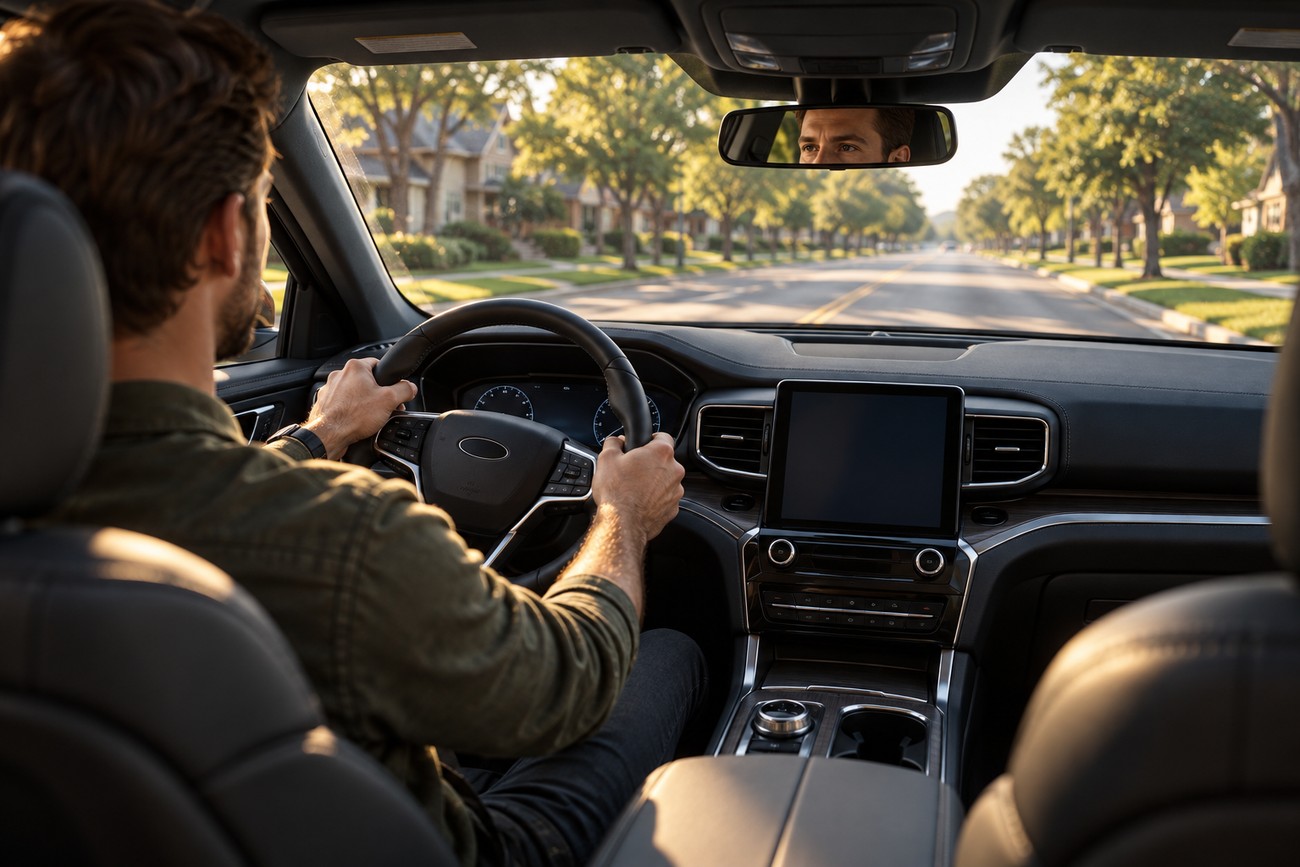
Some symptoms become clear only after the wheels rotate and the suspension carries the vehicle’s weight again. During any cautious drive, notice whether the Explorer pulls to one side, whether the steering wheel sits crooked, and whether the vehicle tracks differently from before the contact. These changes can indicate steering, suspension, wheel, or alignment trouble.
Pay attention to steering vibration and new sounds from the affected corner. A scrape, knock, hum, or repeated rubbing sound deserves attention, especially if it changes with speed or steering input. Stop rather than continuing to test the vehicle on the road if the handling becomes unstable.
Check the tires again over the following drives for uneven wear, a developing bulge, or a gradual pressure change. Later uneven tire wear can be a warning sign even if the Explorer initially felt normal. An initially normal feel does not rule out damage that appears after driving begins.
Ask for an inspection before paying for an alignment
The sensible service order starts with an inspection of the tire and wheel. The technician should confirm tire pressure, inspect the steering and suspension, measure the wheel alignment angles, and adjust the alignment only if the findings warrant it. This sequence separates a damaged part from an alignment setting that can actually be corrected.
A curb strike can affect alignment without leaving obvious exterior damage. A crooked steering wheel, pulling, vibration, or later uneven tire wear makes measurement more relevant, although the need for adjustment depends on the inspection results. A light touch with no symptoms does not automatically require an alignment service.
Ask the shop to explain what it found before authorizing adjustments. If a wheel or suspension part is damaged, replacing or repairing that component comes before treating the alignment numbers. This approach avoids paying for an alignment that masks the underlying problem or cannot correct it.
What self-parking changes—and what it doesn’t
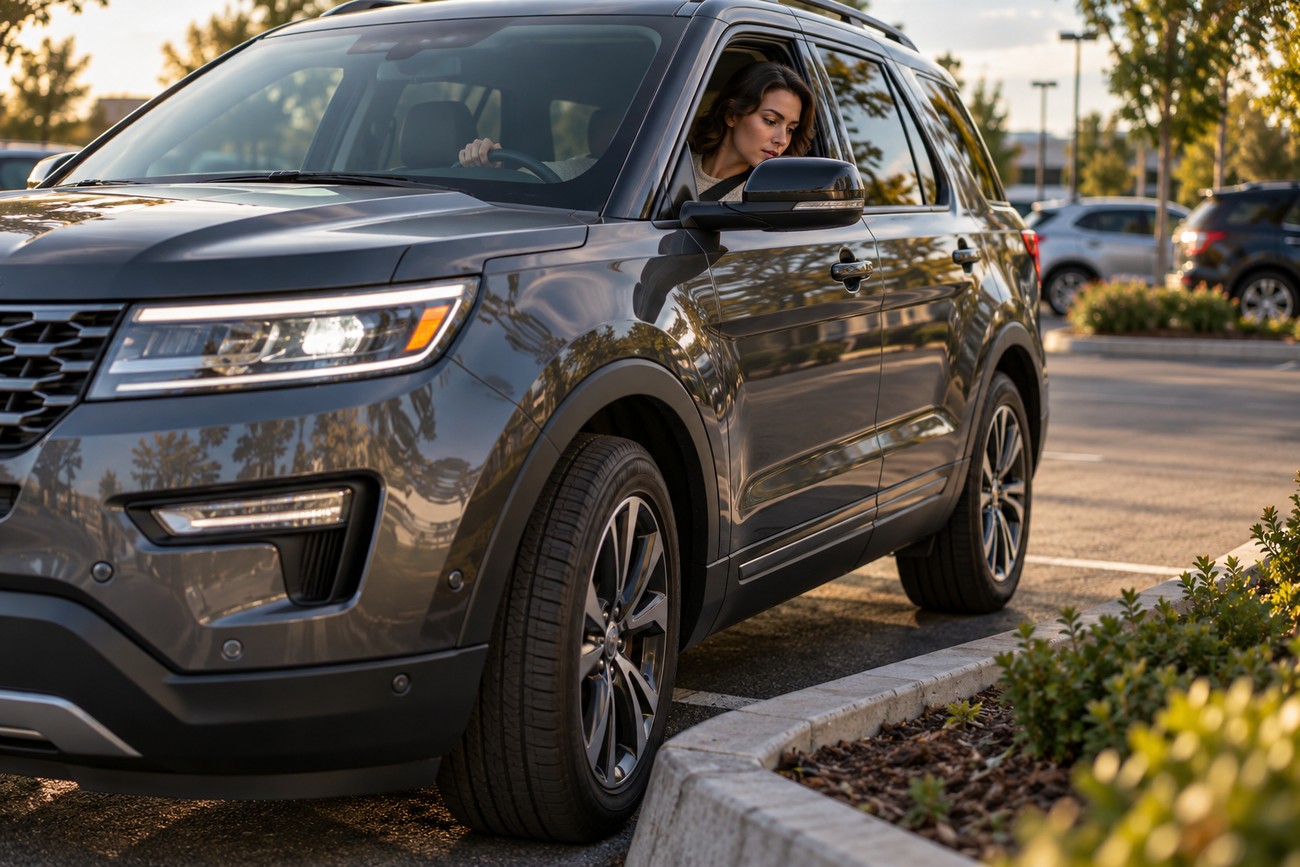
Parking assistance can help with the steering portion of a maneuver, depending on the Explorer’s model year and equipment. It does not guarantee clearance from a curb, tire stop, bumper-height obstacle, or changing surroundings. You must supervise the maneuver, monitor the space, and stop if the vehicle approaches an obstacle unexpectedly.
Sensor coverage and system behavior can vary with dirt, weather, obstacles, equipment, and vehicle configuration. Use the owner’s manual for the specific Explorer to identify the available parking features, controls, and warnings. A parking-aid warning and physical curb damage require separate assessment; their connection should not be assumed.
Inspect the vehicle even if the warning disappears after restarting it. Conversely, a warning can reflect an obstructed sensor or a system fault without proving that the curb caused physical damage. The tire, wheel, pressure, and handling checks remain necessary after any noticeable impact.
If the contact damaged another vehicle, curb structure, barrier, or other property, reporting obligations depend on local rules and circumstances. Record the damage and location, and seek appropriate guidance before leaving if property beyond your Explorer may have been damaged.
Frequently asked questions
After a curb strike, a parking-aid warning and possible physical damage need separate attention. Clearing a message does not establish that the tire or wheel is safe. The Explorer’s model year and equipment also determine which parking-assist controls and procedures apply.
How do I reset a parking aid malfunction after a curb strike?
Use only the restart or reset procedure approved in the owner’s manual for your specific Explorer. A normal ignition cycle or manual-approved reset may clear a temporary message, while a warning that returns may require diagnosis.
Neither a reset nor a cleared message replaces an inspection of the tire, wheel, pressure, bumper, and handling. Treat the system warning and physical impact as separate issues until both have been assessed.
What can cause the park assist warning light to come on?
Possible causes include an obstructed or dirty sensor, conditions that interfere with sensor detection, or a system fault requiring diagnosis. The warning may appear after a curb contact, but it does not by itself prove that the curb caused the warning or damaged a particular component.
Check the manual for the warning’s meaning and permitted cleaning procedure. Continue with the physical safety checks separately, because an initial visual inspection cannot rule out hidden tire, wheel, steering, or suspension damage.
How do I turn off park assist on my Ford Explorer?
Use the park-assist control or vehicle-settings path specified in the manual for your Explorer’s model year and equipment. Controls and available parking features can vary, so a procedure from another Explorer may not match yours.
Turning the assistance off stops or prevents the feature from operating; it does not resolve a malfunction. If a warning remains, arrange diagnosis, and inspect the vehicle separately if it contacted the curb.