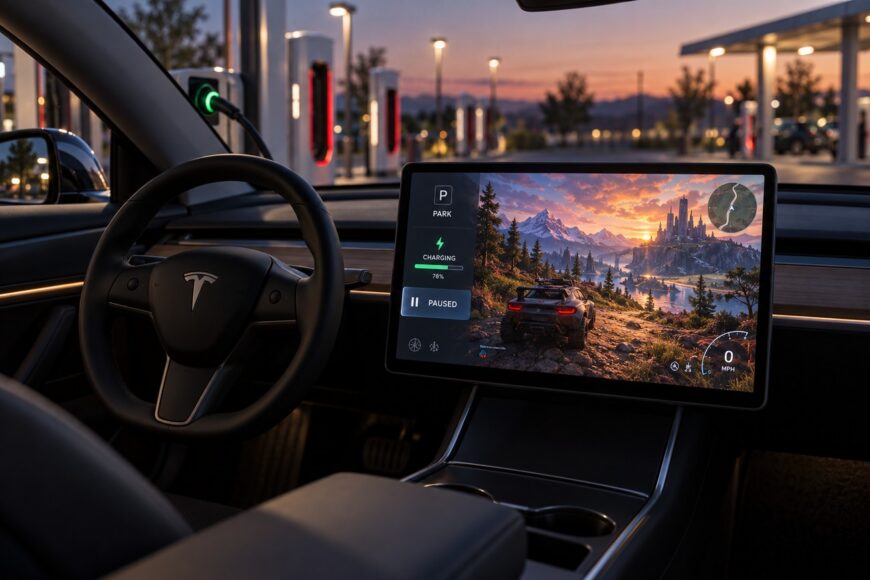
Playing a video game while a Tesla charges can make a long wait feel more useful. The car’s built-in media system can run games on its central display, and a connected vehicle can usually keep media and gaming active while the battery charges and the climate system draws power from the charging connection.
Charging still does not guarantee unlimited or uninterrupted gameplay. A long home-charging session offers more time than a short Supercharger stop, while model, software version, battery temperature, climate settings, and network quality can determine whether the experience remains comfortable and responsive.
- How Tesla Gaming Works While the Car Is Charging
- Can You Play at a Supercharger Without Interruptions?
- Why Gaming Can Lag, Crash, or Slow the Charge
- Home Charging vs. Supercharging for a Gaming Session
- Common Mistakes That Make Tesla Gaming Worse
- Frequently asked questions
- What happens to Tesla games when charging finishes?
- How can you make a long Tesla gaming session more comfortable?
How Tesla Gaming Works While the Car Is Charging
Tesla games run as software through the vehicle’s built-in media system. They are primarily shown on the central display, so the car provides an integrated interface rather than acting as a separate gaming console with independent hardware and software.
On most models, the main gaming mode is available only when the vehicle is in Park. Connecting the charging cable does not remove that parked-state requirement or other software restrictions. Tesla’s safety logic is designed to keep driver-facing entertainment from becoming an activity used while the car is moving.
While charging, the car can usually continue running media and games as the battery charges and the climate system receives power from the charging connection. The available experience varies, however, because Tesla does not provide identical games, displays, or peripheral support across every model, model year, region, and software version.
Some newer configurations support passenger gaming on a rear or front display. That feature depends on the vehicle’s equipment and software, so the presence of a charging cable alone does not confirm that a particular screen or game will be available.
Can You Play at a Supercharger Without Interruptions?
Usually, a Supercharger connection allows continued use of Tesla media and games while the vehicle is charging. This makes a short stop suitable for a brief session, provided the car is parked and the relevant game is available on that vehicle.
The charging connection does not guarantee uninterrupted access. Software logic, state of charge, battery temperature, and the status of the active charging session can change what remains available. The practical gaming window can also end when the vehicle has finished charging or when the station needs to be freed.
The claim that Tesla games can be played indefinitely while connected to a Supercharger is therefore conditional. In hot or cold conditions, the vehicle may prioritize battery heating, cooling, or charging behavior over entertainment comfort. A queue or station turnover expectation can impose a practical limit even when the game itself is still running.
Tesla’s safety logic blocks or restricts the main driver-facing gaming mode while the vehicle is moving. Entertainment functions should not distract the driver, including after a charging stop when the car is ready to leave. Passenger-oriented features may have different access rules, depending on the configuration and software.
Why Gaming Can Lag, Crash, or Slow the Charge
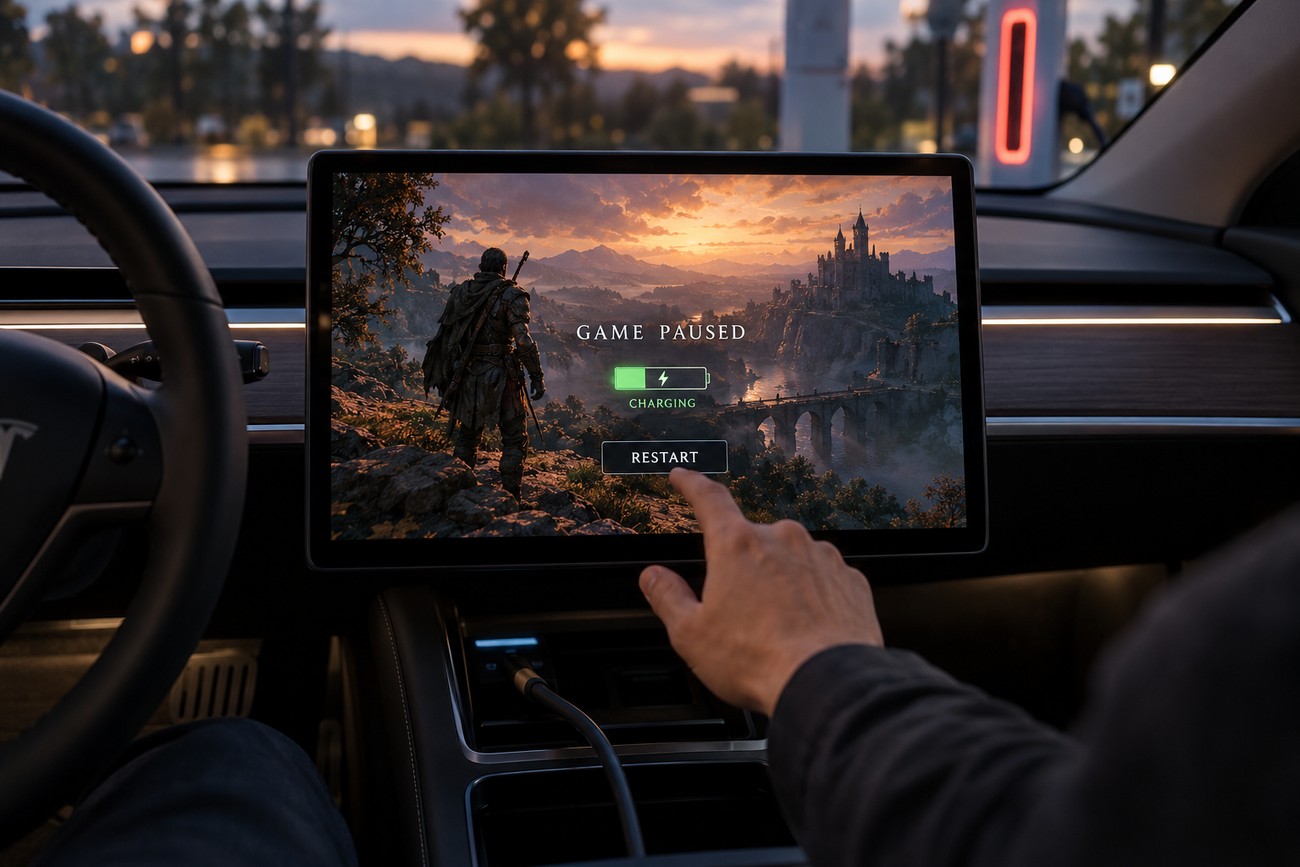
Frozen screens and game crashes can result from the interaction between the game, the vehicle interface, and charging-state transitions. A session may behave differently after the car wakes, switches charging screens, changes profiles, or receives a software update. Restarting the relevant app or vehicle interface may help, but the underlying behavior can depend on the current software version.
Games and streaming use relatively little energy compared with driving, but they still consume auxiliary power. Climate control, battery heating or cooling, and other thermal-management functions can draw substantially more supporting energy than a player expects from the game itself. The result can be a slower-than-expected increase in charge, especially when the cabin is being heated or cooled aggressively.
Charge state, thermal conditions, and software transitions are sensible first checks after the car wakes or changes charging screens. A crash that appears to be a game fault can begin with the vehicle changing priorities around charging or battery temperature.
Cold or hot battery conditions can cause the vehicle to prioritize charging and thermal management over entertainment comfort. The screen may remain available while the car gives more attention to battery heating or cooling, and a long session in a hot cabin can become unpleasant even when the game is technically working.
Online games add a separate problem: connectivity. LTE or Wi-Fi quality varies by charging location, and a weak or unstable connection can produce lag, delayed input, or an unresponsive multiplayer session. Software updates can also change game availability, behavior, stability, and support for connected accessories.
Home Charging vs. Supercharging for a Gaming Session
Slower, longer home charging is generally better suited to an extended gaming session. The vehicle can remain parked for longer, there is usually less pressure to vacate the space, and the player can stop without treating the end of charging as a deadline.
A Supercharger stop has a different rhythm. The usable gaming window is constrained by the active charging session, station availability, and possible queues. A player who starts a long game may have to leave before reaching a natural stopping point, particularly if the battery reaches the planned charge level sooner than expected.
Charging power also tells only part of the story. Stable connectivity, a tolerable cabin temperature, and enough available parking time matter as much as the charging rate shown on the screen. A slower session with reliable conditions can provide a better gaming experience than a faster stop with weak signal and limited time.
For short DC fast-charge visits, compact or easily paused games are more practical. Longer games, online matches, and sessions involving a controller fit better with home charging, where an interruption is less likely to coincide with station turnover or a full battery.
Common Mistakes That Make Tesla Gaming Worse
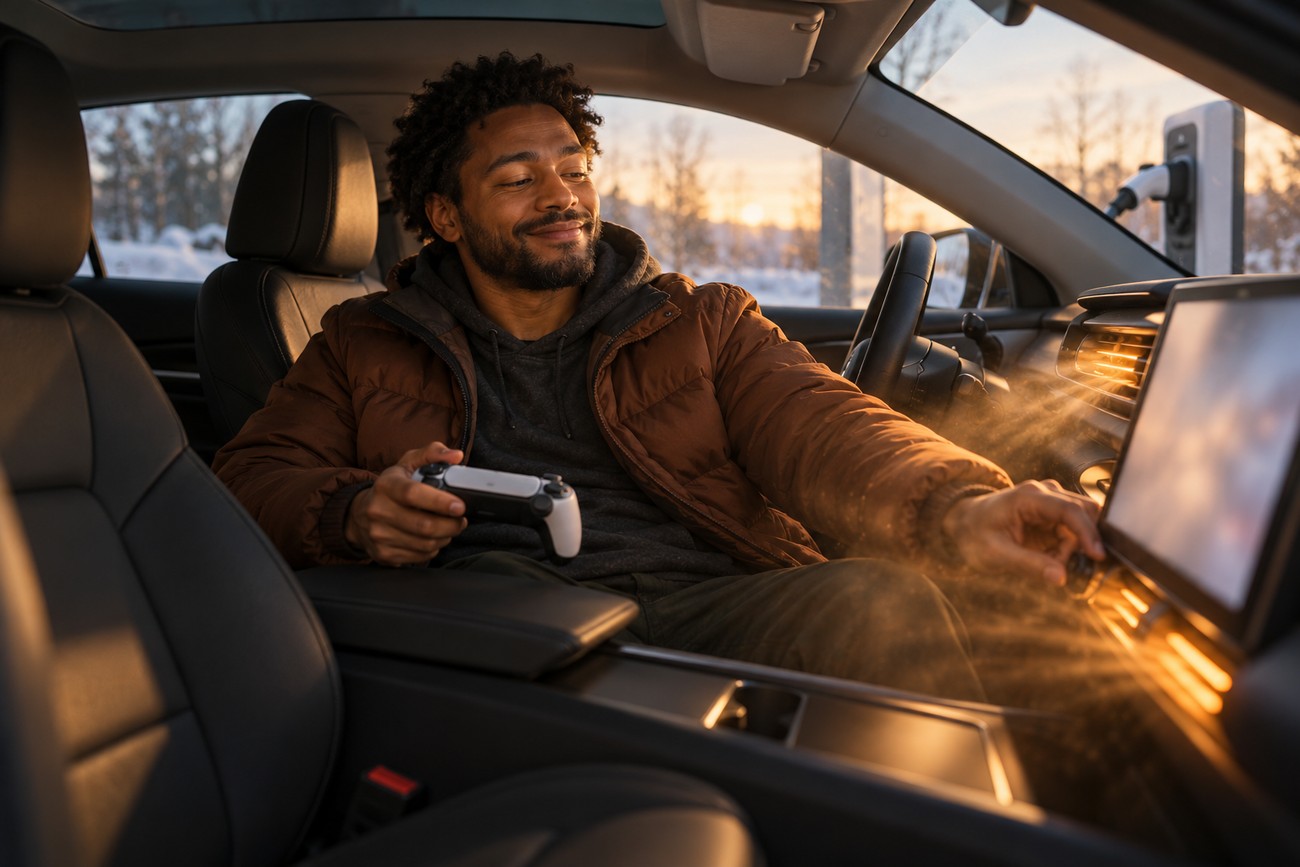
Being plugged in does not remove all software or safety restrictions. Check that the vehicle is in Park and confirm that the intended game, display, and input method are supported on the specific Tesla rather than assuming that another model has the same functions.
Running climate control at maximum can increase auxiliary consumption and reduce the expected charging rate. A moderate cabin setting is usually more suitable for a long session, especially in hot or cold weather when the battery may also need thermal management.
Compatibility is another common source of frustration. Game, display, and controller support depends on the Tesla model, model year, region, and software version. USB and Bluetooth controllers can also vary in input delay or stability after the car wakes or changes between charging and parked states.
A short fast-charge stop may end before the player can finish an intended session, while weak LTE or Wi-Fi can make online games unstable. Before starting, check the following:
- Park is selected and the intended screen is available.
- The expected charging time is longer than the planned session.
- The cabin temperature and battery conditions are suitable.
- LTE or Wi-Fi is stable enough for online play.
- The game and controller are compatible with the current software version.
Frequently asked questions
Tesla gaming behavior can change with the charging state and vehicle software. These details cover two less obvious issues that affect long sessions after charging or during uncomfortable weather.
What happens to Tesla games when charging finishes?
After a charging session ends, open entertainment functions may transition into an energy-saving state. An open game or media app may therefore stop, pause, or fail to remain active rather than continuing indefinitely on the vehicle’s battery.
The exact behavior can depend on software and vehicle state. Save progress where possible and expect the entertainment system to change behavior once the charging connection is no longer supplying energy.
How can you make a long Tesla gaming session more comfortable?
Park out of direct sunlight when possible, because bright sun makes the display harder to see and can heat the cabin. A moderate climate setting, a comfortable seating position, and lower screen brightness can reduce fatigue during a longer session.
Cabin heat also affects the overall experience even when charging remains active. If the car is working to cool the interior or manage battery temperature, entertainment comfort may deteriorate first, so a shaded location and sensible climate setting are often more useful than increasing display brightness or audio volume.