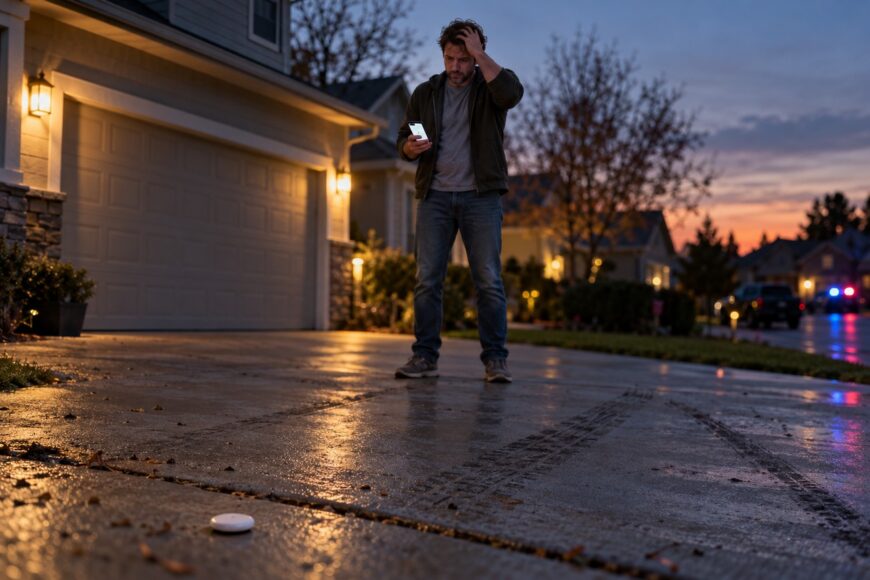
Discovering that your Hyundai Elantra is gone can trigger an immediate urge to open Find My and follow the AirTag yourself. Pause before doing that. An AirTag may give police a useful lead, yet it is not a live GPS tracker, a remote immobilizer, or permission to confront anyone at the reported location.
AirTag updates can be delayed, approximate, or stop altogether. Treat every location as evidence to preserve and pass to law enforcement, while keeping yourself away from possible suspects and private property. A careful response improves the chance that the information can be used safely, without creating a second emergency.
- How AirTag Tracking Works in a Stolen Hyundai Elantra
- Prepare an AirTag Before Your Elantra Is Stolen
- What to Do Immediately After Your Hyundai Elantra Is Stolen
- How to Read AirTag Updates and Use Find Nearby Safely
- AirTag Alerts, Removal, and the Myths That Cause Mistakes
- Recovery, Damage, and Protection Beyond AirTag
- Frequently asked questions
- How far can an AirTag track a stolen car?
- What happens if the thief removes the AirTag battery?
- Can Reddit tips help after my Hyundai Elantra is stolen?
How AirTag Tracking Works in a Stolen Hyundai Elantra
AirTag has no GPS and no cellular or mobile connection. It sends Bluetooth signals, and nearby Apple devices can detect those signals and relay an approximate location through Apple’s Find My network. Your phone may therefore show a new point even though the AirTag itself cannot calculate its position or connect directly to the internet.
Updates are intermittent and depend on nearby Apple devices. In a rural area, industrial zone, underground parking facility, or closed garage, the location may remain unchanged for a long time. A moving Elantra can also disappear from the map when the tag is shielded, removed, or simply has no participating devices nearby.
Find My reports the approximate location of the AirTag, not definitive proof that the entire Hyundai Elantra remains there. The point could represent a tag that has been removed and placed elsewhere, or a vehicle that has already moved. AirTag also does not report speed, route, engine status, battery charge, or evidence of forced entry.
Claims that an AirTag provides continuous real-time vehicle tracking are misleading. It can create a valuable recovery lead when the surroundings support an update, but it cannot provide the continuous data associated with a dedicated GPS and cellular tracker. Police should receive the location together with its timestamp and context.
Prepare an AirTag Before Your Elantra Is Stolen
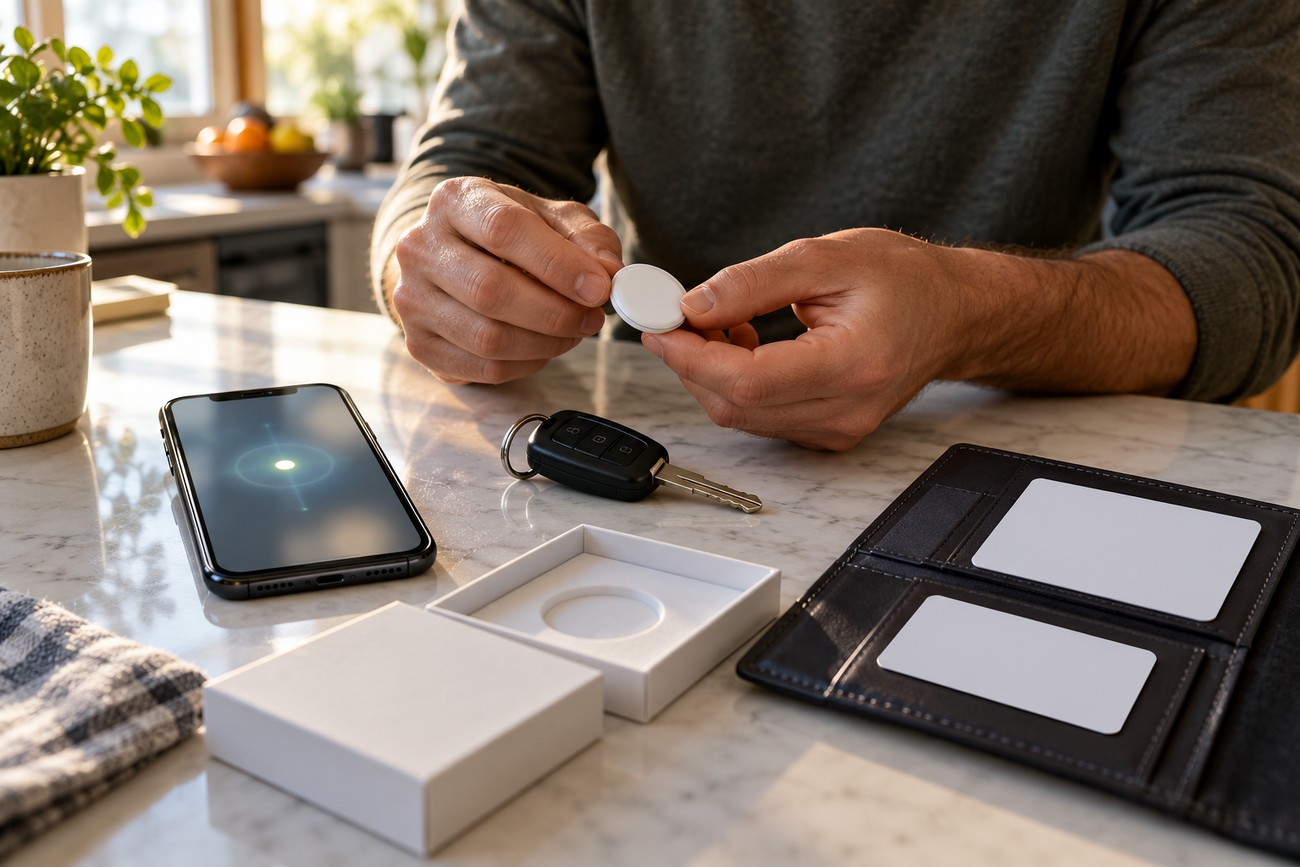
Pair the AirTag with your own Apple Account before placing it in the Elantra. Confirm that it appears in Find My, check its battery condition, and learn how its location screen looks while the car is safely with you. Remote setup after a theft will not help if the tag was never linked to your account.
Record the AirTag serial number with the Elantra’s VIN, license plate, insurance information, and other identifying details. Keep the information somewhere accessible outside the vehicle. Once a theft is reported, the serial number and VIN help police and the insurer connect the digital location to the correct car.
Choose a concealed, secure position that is unlikely to be found during a quick search. Avoid the glovebox, cup holder, open door pocket, or another obvious location. The tag must remain clear of pedals, steering components, wiring, and other safety-critical equipment, and it should not rattle or interfere with the vehicle.
Consider the whole vehicle rather than only the cabin. The trunk, spare-wheel well, and other suitable enclosed areas may be overlooked during a hurried inspection, provided the placement is safe and secure. Recheck the tag periodically so it remains attached, visible in Find My, and ready to report if the car disappears.
What to Do Immediately After Your Hyundai Elantra Is Stolen
First confirm that the Elantra was not moved by a family member, tow service, or parking authority. Then contact law enforcement and your insurer promptly, giving them the VIN, license plate, vehicle description, and any available keys or security details. Report the AirTag as an investigative lead rather than presenting it as proof of the car’s exact condition.
Open Find My and preserve screenshots showing the displayed time, address, and movement history. Capture the screen before repeatedly refreshing it or leaving for the location. The AirTag may stop reporting if it is discovered, removed, or loses access to nearby Apple devices, so the last clear record can be important.
Send the screenshots, AirTag serial number, VIN, license plate, and police report number to the assigned officer and insurer. Follow local instructions about additional evidence, including security-camera footage or photos of the vehicle. Keep a written record of updates so changing locations do not become confused.
Do not drive to the location, follow suspects, enter a property, or attempt to recover the Elantra without police direction. A point may identify a residence, garage, yard, building, or another vehicle, and approaching it can expose you to danger or compromise an investigation. Personal safety takes priority over retrieving the car quickly.
How to Read AirTag Updates and Use Find Nearby Safely
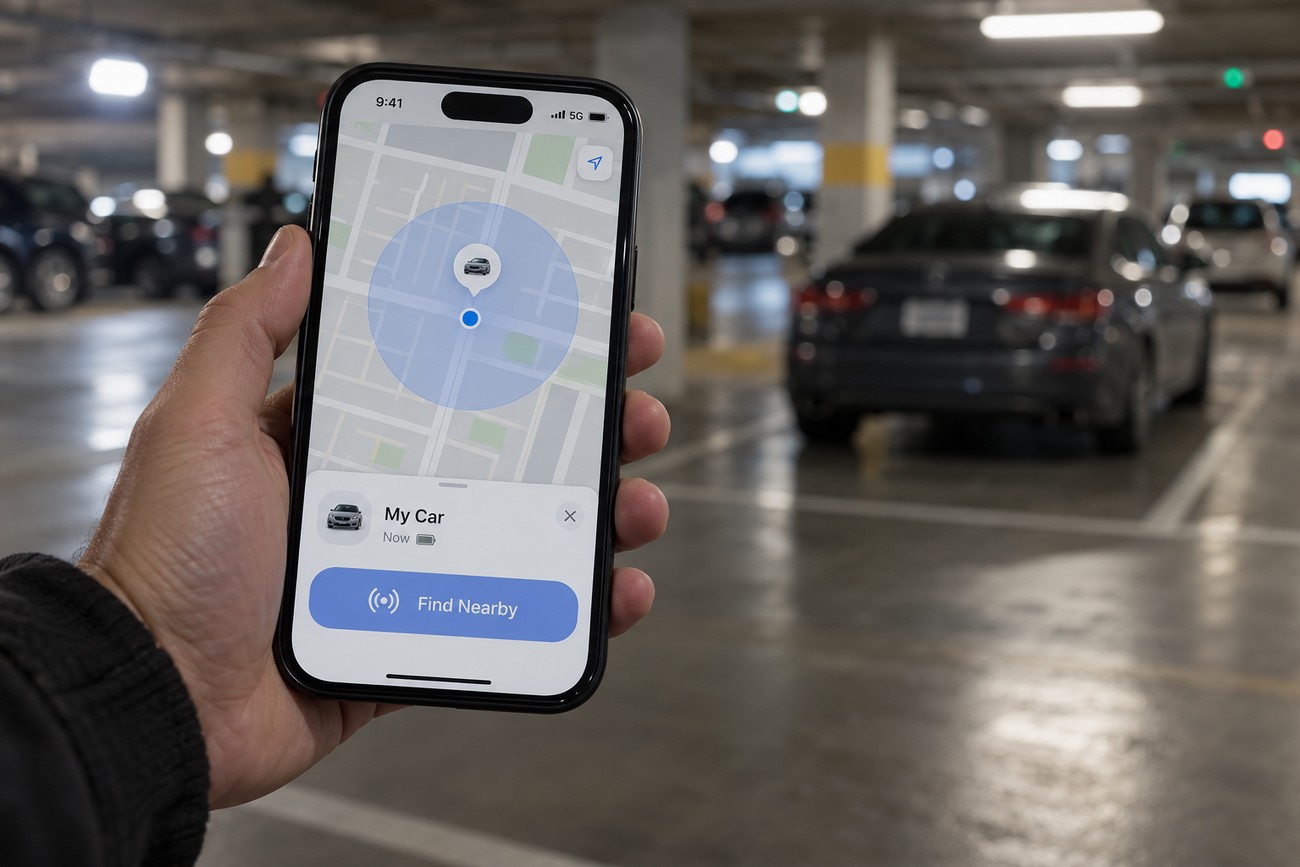
A normal Find My map update is an approximate network location, not a precise visual confirmation of the Elantra. The pin may cover a larger area than the screen suggests, particularly around buildings or dense parking areas. It can also represent the AirTag after someone has removed it from the vehicle.
On a compatible phone with Ultra Wideband, Find Nearby can show direction and distance when you are close to the AirTag. This feature can help locate a tag during an authorized police search, but it does not make a distant map pin exact. It is a close-range tool, not a way to improve remote tracking.
If law enforcement asks you to assist from a safe place, describe the latest point, its timestamp, and whether it has moved. A reported location may correspond to a garage, yard, building, or another vehicle. Let the dispatcher or officers decide how to confirm the address and approach it.
Repeated map refreshes do not force the AirTag to transmit. Each update depends on Bluetooth detection by nearby Apple devices, so an unchanged point does not prove that the vehicle is still stationary. Preserve the history and explain the uncertainty instead of treating the map as a live view.
AirTag Alerts, Removal, and the Myths That Cause Mistakes
Apple’s unwanted-tracking protections create an uncomfortable trade-off. An AirTag separated from its owner and moving with another person may emit a sound, and the person carrying it may receive an unwanted-tracking notification. Someone who discovers the tag can search for it, remove its battery, and discard it.
Those protections mean an AirTag cannot remain undetectable indefinitely. They are designed to reduce covert tracking of people, so they may also reduce the time a stolen vehicle tag remains in place. Concealing the tag responsibly can delay a quick discovery, but it cannot defeat the device’s safety behavior.
For relevant notifications on an iPhone, check that the device uses iOS or iPadOS 14.5 or later and that Bluetooth, Location Services, Find My iPhone, and Tracking Notifications are enabled. These settings help your phone receive tracking notices; they do not prevent theft or guarantee that an AirTag will be detected in every situation.
AirTag is not a continuous tracker and does not have a fixed live connection to the Elantra. It cannot remotely disable, stop, lock, or control the Hyundai Elantra. A map showing that the tag is “online” does not mean the vehicle can be immobilized or that its engine is running.
If the tag is removed, further updates may end. Keep the last timestamped location and screenshots, and provide them to police and the insurer. Do not publish a live address or attempt to pressure officers into an unsafe response; location confirmation, legal authority, and a safe procedure may be required before action.
Recovery, Damage, and Protection Beyond AirTag
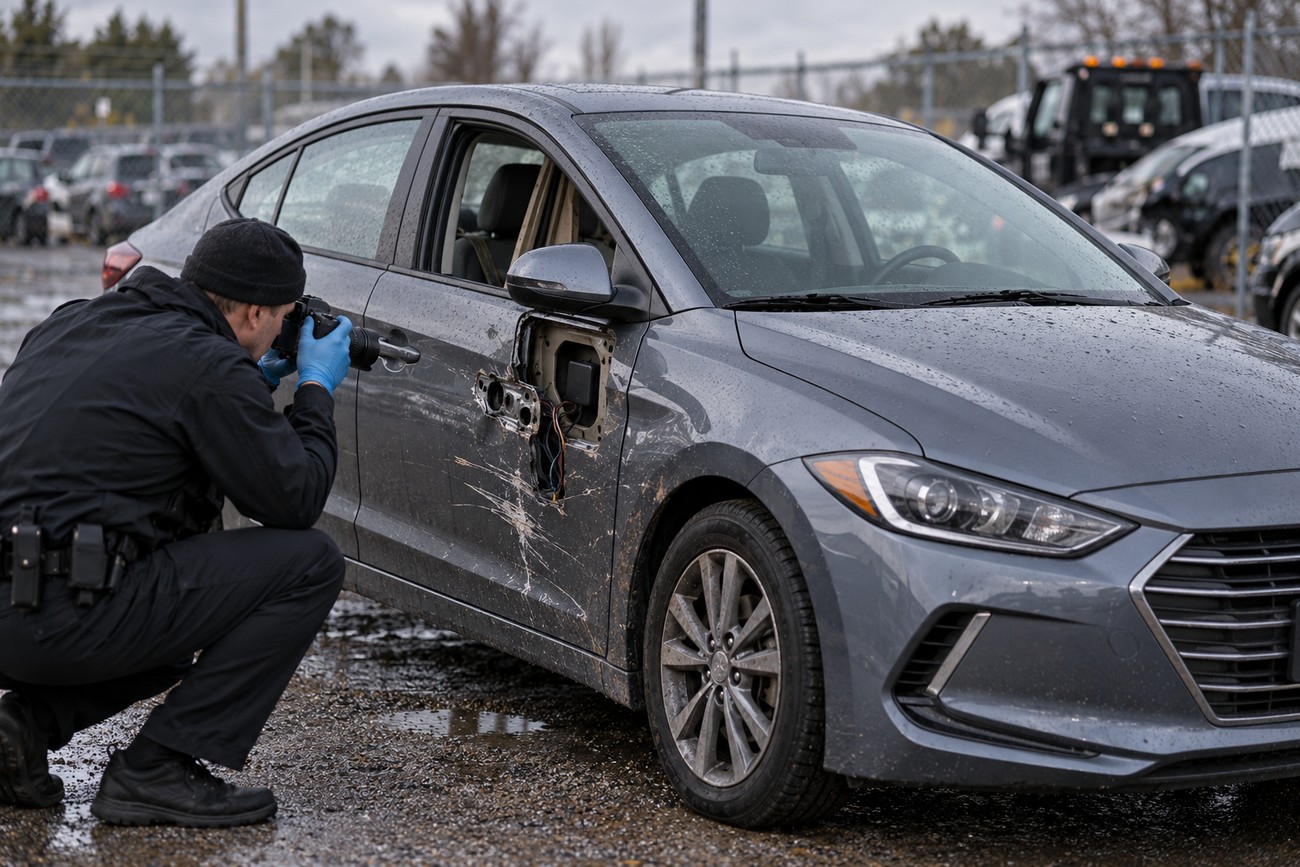
Recovery does not necessarily mean the Elantra will be ready to drive home. A recovered vehicle may have body or interior damage, a depleted battery, missing parts, or delays associated with an impound lot. Arrange access through police, the insurer, and the storage facility rather than arriving without confirmation.
Before moving the car, photograph its exterior, interior, dashboard, locks, wiring, and the AirTag’s position if it is still present. Avoid cleaning or repairing possible evidence until police and the insurer explain what they need. Ask where the vehicle can be inspected and how release charges or storage procedures will be handled.
AirTag is a recovery aid, not a complete anti-theft system. Use the Elantra’s factory alarm and immobilizer, and consider an appropriate mechanical steering or pedal blocker as an additional layer. These measures address prevention and access, while AirTag may help identify a vehicle after it has already been taken.
Keep the serial number, VIN, plate, insurance details, and account information current. A simple preparation check can matter more than a clever hiding place: the tag must be paired, visible in Find My, powered, and installed where it cannot affect vehicle controls or wiring.
Frequently asked questions
How far can an AirTag track a stolen car?
There is no fixed maximum distance for a Find My network update. Local Bluetooth discovery has a short-range limitation, while a remote update can occur when nearby Apple devices detect the AirTag and relay its signal through the Find My network. A vehicle can therefore appear on a map far from your current location without the AirTag having a direct long-distance connection.
The useful distance changes with the environment and the presence of Apple devices. A rural road, enclosed garage, or industrial area may produce no new point, while a busy area may provide more updates. Find Nearby uses direction and distance only at close range on a compatible phone with Ultra Wideband.
What happens if the thief removes the AirTag battery?
Removing the battery ends further AirTag updates. The last recorded location and timestamp still matter, especially when supported by screenshots showing the address and movement history. Give those records to police and the insurer even if the map no longer changes.
The last point does not prove that the complete Elantra remains there. It identifies where the tag was last detected, which may help investigators establish a direction, location, or timeline.
Can Reddit tips help after my Hyundai Elantra is stolen?
Reports from other owners may describe successful recoveries, but an individual result does not establish a guarantee. Use shared experiences for practical preparation, such as pairing the tag in advance and preserving screenshots, while relying on police instructions for any location response.
Do not follow an online location to confront anyone or enter private property. Provide the AirTag’s timestamped address, movement history, serial number, VIN, and report number to law enforcement and your insurer, and keep your distance until authorities confirm what to do.