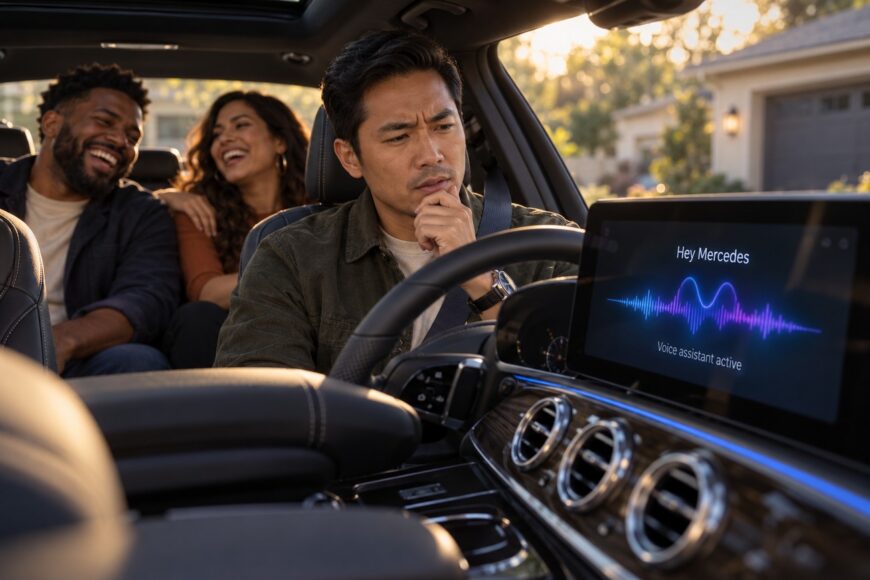
The kids say they made your Mercedes talk like a pirate. Now MBUX seems to answer differently, and nobody is sure what they touched. A change in the car’s voice can feel like a setting has been switched, especially when a passenger can summon the assistant simply by saying “Hey Mercedes.”
That does not establish a universal Mercedes Pirate Mode. The useful question is whether the children changed a profile, language, or voice setting; interacted through a connected phone or app; or merely prompted a humorous reply. Park before trying to reproduce it or work through the settings. A clear view of the screen will tell you more than repeated guesses at a supposed secret command.
- The pirate mode may be a joke, not a Mercedes feature
- What your kids may actually have changed
- How to investigate the change without guessing
- How to stop surprise voice commands from the back seat
- Why the same pirate trick will not work in every Mercedes
- Frequently asked questions
- How do I access the secret menu on my Mercedes?
- What funny things can Hey Mercedes do?
- Can MBUX show who changed the voice settings?
- Which Mercedes should I stay away from because of MBUX?
The pirate mode may be a joke, not a Mercedes feature
Mercedes documents “Hey Mercedes” as the standard MBUX wake phrase, with a steering-wheel button and screen controls as other ways to operate the system. Its manuals describe voice functions for navigation, phone, messages, media, vehicle functions, and online commands. Pirate Mode is not listed in the verified Mercedes manuals.
Nor does verified official documentation confirm a factory pirate-accent voice profile named Pirate Mode. That distinction matters: an assistant can produce an unusual answer without installing a lasting voice profile. Mercedes does not publish an exhaustive catalog of every conversational or humorous reply, so an isolated pirate-sounding exchange may be hard to reproduce.
A playful response could reflect the language in use, software behavior, connectivity, or a connected app. Those are possibilities to investigate, not a diagnosis of this particular car. Without the vehicle details and a recording of what appeared on screen, there is no sound basis for claiming the children found a feature available in every Mercedes.
What your kids may actually have changed
Start with the active user profile and the selected language. If either differs from what you normally use, the assistant may sound or respond differently even though no pirate setting exists. Voice behavior also depends on the model, equipment, language, software generation, and online access, so another owner’s instructions may not match your car.
Next, consider where the command came from. MBUX can process commands for the speaker’s seating area, and voice control may be configured by seating area. A child speaking from a passenger seat can therefore trigger a response or a supported function associated with that area, making the change seem to have happened on its own from the driver’s perspective.
Online voice control is commonly enabled from the factory and can be disabled in MBUX settings. Changes in network access can alter which commands work, while a paired phone or connected app offers another place to check for the source of an unusual response. None of these explanations should be treated as confirmed until you have observed the behavior in the car.
There is also an attribution limit: the available MBUX documentation does not describe a parent-facing log identifying which passenger changed voice behavior. You can narrow down what happened by comparing settings and capturing the response, but the system may not be able to tell you who initiated it.
How to investigate the change without guessing
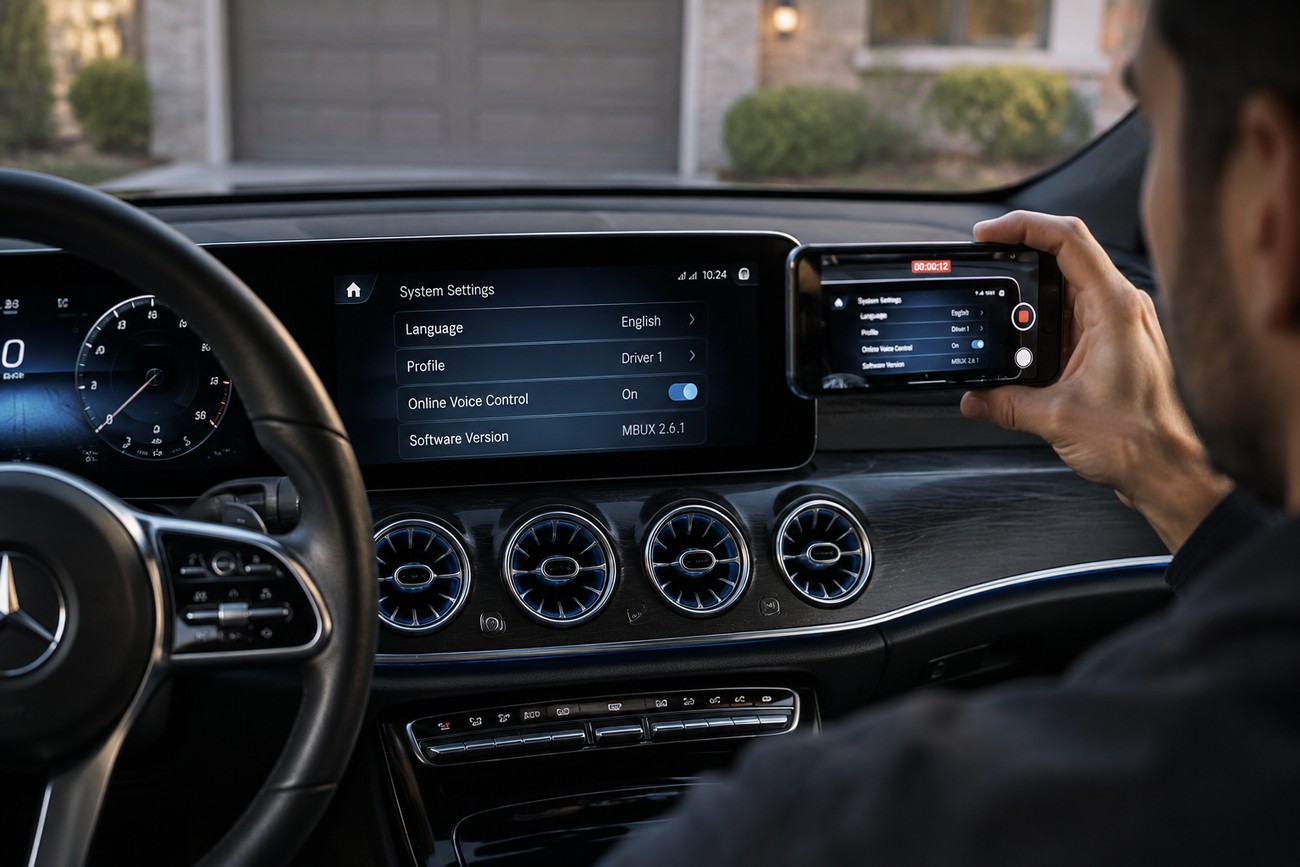
With the vehicle parked, record the MBUX screen while the unusual response occurs. Capture the words spoken to the car and any prompt that appears, then note the current language and active profile. That record helps distinguish a different-sounding reply from a changed setting.
Check the software version and online voice-control status, then review paired phones and connected apps. Use the complete digital manual for your exact vehicle to locate those settings; menu names and available controls can differ across MBUX generations. Keep the car stationary while reading the manual and testing changes.
If a command is unclear, MBUX may display a list of choices for the user to select by voice or number. Review the recording for that intermediate step before concluding that the car changed its behavior spontaneously. It is a particularly useful distinction when several passengers are talking.
Leave a multimedia reset until you know what you are trying to fix. A reset does not necessarily remove profile, online-service, or paired-phone settings, and it can erase useful evidence of the original configuration. If the behavior persists, the recorded prompt and vehicle details will make further help more productive.
How to stop surprise voice commands from the back seat
Once you have identified the trigger, check your vehicle’s settings for “Hey Mercedes” activation and for voice access from individual seating areas. Limit or disable the activation options you do not want passengers to use. Follow the labels in your car’s digital manual rather than a menu path written for a different model.
Some MBUX systems also support direct commands without first saying “Hey Mercedes.” If your vehicle offers that setting, review it when commands seem to start without the wake phrase. Online voice control can be switched off in MBUX settings, though doing so may limit functions you use yourself.
Saying “Close” ends the current voice dialogue; it does not disable voice activation. A child can start another exchange while an enabled activation method remains available. Test your chosen settings while parked, including from the passenger area that prompted the concern.
This is worth addressing even if the pirate reply was harmless. Where supported by the vehicle, voice commands can change functions such as lighting, windows, or seats. Reducing accidental activation is about preventing unintended actions as well as unwanted conversation.
Why the same pirate trick will not work in every Mercedes
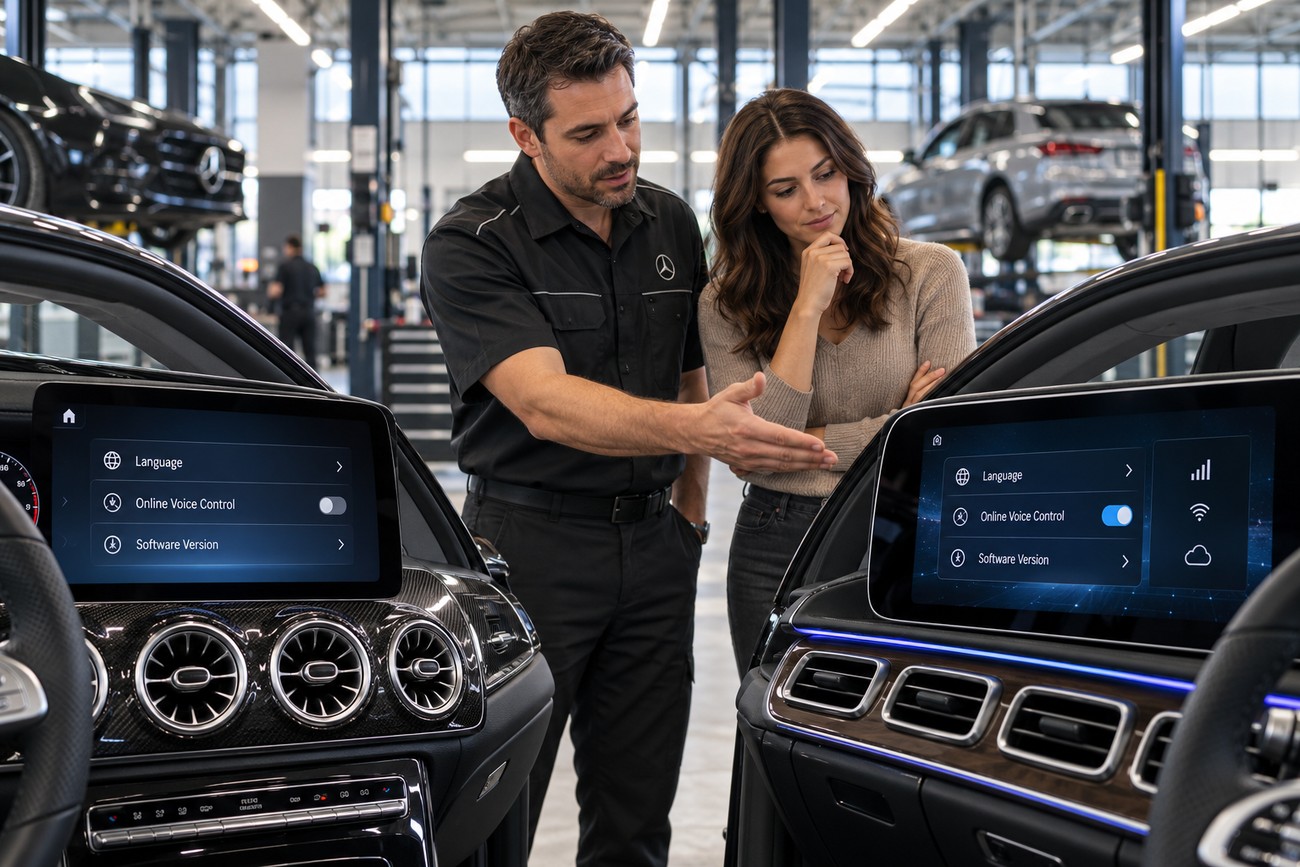
A universal Pirate Mode and a secret phrase that enables it in every Mercedes are not confirmed in the verified documentation. MBUX accepts conversational language, but that does not mean every phrase produces the same result in every car. An amusing response in one vehicle is a poor substitute for checking another vehicle’s actual settings.
The availability and behavior of MBUX voice functions depend on model, equipment, language, software generation, and online access. Some languages and commands have more limited support, and an online-dependent request may behave differently when the connection is unavailable. Marketing descriptions of natural conversation should be read alongside the manual for the specific vehicle.
For a prospective buyer, this anecdote alone is not a reason to avoid an entire Mercedes model line. Inspect the exact car instead: identify its MBUX generation, try voice control in the language you intend to use, and check online requirements and passenger voice controls while parked. Those checks reveal whether its everyday behavior suits your household, regardless of the pirate story.
Frequently asked questions
These answers separate undocumented shortcuts from controls you can check on a specific vehicle.
How do I access the secret menu on my Mercedes?
There is no single confirmed MBUX secret-menu procedure for every Mercedes, and no verified secret-menu route to Pirate Mode. Consult the digital manual for your exact model and software generation to find the settings intended for owners. Avoid experimenting with engineering menus or instructions for another car; they may expose controls unrelated to the voice behavior you want to change.
What funny things can Hey Mercedes do?
“Hey Mercedes” may produce playful replies to conversational prompts, but particular jokes are not guaranteed. Responses can vary with language, software, market, and connectivity. A pirate-sounding answer shows what happened in that exchange; it does not prove that a permanent Pirate Mode was enabled.
Can MBUX show who changed the voice settings?
The available MBUX documentation does not describe a parent-facing log identifying which passenger changed voice behavior. A screen recording, the active profile and language, seating-area voice settings, and the list of paired phones can help narrow down what happened. They may identify a changed setting or the source of a response without establishing which child spoke first.
Which Mercedes should I stay away from because of MBUX?
An unverified Pirate Mode story alone is not a reason to reject a Mercedes model line. If voice control is important to you, assess the exact vehicle’s MBUX generation, support for your language, online requirements, and passenger activation controls before buying. The practical concern is whether you can configure that car to work predictably for your household.