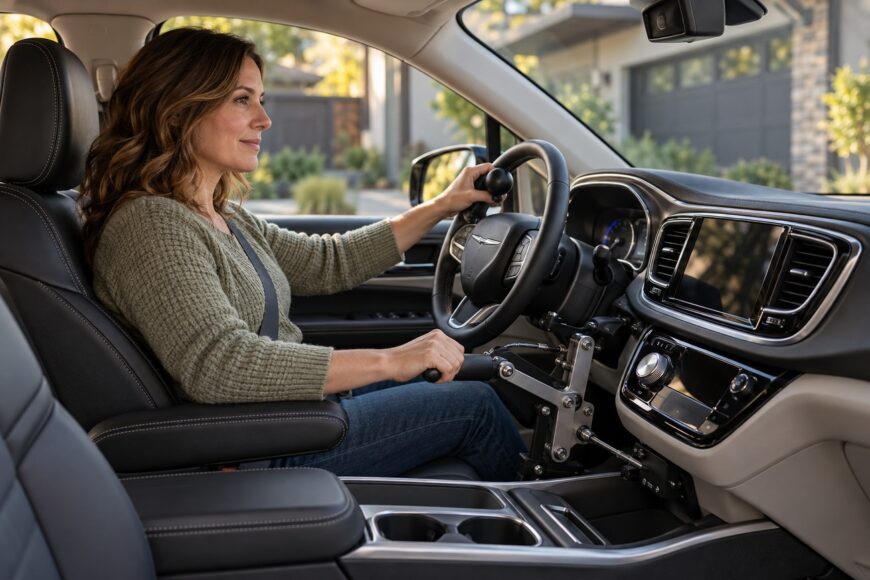
Choosing hand controls for a Chrysler Pacifica starts with the driver, not the lever. Hand strength, reach, braking control, steering technique, and seating position all affect which system is usable. The Pacifica’s model year, trim, and assistive technology matter too: a setup that fits one van and driver may crowd another driver’s knees or put essential buttons out of reach.
Those fit problems become clearer in a wheelchair-accessible conversion or with a transfer seat. Throttle and brake controls may work well while climate, door, and ramp buttons remain difficult to reach. Driver-assistance warnings can complicate steering with an adaptive attachment. Dedicated training is important, and warranty responsibility for modified parts needs to be established before installation.
- What hand controls can be installed in a Chrysler Pacifica?
- Which hand-control system fits your driving profile?
- Mechanical, electronic, and secondary controls: a practical comparison
- Check Pacifica fit before buying or converting
- Everyday ergonomics: reaching the controls beyond the steering wheel
- Driver-assistance systems, training, and the road test
- Installation, warranty, and resale risks people miss
- Frequently asked questions
- What is the most common problem with the Chrysler Pacifica?
- What are the buttons on the back of my Chrysler Pacifica steering wheel?
- How can I inspect a used Pacifica for previous mobility modifications?
What hand controls can be installed in a Chrysler Pacifica?
The Chrysler Pacifica is an officially certified base for hand-control and transfer-seat conversions. That makes it a supported starting point for adaptation, although it does not mean every control fits every model year or interior. The first distinction is between equipment that operates the throttle and brake and equipment that helps with steering or prevents unintended pedal use.
Mechanical push-pull or push-rock controls operate the throttle and brake through hand motion. Electronic hand controls provide another way to operate those functions, with settings that must be calibrated for the driver. A spinner knob helps a driver steer using an adapted grip; it does not replace the throttle and brake controls.
Pedal or brake shields can help prevent unintended foot contact with pedals. A left-foot accelerator serves a different need: it allows a suitable driver to operate the accelerator with the left foot. These options depend on the driver’s assessed abilities and may be used in different combinations.
Most hand-control systems attach to the existing pedals and can be removed to restore the OEM configuration, subject to the details of the installation. The Pacifica uses a rotary transmission selector, which can simplify hand-control integration by avoiding interference from a conventional floor shifter. Its location still needs to be checked against the driver’s reach and the path of any added controls.
Which hand-control system fits your driving profile?
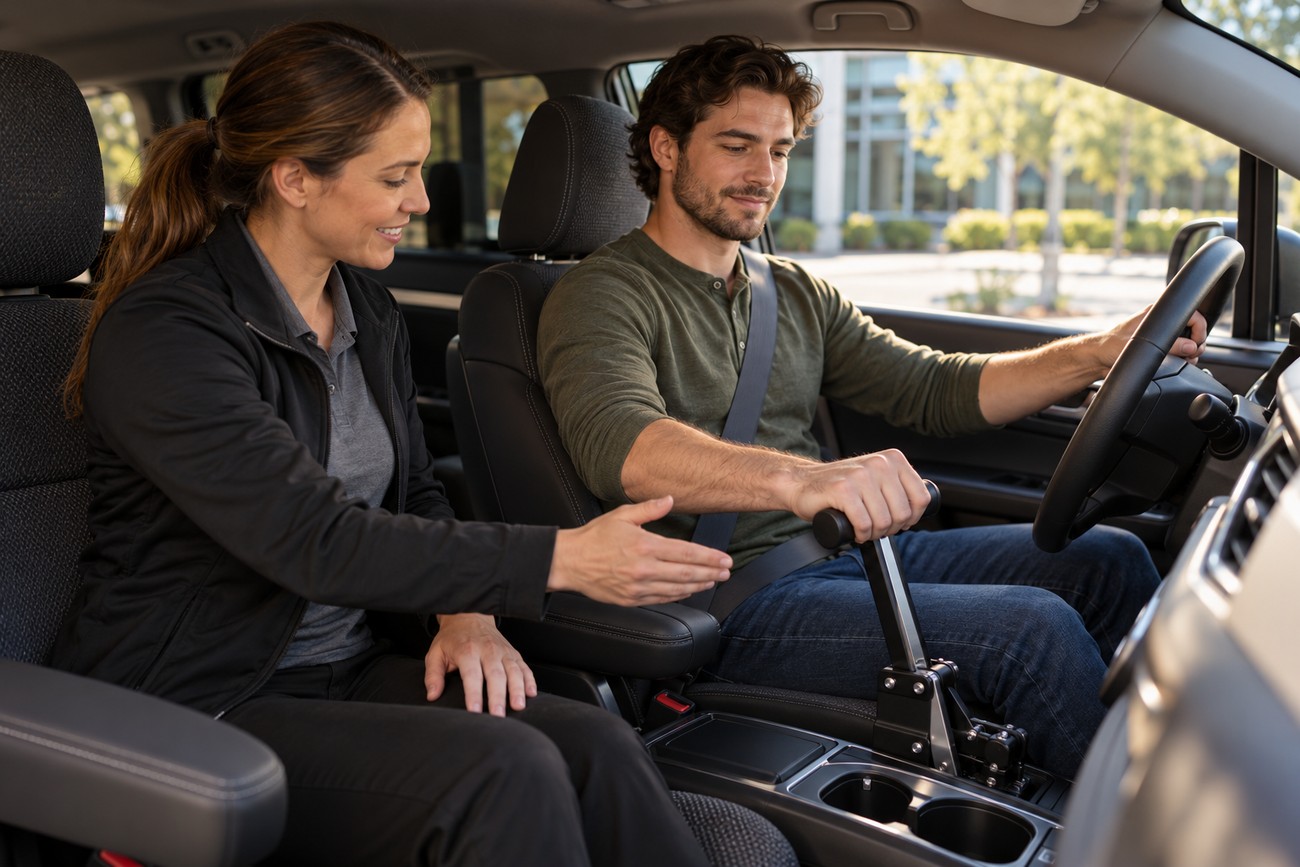
A certified driver rehabilitation specialist (CDRS) assessment should come before control selection and installation. It can establish how much hand force and range of motion the driver can use repeatedly, how precisely they can brake, and whether a steering aid is needed. A commonly installed lever is a poor choice if its motion becomes tiring or awkward from the driver’s actual seat position.
Mechanical push-pull or push-rock controls give a direct physical motion for throttle and brake operation. That motion can require noticeable hand effort, especially through frequent urban braking in a minivan. Assessment should include repeated stops and low-speed maneuvering, rather than judging fit from one stationary reach test.
Electronic controls may offer a better operating motion for some drivers, but their sensitivity needs careful adjustment. A setting that responds too sharply can make acceleration and braking difficult to control smoothly. The driver should test the settings from the final wheelchair position or transfer seat, with the steering aid and other installed equipment in place.
Steering technique belongs in the same decision. A spinner knob’s grip and location must suit the driver’s arm movement while leaving access to necessary steering-wheel functions. Its use should also be assessed with the Pacifica’s hands-on-wheel monitoring and lane-assistance behavior, where fitted.
Mechanical, electronic, and secondary controls: a practical comparison
These adaptations solve different driving tasks; the best combination depends on the driver’s assessment and the exact Pacifica installation.
| Adaptation | Operating method | Potential best fit | Main limitation | Pacifica-specific concern |
|---|---|---|---|---|
| Mechanical push-pull or push-rock controls | Hand motion operates the throttle and brake through mechanical links. | A driver who can repeat the required motion with precise braking. | Hand effort and lever travel may cause fatigue. | Check knee clearance, pedal-link routing, and reach from the final seat position. |
| Electronic hand controls | Hand input operates the throttle and brake; actuation depends on the system. | A driver whose assessed movement favors an electronic input. | Sensitivity must be set for smooth, predictable response. | Test low-speed acceleration and braking in the converted van. |
| Spinner knob | An attached steering-wheel grip supports adapted steering. | A driver whose steering technique benefits from a dedicated grip. | It does not operate the throttle or brake. | Check airbag clearance, steering-wheel buttons, and hands-on-wheel warnings. |
| Left-foot accelerator | Places accelerator operation within reach of the left foot. | A driver assessed as able to use the left foot reliably. | It addresses a different need from hand-operated throttle and brake controls. | Check pedal spacing and how the original accelerator is protected. |
| Pedal or brake shields | Guard pedals against unintended contact. | A driver who needs protection from accidental foot input. | They do not provide an alternative way to accelerate or brake. | Check foot space, access for other authorized drivers, and secure mounting. |
Check Pacifica fit before buying or converting
Model year, trim, seat design, center console, electrical equipment, and airbag sensors can change compatibility, labor, and cost. Power-memory seats and complex consoles may leave less room for control hardware or require additional work. A conversion company should review the exact vehicle specification before you commit to a purchase, rather than relying on the model name alone.
Wheelchair-accessible Pacifica conversions typically provide approximately 54–55 inches of interior height and approximately 100–101 inches of floor length. Those dimensions help describe the available cabin, but they do not prove that a particular wheelchair, securement position, and hand-control lever will fit together. The driver’s seated height, arm path, and clearance during full brake travel need to be checked in the intended configuration.
Flatter-floor configurations and less bulky center consoles generally make wheelchair-driver positioning and control routing easier. If a standard dealer supplies the van before the converter reviews its seats and interior layout, changing those features later may add work and cost. Ask the converter to identify what must remain, what will be removed, and what could obstruct the driver’s knees or controls.
A transfer seat needs a similarly specific check. Its final height and fore-aft position determine reach to the wheel, pedals, and added lever after the transfer is complete. A control that clears an empty seat can still obstruct the driver once the seat moves into driving position.
Everyday ergonomics: reaching the controls beyond the steering wheel
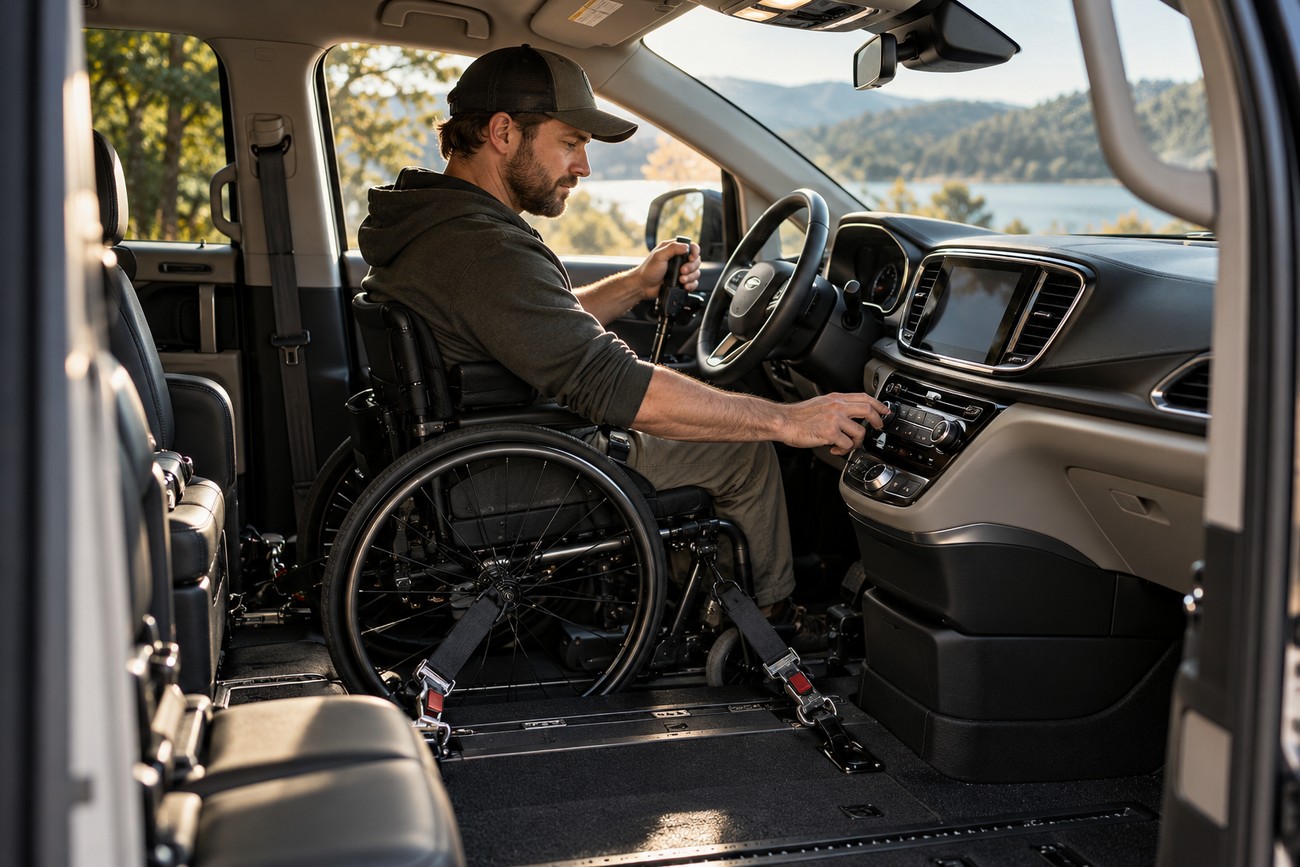
Successful throttle and brake operation is only part of the daily driving task. From a secured wheelchair-driver position, climate and Uconnect controls in the lower center console may require an uncomfortable reach. Door, lift, and ramp buttons can present the same problem, particularly when limited arm mobility makes it hard to reach them and the hand controls from one seated position.
The rotary transmission selector avoids a conventional floor shifter in the control area, but the driver still needs a reliable way to use it. Test the full departure sequence from the final seating position: close the door or ramp, select a gear, set the climate controls, and begin driving. This reveals reach gaps that a test of the brake lever alone will miss.
Pacifica-oriented secondary-control extensions are available; Johnson Hand Controls offers 8-inch rods and a stylus for pressing dashboard buttons. An extension should be evaluated for the specific dashboard and driver, with attention to secure operation and unintended button presses. Compatible hand-control installations can also leave cruise-control, audio, and phone functions available on the steering wheel.
Some experienced users position a transfer seat slightly higher and closer to the steering wheel to shorten the reach to the lever and reduce fatigue. That adjustment is useful only if it preserves steering clearance, a suitable view, and room for the driver’s knees throughout control movement. Make reach checks with the driver secured as they will be on the road.
Driver-assistance systems, training, and the road test
CDRS and mobility specialists recommend dedicated hand-control training, particularly when adaptive cruise control (ACC) or lane-assistance features are present. Training covers repeatable braking and acceleration, coordinated steering, and recovery when a maneuver does not go as expected. Electronic assistance does not replace that instruction or any applicable licensing requirements.
Hands-on-wheel monitoring and lane-assistance systems may issue false warnings or disengage when the driver uses a spinner knob or another adaptive steering attachment. A warning does not necessarily mean the driver has released control of the wheel. Even so, it demands attention, so the driver and trainer need to understand how the particular vehicle responds.
Introduce assistance features one at a time after hand-control sensitivity and steering technique are stable. That makes it easier to identify whether an unexpected response comes from the driver’s new control motion or an active assistance feature.
During initial practice, the trainer may recommend temporarily disabling or reconfiguring selected assistance features where the vehicle permits it. Electronic control sensitivity should also be adjusted under supervision if starts or stops feel abrupt. Once basic control is consistent, practice can include the assistance settings the driver intends to use, while following the vehicle manual’s limits.
Plan the road test with the licensing authority in advance. Requirements and procedures vary by location, and an examiner may need to understand which controls the driver operates and which assistance features are active. Clear documentation of the installed equipment and training can make that discussion more straightforward.
Installation, warranty, and resale risks people miss
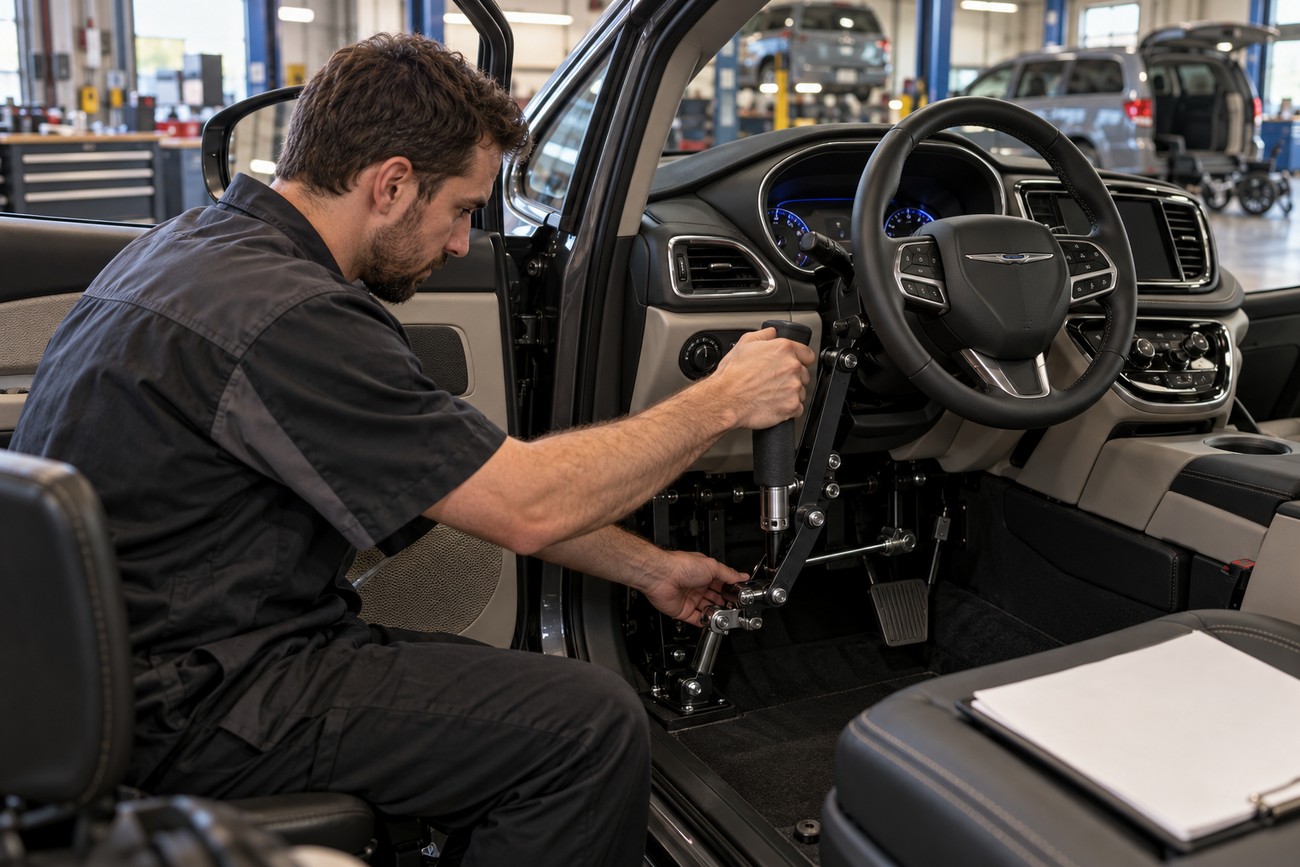
Installing hardware before a CDRS assessment risks paying for a control the driver cannot use comfortably. Buying the base Pacifica before the converter checks its trim can create a separate fit problem. Both decisions are easier to correct on paper than after seats, consoles, and pedal hardware have been changed.
Ask the installer to demonstrate full lever travel and inspect the routing of the links or other hardware. Universal components without careful Pacifica-specific routing can produce excess play, awkward hand positions, or imperfect travel. Secondary controls should be part of the installation plan, so a usable brake lever does not leave the driver unable to operate the door or essential cabin functions.
Additional controls must be planned around airbags and crash-deformation zones. A spinner knob, mounting bracket, or reach extension should be reviewed as part of the whole driver area, rather than fitted wherever it appears to clear the wheel. The installer should explain how the chosen placement addresses those constraints.
Factory warranty coverage may remain for unaffected components but can be limited for systems modified during installation; responsibility for the modified system may rest with the installer. Treat claims that the complete factory warranty remains unchanged with caution. Request written terms identifying the installer’s coverage, the affected components, and whom to contact if a fault involves both factory and conversion equipment.
Most systems attach to existing pedals and can be removed to restore the OEM configuration, but removal does not automatically settle questions about past work or resale. A converted Pacifica may have a lower resale value and a narrower buyer market than an unmodified vehicle. Keep installation records, training-related equipment information, and removal documentation to help a future buyer understand what changed.
Frequently asked questions
These answers separate general Pacifica ownership questions from issues created by a particular mobility conversion. For equipment-specific details, use the manual for the vehicle’s model year and the installer’s documentation.
What is the most common problem with the Chrysler Pacifica?
There is no single problem that applies equally to every Pacifica model year, trim, and adapted vehicle. General ownership concerns should be investigated by year and vehicle history; conversion-specific concerns depend on what equipment was installed and how it fits the driver.
For an adapted van, start with the symptom rather than assuming it is a factory fault. For example, awkward lever travel calls for an installation check, while an unrelated vehicle warning may require diagnosis under the vehicle’s normal service process.
What are the buttons on the back of my Chrysler Pacifica steering wheel?
Rear steering-wheel buttons typically control audio functions such as volume and track or station selection; the layout can vary by model year and trim. They are separate from an added throttle-and-brake hand-control system.
A compatible mechanical hand-control installation can leave steering-wheel cruise-control, audio, and phone functions available. Before relying on any button, confirm that the driver can reach it safely with the chosen spinner knob or steering grip in place.
How can I inspect a used Pacifica for previous mobility modifications?
Check the pedal area for added mounts, brackets, unused holes, altered wiring, and signs of removed shields or levers. Look for excess play in any remaining control hardware, and inspect the seat and floor areas for evidence that seats or mobility equipment were removed.
Ask for installation and removal records, including the installer’s details and documentation for any remaining equipment. If the history is unclear, have a qualified mobility installer inspect the vehicle before purchase; an apparently standard interior does not establish how earlier modifications were removed.