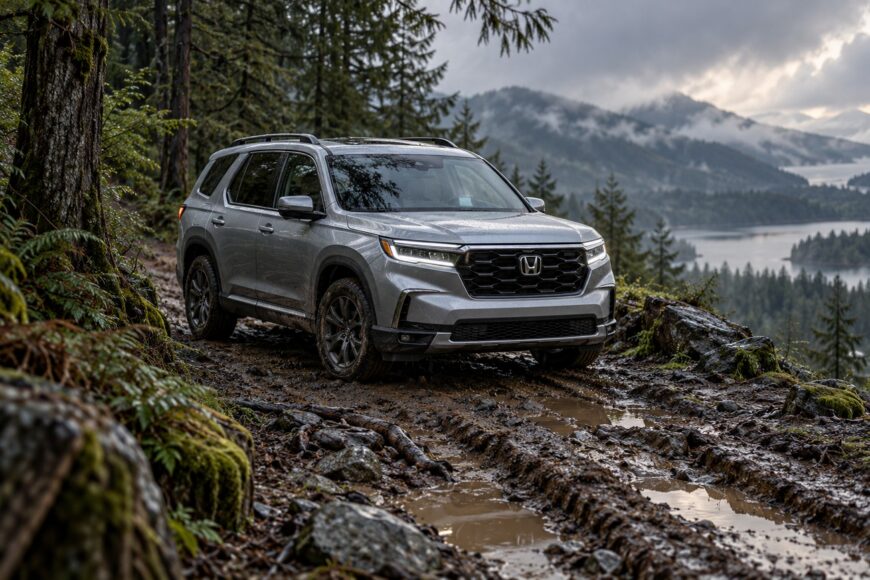
The Honda Pilot follows a confident voice prompt as the pavement narrows, the surface turns to loose gravel, and the route begins to resemble a hiking or forest trail. The screen still shows a clear line ahead, so turning around can feel like admitting that the system is right and the driver is wrong.
The navigation system may recognize a mapped connection while knowing little about its clearance, traction, legal access, seasonal condition, or suitability for a Honda Pilot. A mapped line can represent a trail, an old road, or a private track. The driver must make the final passability decision by comparing the screen with signs, surface, width, and the conditions visible through the windshield.
- Why GPS Can Send a Honda Pilot Onto a Hiking Trail
- The Map Says Road; the Ground Says Trail
- Why GPS Gets Less Trustworthy in Forests and Mountains
- The Warning Signs Drivers Commonly Ignore
- How to Check a Route Before the Pavement Ends
- What to Do If the Honda Pilot Is Already on the Trail
- A Safer Honda Pilot Navigation Setup
- Frequently asked questions
- How do you use GPS while hiking?
- What is the best GPS tracker for hikers?
Why GPS Can Send a Honda Pilot Onto a Hiking Trail
Navigation commonly optimizes one primary criterion, often estimated travel time, rather than safety or physical passability for a specific vehicle. If a narrow track connects two roads and appears to reduce the calculated journey, the algorithm may treat it as a useful route. It does not automatically understand that the track has severe erosion, poor traction, or a turn too tight for comfortable passage.
Map databases can include gravel tracks, old roads, service routes, and hiking connections. Their presence on the map does not prove that they are legal, open, or physically suitable for a Honda Pilot or any other vehicle. Information about width, slope, rocks, washouts, surface depth, and seasonal access may be incomplete or absent.
The interface creates a stronger impression of certainty than the underlying data deserves. A moving arrow, street label, and spoken instruction can make a rough route look equivalent to a maintained public road. The system may know that two mapped points are connected; it may have no reliable information about the obstacles between them.
Vehicle capability also has limits that route planning rarely models in detail. Ground clearance, tire condition, load, weather, driver experience, and the possibility of meeting another vehicle all affect the decision. A Pilot’s SUV-like design does not turn every mapped trail into a suitable road.
The Map Says Road; the Ground Says Trail
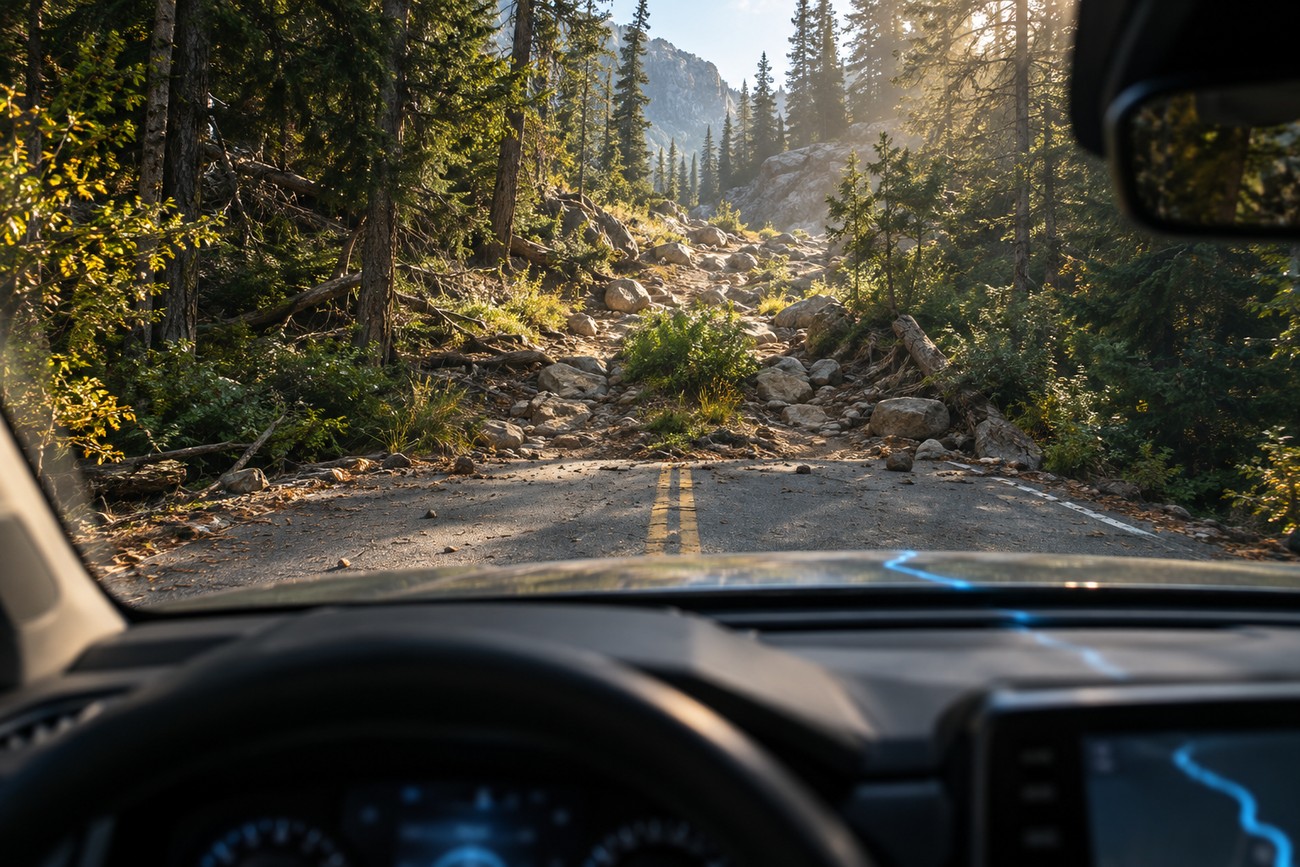
The mismatch becomes dangerous when the driver keeps moving after the physical route has changed category. A screen may show a normal road line while the windshield reveals a narrow track between trees, a steep rocky grade, or vegetation growing through the center. That first discrepancy is useful information, even if the voice guidance continues without a warning.
A mapped line can remain available after a road is closed, privately controlled, overgrown, or no longer passable. Community-edited data can also classify a local track in ways that do not explain its legal status or current condition. A trail that was once used by maintenance vehicles may still appear as a connection even though ordinary traffic is prohibited.
Built-in Honda navigation can preserve old or incorrect routes when its map package is not updated. Phone navigation has a different weakness: it depends on connection quality and current map data for closures, road changes, and route updates. Offline maps preserve access to the downloaded map, but they do not guarantee current classifications or closure information.
Private access deserves the same attention as surface quality. A route can look technically drivable and still lead through a gate, restricted land, or a road intended for authorized users. A road name, route number, public sign, or official closure notice provides more useful context than the mere presence of a line on a digital map.
Why GPS Gets Less Trustworthy in Forests and Mountains
Forests and mountains create conditions in which GPS/GNSS positioning can become unstable. Trees and rock faces obstruct signals, while steep terrain and reflected signals can produce multipath errors. The vehicle may appear beside the mapped road, jump between nearby tracks, or take longer to settle on a position.
In difficult terrain, displayed position error can reach tens of meters. That is significant on a narrow trail, where two forks may be close together or a vehicle can be shown on the wrong side of a ridge. The arrow may look precise while the position is only an estimate influenced by surrounding terrain.
Interference or GNSS jamming can reduce positioning reliability in some urban or mountainous areas. A navigation display may continue showing a route even while the location data has degraded. A stable-looking screen therefore deserves comparison with physical landmarks, road signs, and the direction of travel.
A vehicle compass, when equipped, uses Earth’s magnetic field and does not depend on GPS. It can provide a basic reference when the satellite position jumps, although it cannot confirm road legality, identify a closure, or judge whether a track is safe for the Pilot. The compass supports orientation; it does not replace route verification.
The Warning Signs Drivers Commonly Ignore
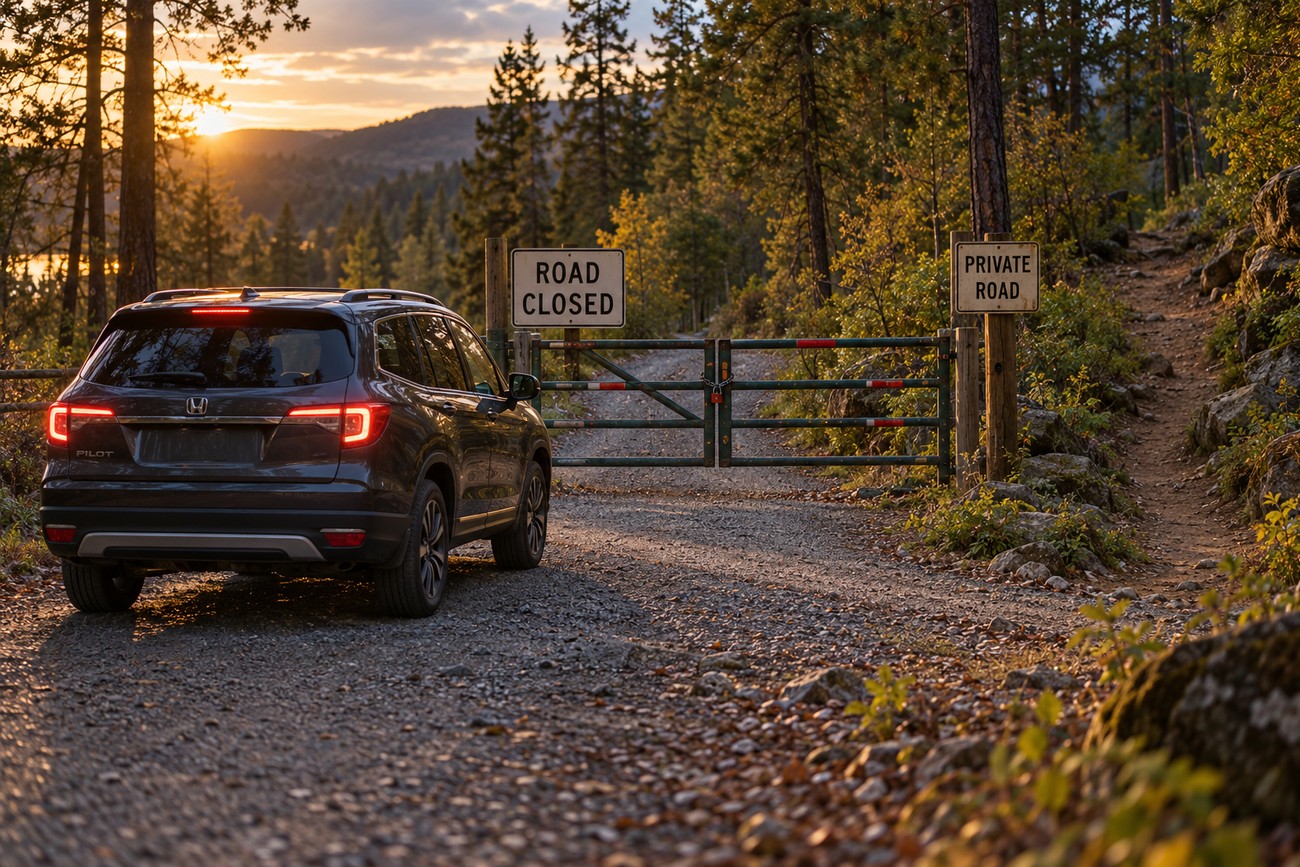
Labels such as unpaved road, trail, pedestrian route, seasonal closure, private access, or missing road name should be treated as decision points. They describe uncertainty or restriction, even when the route remains available in the navigation system. A voice prompt cannot cancel a gate, a closure sign, or an obvious physical hazard.
Many drivers leave the fastest-route profile unchanged after leaving the main road. Some applications offer options to avoid unpaved roads, narrow roads, or trails, but availability and default settings vary. These settings reduce certain risks when available, while their limits still require attention to signs and visible conditions.
Before departure, inspect the route at a larger scale. Look for the major roads, rivers, passes, settlements, and likely turnaround areas that give the route a physical context. A thin line through dense forest deserves more scrutiny than a connection between two clearly marked public roads.
The first safe place to turn around is usually more valuable than another attempt to prove the route wrong. If the surface, width, slope, or signage no longer matches the screen, stop where the vehicle can do so safely. Road signs and visible conditions take priority over a conflicting navigation instruction.
How to Check a Route Before the Pavement Ends
Start with the route classification rather than the estimated arrival time. Identify whether each questionable segment is marked as a paved road, unpaved road, private access, service track, trail, or pedestrian route. Then review the same section using satellite imagery, looking for gates, abrupt width changes, missing connections, stream crossings, and places where turning around may be possible.
Check recent local information and official closure notices before entering a forest or mountain area. Recent reports can reveal snow, flooding, erosion, construction, or access restrictions that a general map has not captured. Confirming legal access matters as much as judging whether the Pilot could physically cover the distance.
Compare the map classification, satellite view, and first physical signs before committing to a questionable track. Any mismatch is a reason to turn around and verify, rather than a mapping problem to solve while the vehicle is moving deeper into the terrain.
Download an offline map for the region and keep a paved fallback available. Offline access preserves route context when cellular service disappears, but it cannot correct stale or misclassified source data. Write down or remember the fallback junction and identify a known turnaround point before the route becomes narrow.
The goal is to detect a category error early, such as a hiking trail being treated as a road. If the map says road while the satellite view, sign, and surface suggest trail, stop and verify. Signs, legal access, visible conditions, and common sense control the final route decision.
What to Do If the Honda Pilot Is Already on the Trail
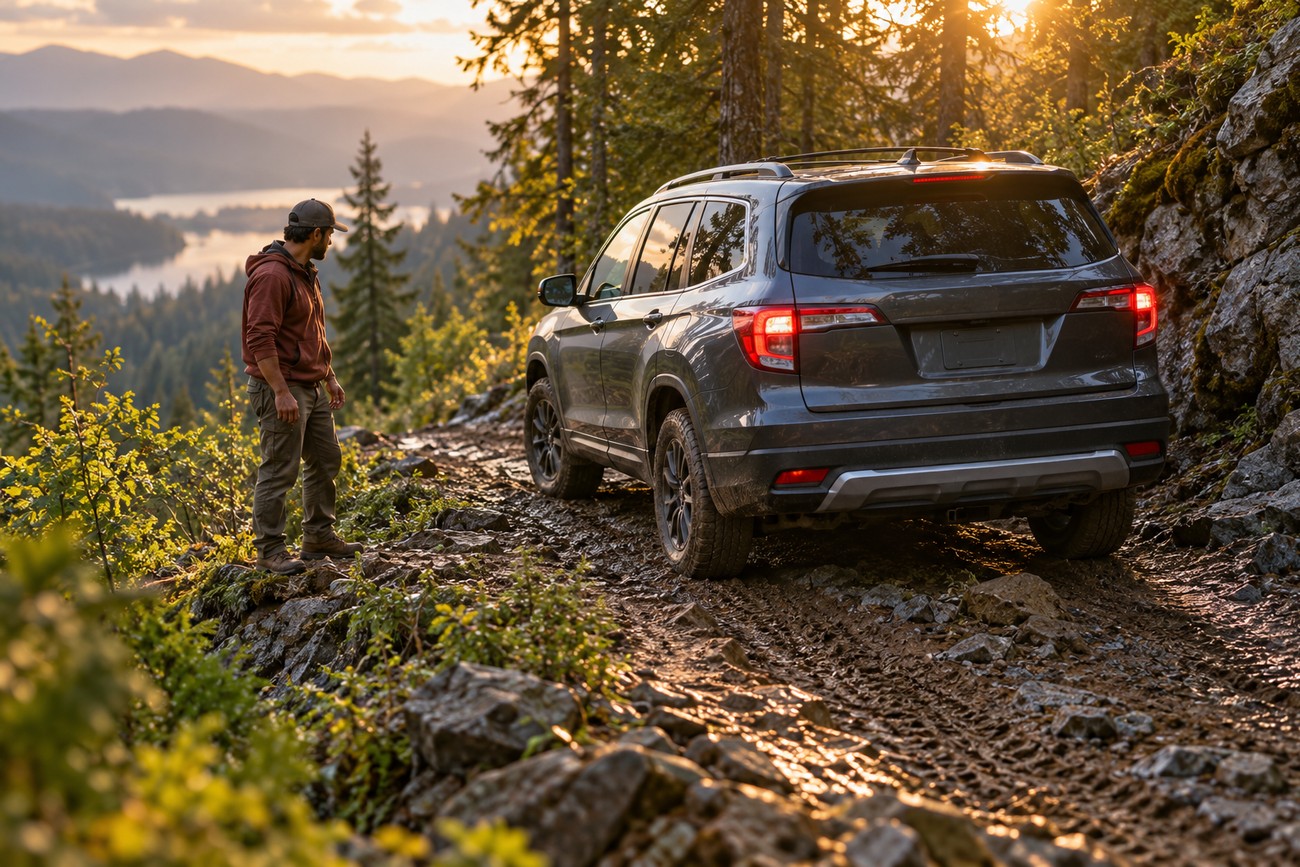
Stop as soon as the route becomes doubtful. Continuing because the map insists can take the vehicle past the last safe turning area, into deeper terrain, or onto a surface that becomes difficult to reverse. Put the vehicle in a secure position and assess the road ahead without rushing.
Consider whether reversing or turning around is safe, taking account of the slope, edge drop-off, loose surface, visibility, and available width. Avoid damaging vegetation or terrain, crossing barriers, and entering marked private land. A short, careful retreat is preferable to a longer recovery from a stuck or damaged vehicle.
If the vehicle is lost, stuck, damaged, or unable to leave safely, call 112 when assistance is needed and follow the instructions provided. Share the displayed coordinates, direction of travel, road condition, and visible landmarks. Describe the vehicle and its surroundings, including signs, gates, streams, ridges, or nearby junctions.
Coordinates may be imperfect in forest or mountain terrain, so supplement them with every useful physical detail. Keep the phone or vehicle available for communication, and avoid walking away without a clear reason and a plan. Rescue personnel can make better decisions when they know where the vehicle is relative to the last recognizable road or landmark.
A Safer Honda Pilot Navigation Setup
Update built-in navigation maps where updates are available, and check the map date before a trip into unfamiliar terrain. Configure route preferences to avoid unpaved roads, narrow roads, or trails when the system offers those controls. Such settings are not universal and may not be enabled by default.
Keep a charged phone with an offline map and route context. A second map source can expose a classification difference or show a closure that one system has missed. Preview the complete route before moving, including the final approach, return route, and any segment where cellular service may disappear.
Use the compass as a basic orientation reference when available, especially if the displayed position begins to jump. It remains independent of GPS, yet it cannot verify road legality or physical passability. A compass heading is useful alongside landmarks and signs, not as permission to continue onto an uncertain track.
These preparations work because they move the decision earlier. The driver can reject a questionable connection while still near a paved road, with room to turn around and access to reliable information. Once the Pilot is committed to a narrow trail, every option becomes more complicated.
Frequently asked questions
These answers cover hiking use, equipment choices, signal limits, and differences between Honda navigation systems and dedicated outdoor tools.
How do you use GPS while hiking?
Download a topographic map and the planned route before leaving coverage, then record your track as you move. Keep the device accessible so you can check it at junctions rather than relying on memory, and conserve battery by reducing unnecessary screen use and carrying a charging option suited to the trip.
Use landmarks, terrain features, and a compass as independent checks. A recorded track helps you retrace the route, while topographic detail shows elevation and terrain context that ordinary road navigation may omit. GPS can provide a position without cellular service when the device has the required map data, but route sharing and live updates depend on the device and available connection.
What is the best GPS tracker for hikers?
The right device depends on its purpose. A basic location tracker mainly records or shares position; a navigation device provides maps and route guidance; a satellite messenger can send messages and, on supported services, an SOS when cellular coverage is absent.
Compare coverage, battery life, map access, two-way messaging, and SOS capability rather than choosing by the label “GPS tracker.” Someone hiking beyond phone coverage may value reliable emergency communication more than a larger map screen. A device should also match the route length, weather, and charging options available during the trip.